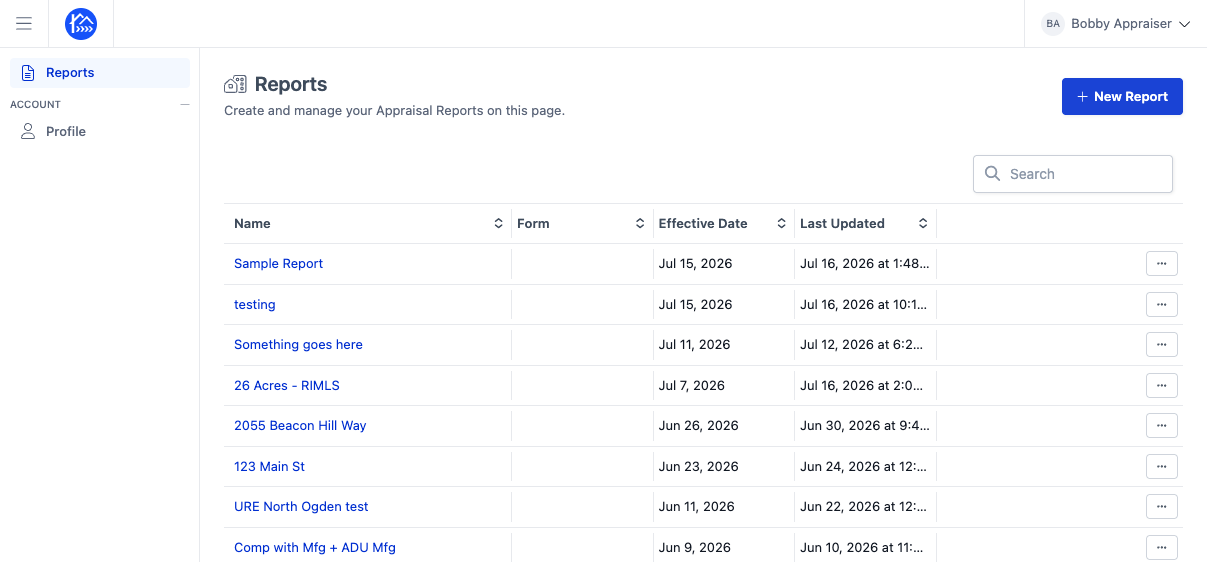
Accessing the UAD 3.6 portal
Edited
This guide walks you through how to access the new DataMaster UAD 3.6 portal which lets you create and access your UAD 3.6 reports.
Instructions
This guide shows how to access the new UAD 3.6 portal on DataMaster.
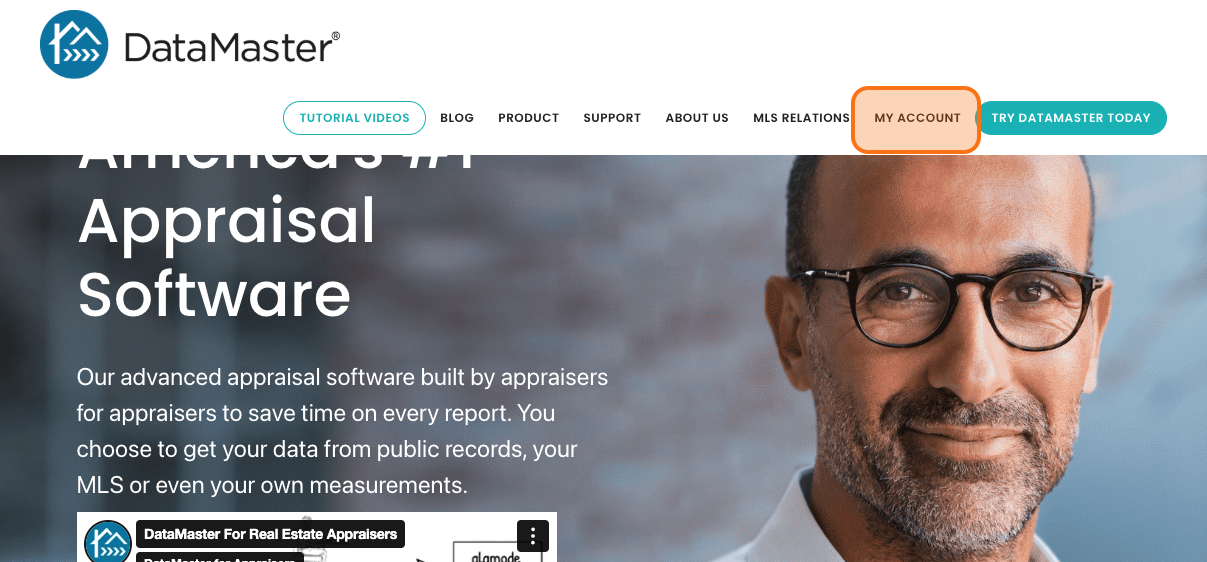
Step 1. Navigate to datamasterusa.com
Step 2. Then click on "My Account" on the top right corner of the page
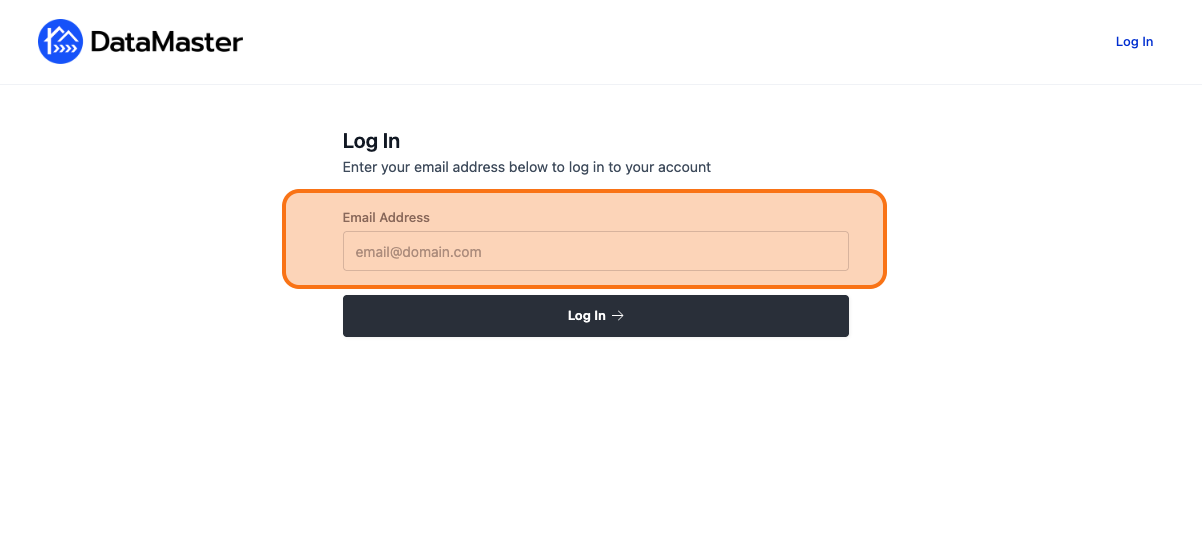
Step 3. If prompted, log in to your DataMaster account using your username and password.
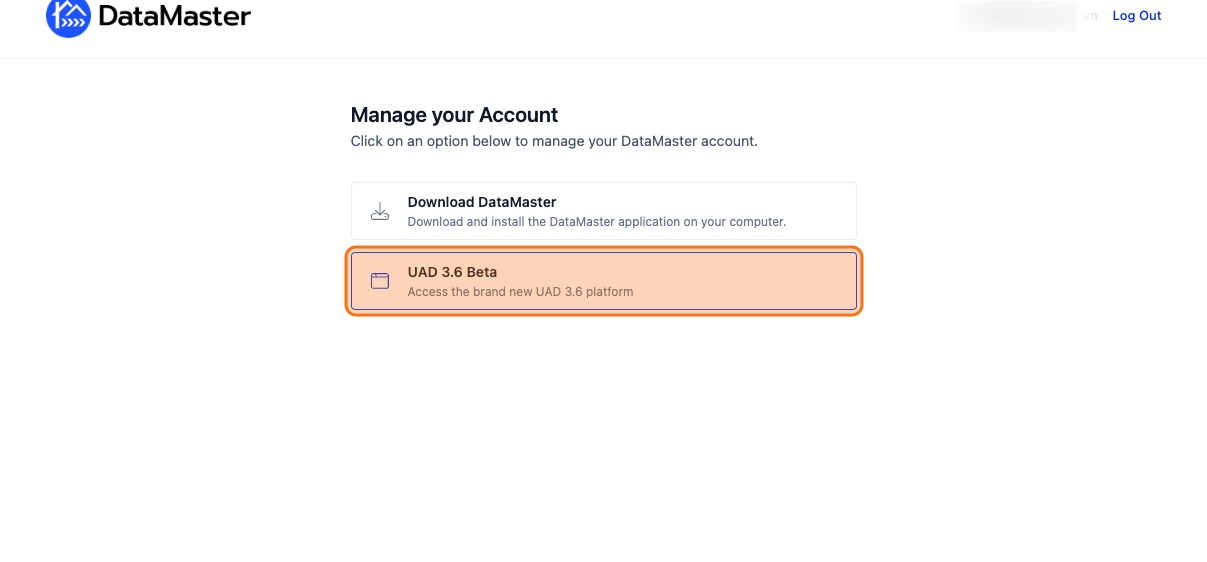
Step 4. Once you're logged in, click on the UAD 3.6 Beta option.
Step 5. This will take you inside the new UAD 3.6 DataMaster portal where you can access and create reports.