Create your first UAD 3.6 Report
Edited
This guide walks you through creating a new UAD 3.6 report.
Instructions
Step 1. Navigate to your DataMaster UAD 3.6 portal
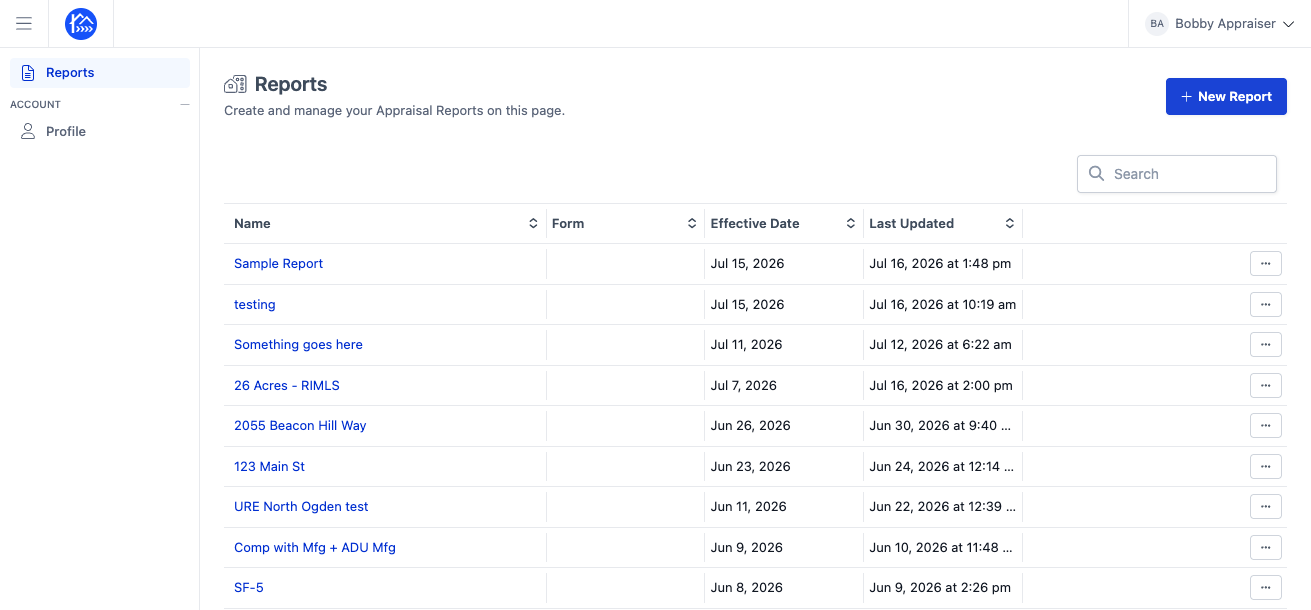
Step 2. Click the New Report button to start creating a report.
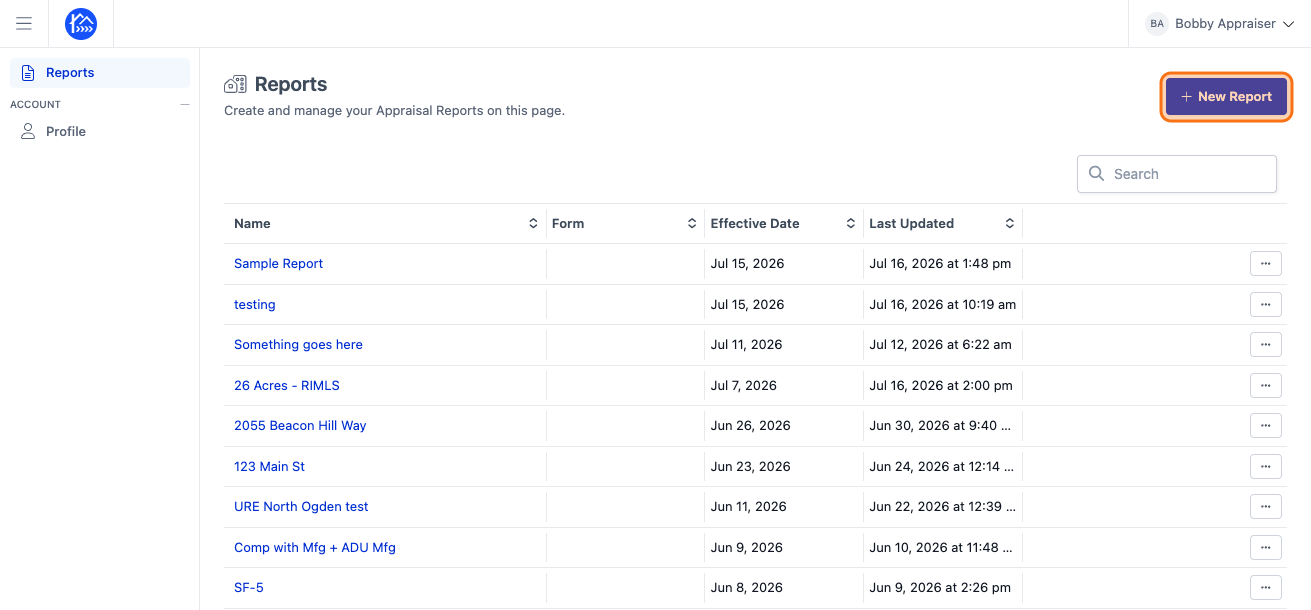
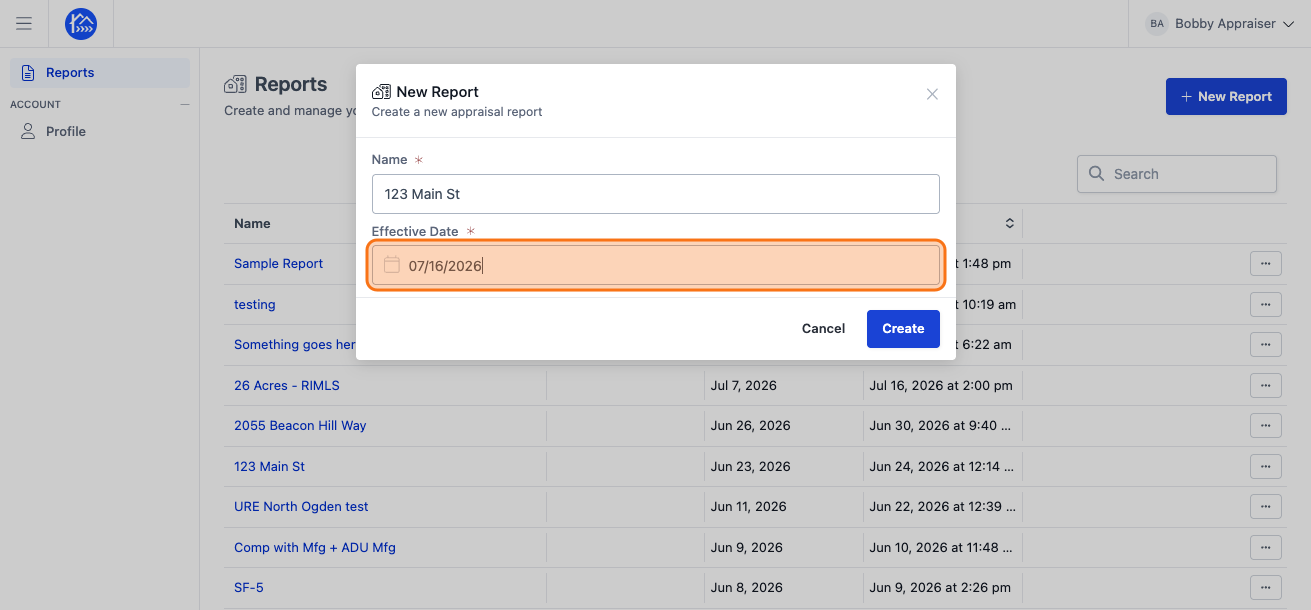
Step 3. Click the Name field and enter a descriptive name for your report, like the subject property address.
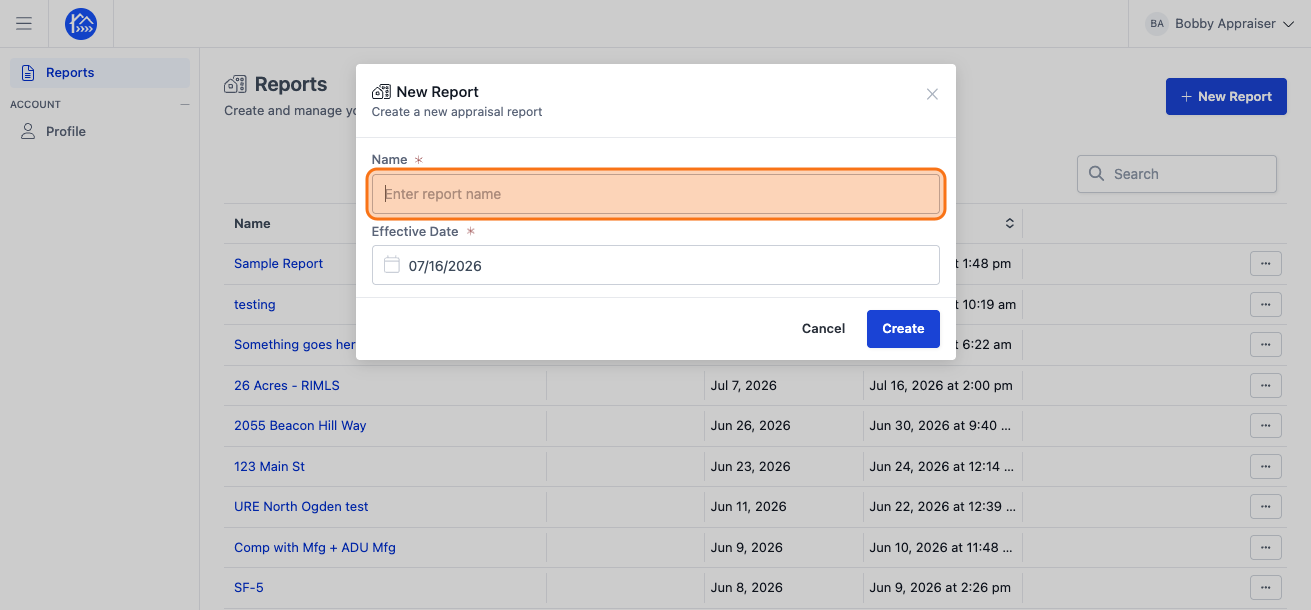
Step 4. Optionally, click on the Effective Date field to change the effective date of the report. By default, the effective date it is set to today's date.
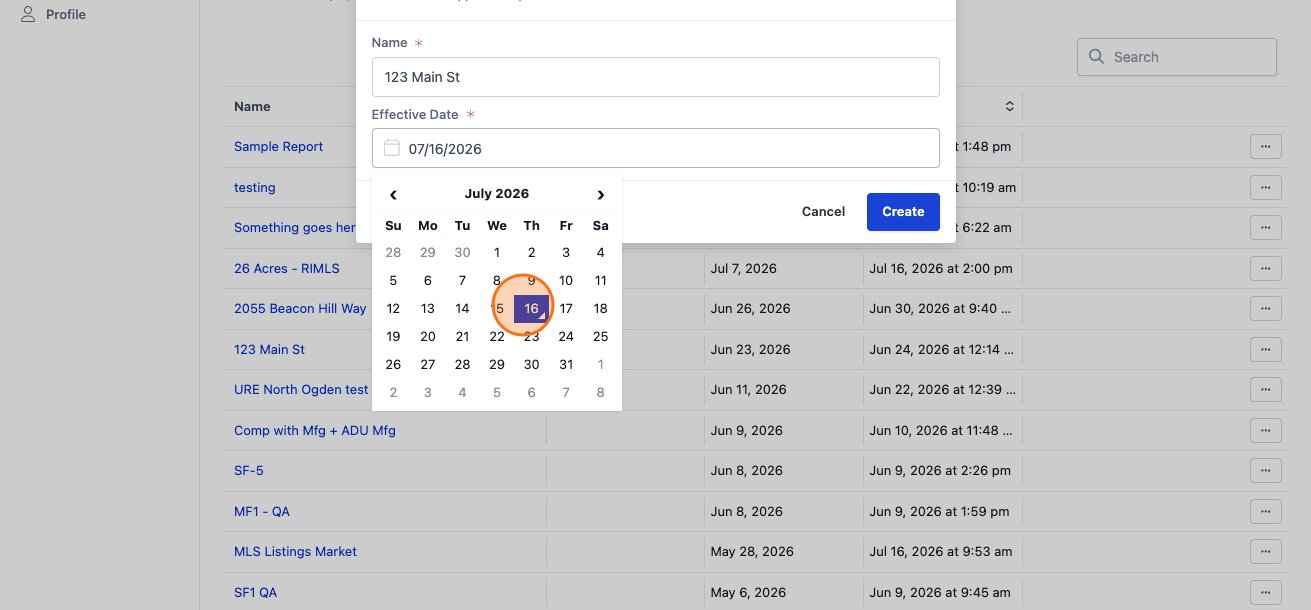
Step 5. You can select a different effective date by clicking on the day of the month.
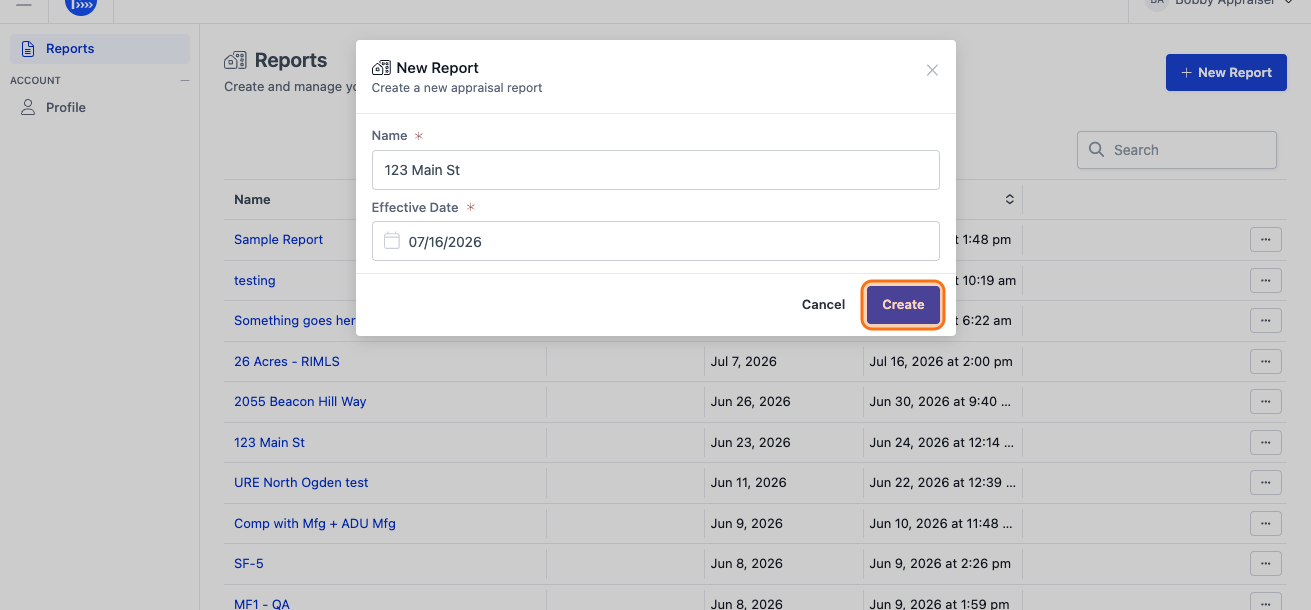
Step 6. Click Create to generate your new report.
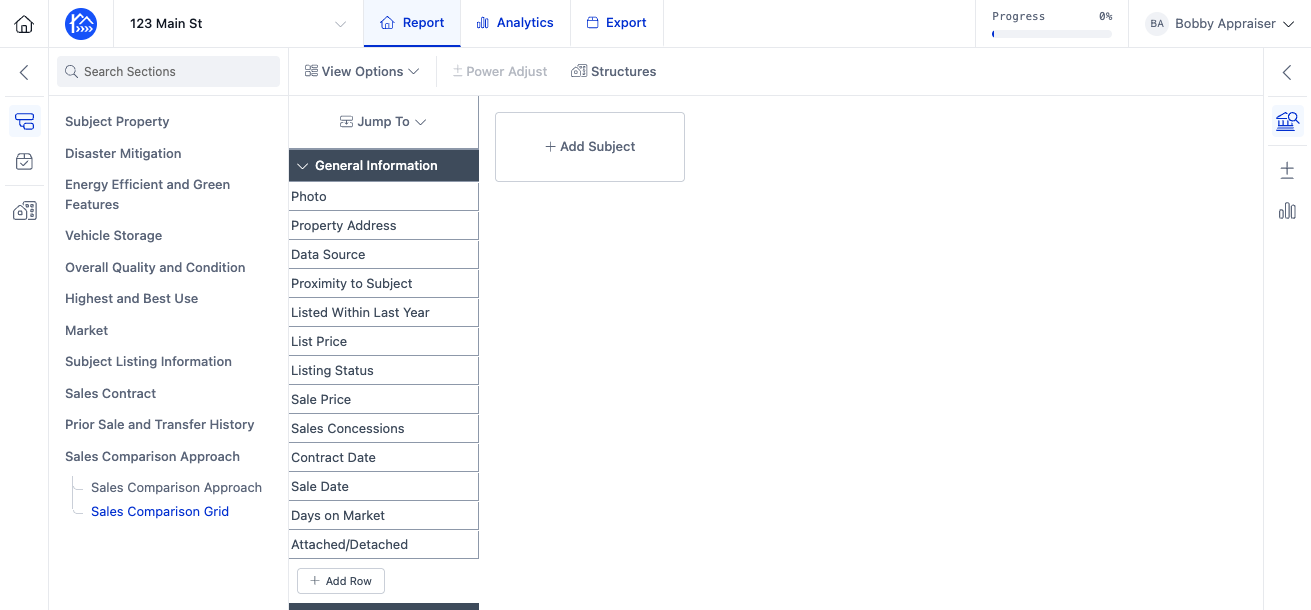
Step 7. Now you're inside of your new UAD 3.6 report and can start populating information.