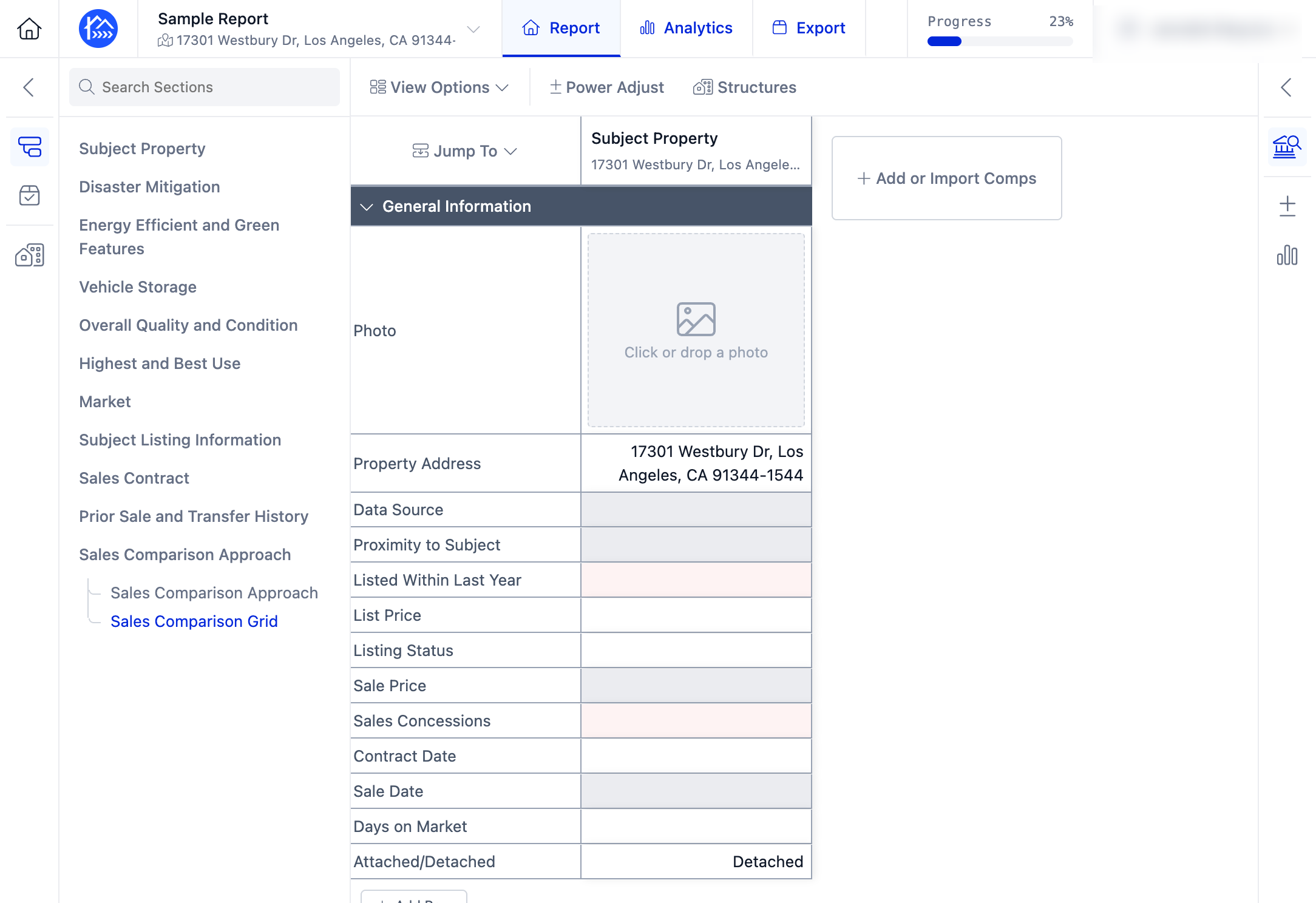
How to Add a Subject Property Using the Parcel Number (APN)
Edited
In this tutorial, you'll learn how to add a subject property using a Parcel Number (APN). This step-by-step walkthrough demonstrates how to search for a property by APN and add it to your report accurately, providing a quick and efficient way to begin your appraisal workflow.
Step 1. Navigate to your report in the DataMaster portal.
Step 2. Click + Add Subject to add the subject property.
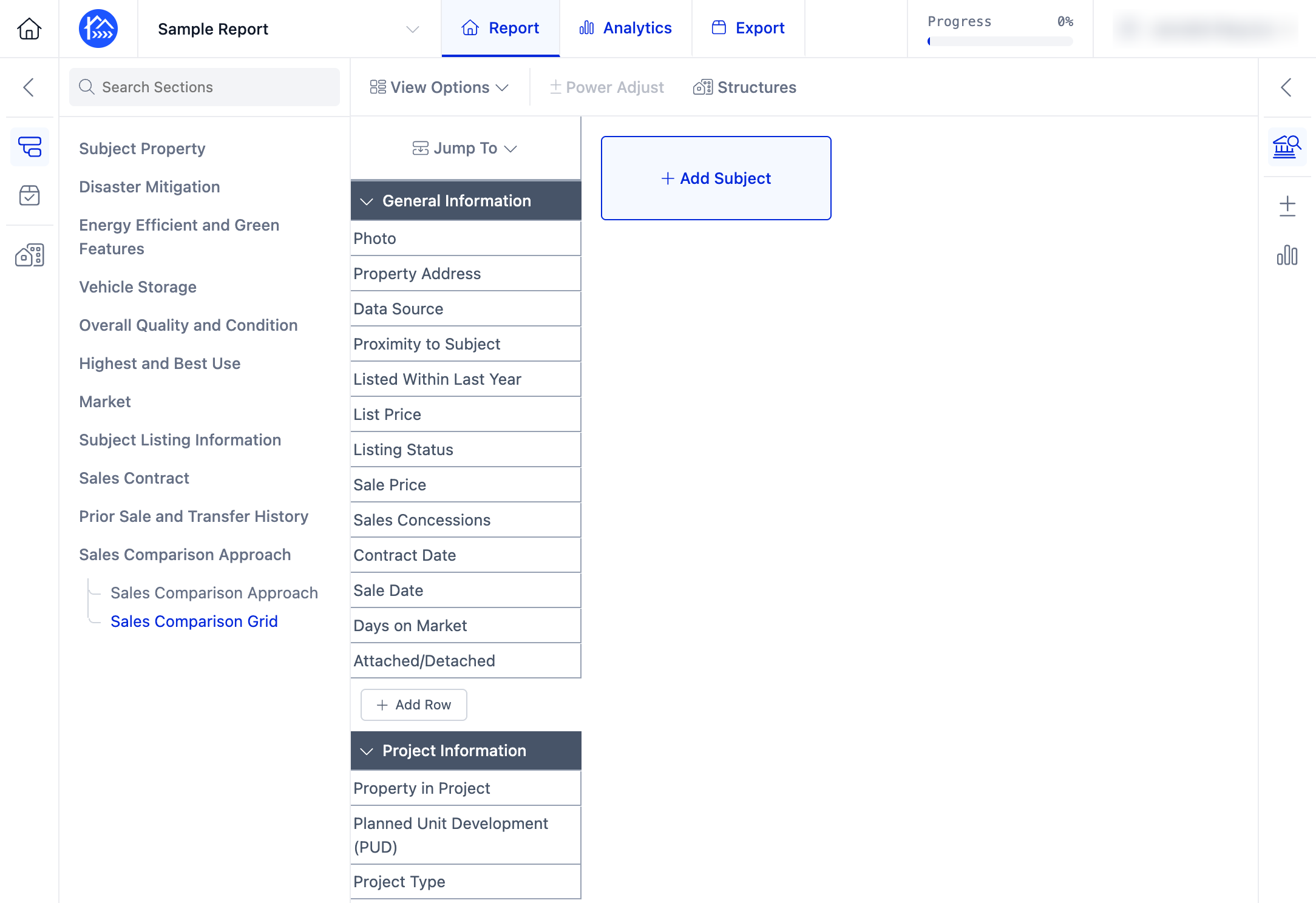
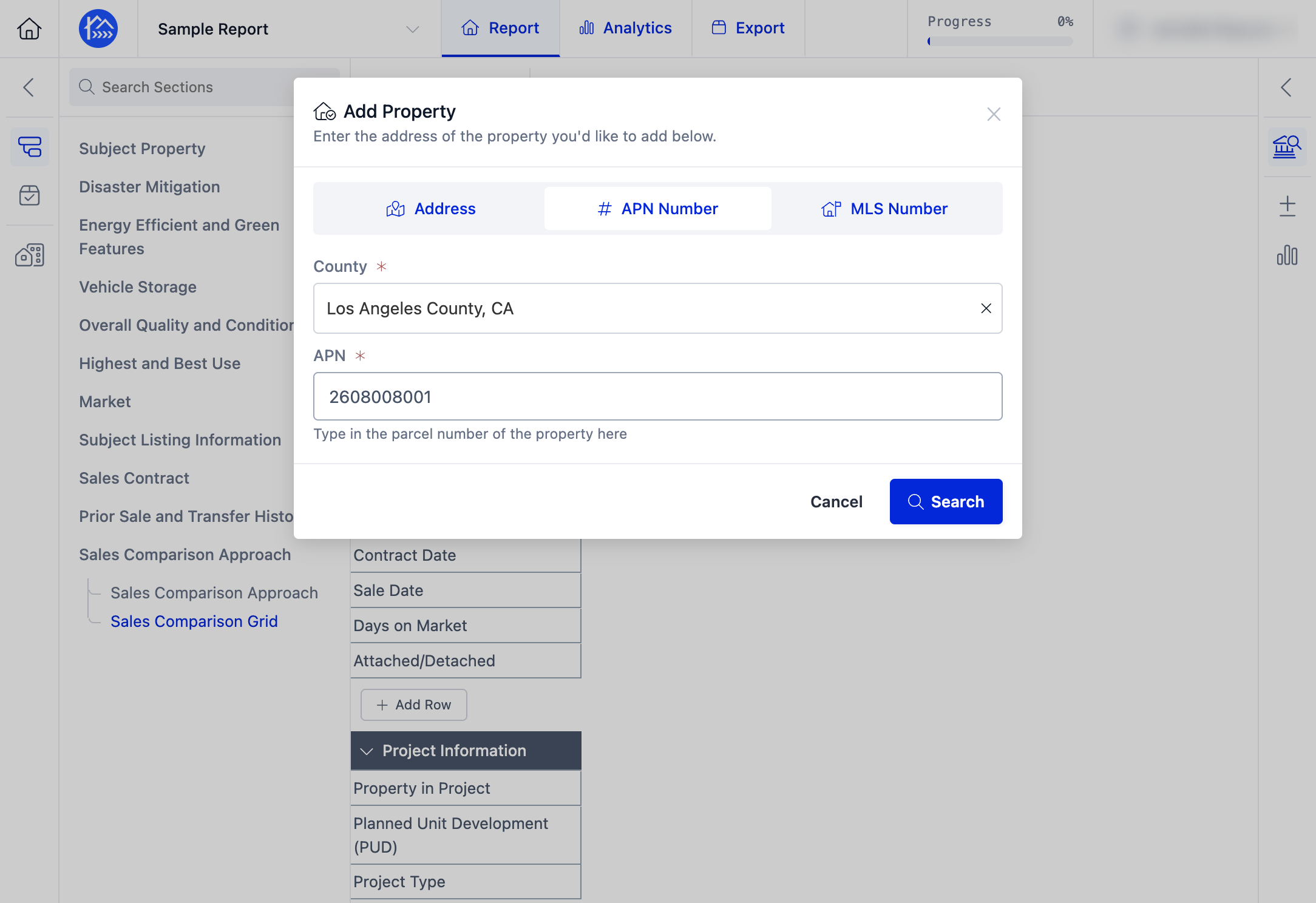
Step 3. Select the APN Number search option.
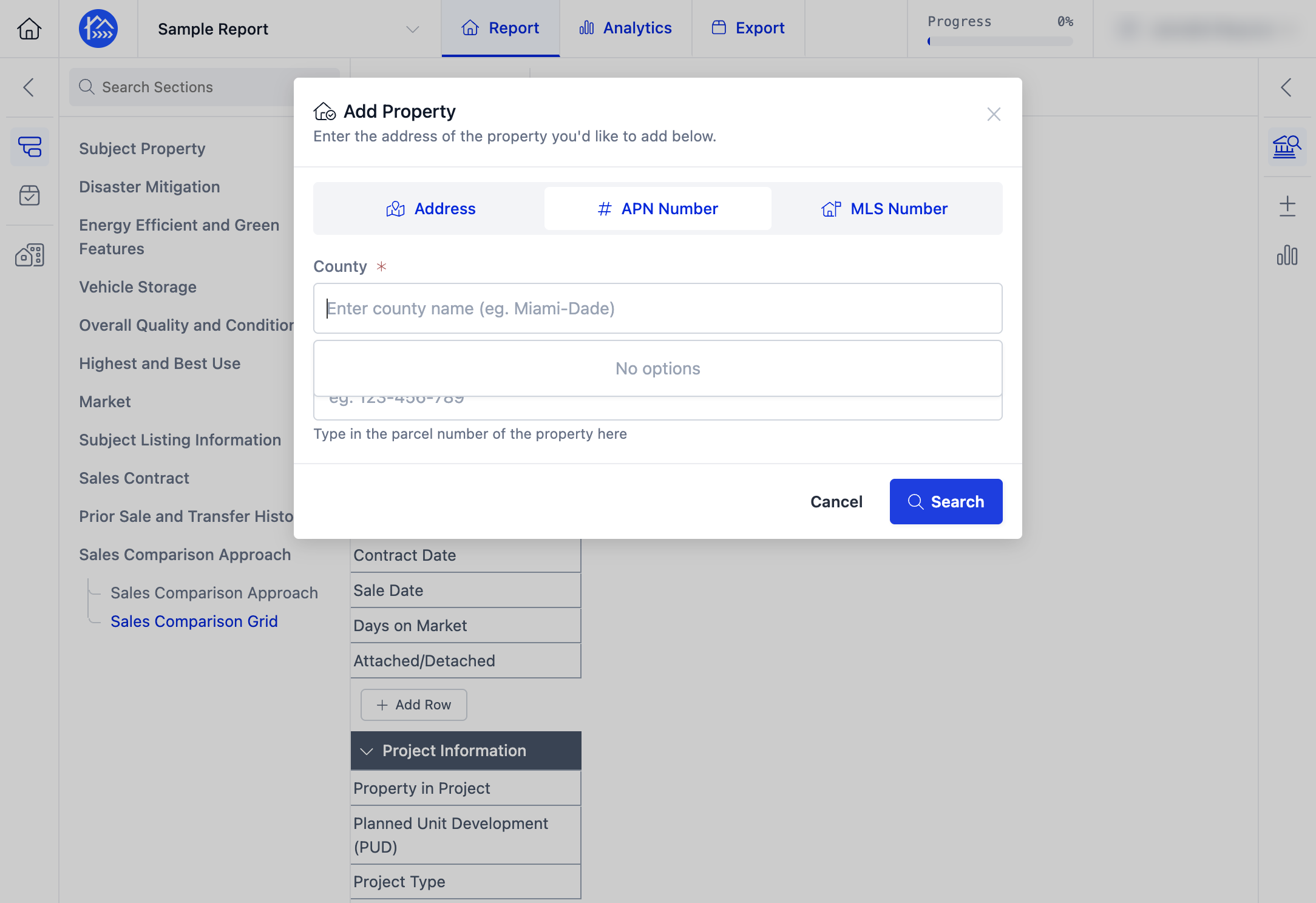
Step 4. Enter the County and the subject property's Parcel Number (APN).
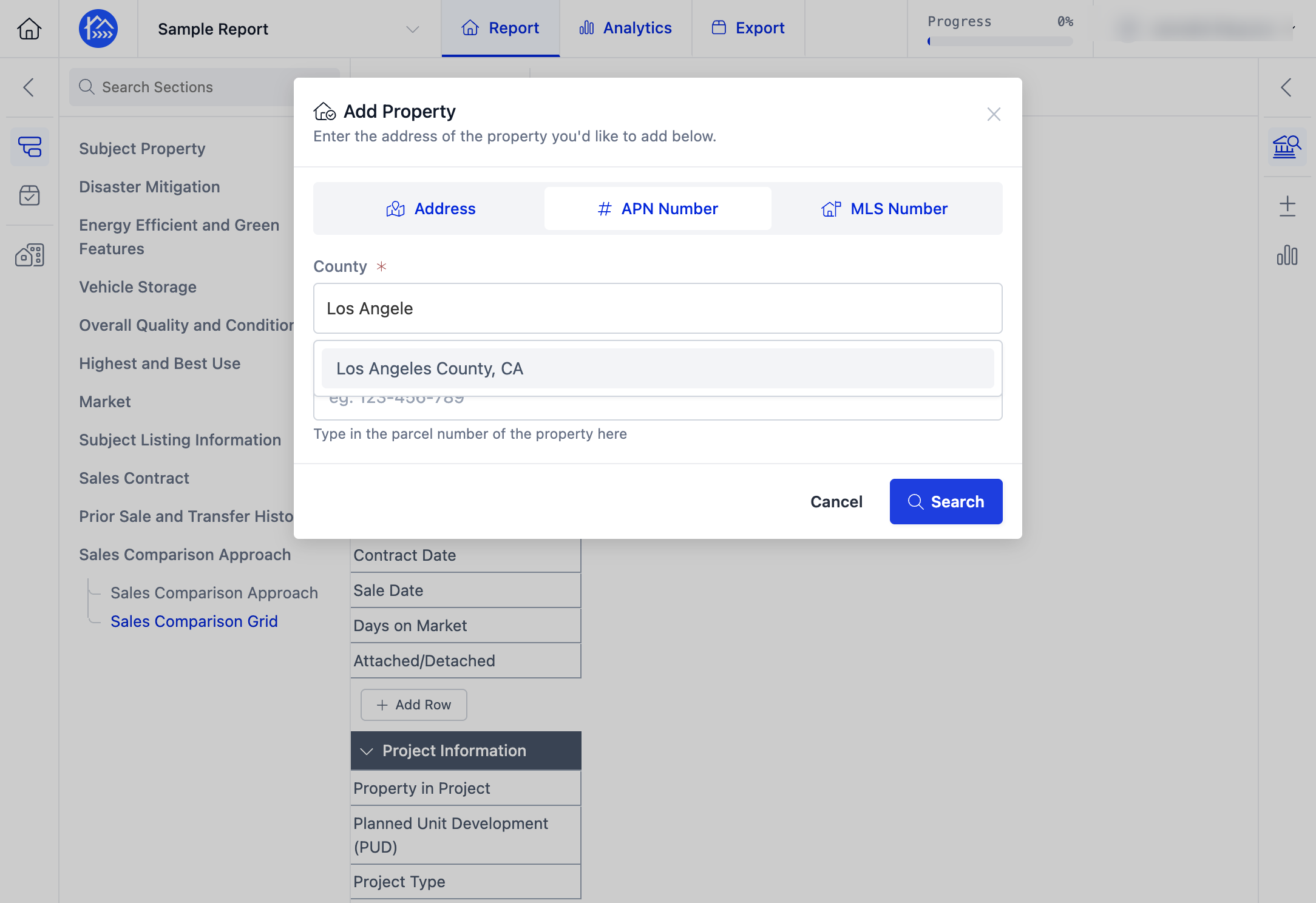
Step 5. Click Search to locate the property.
Step 6. Review the search results and identify the correct property.
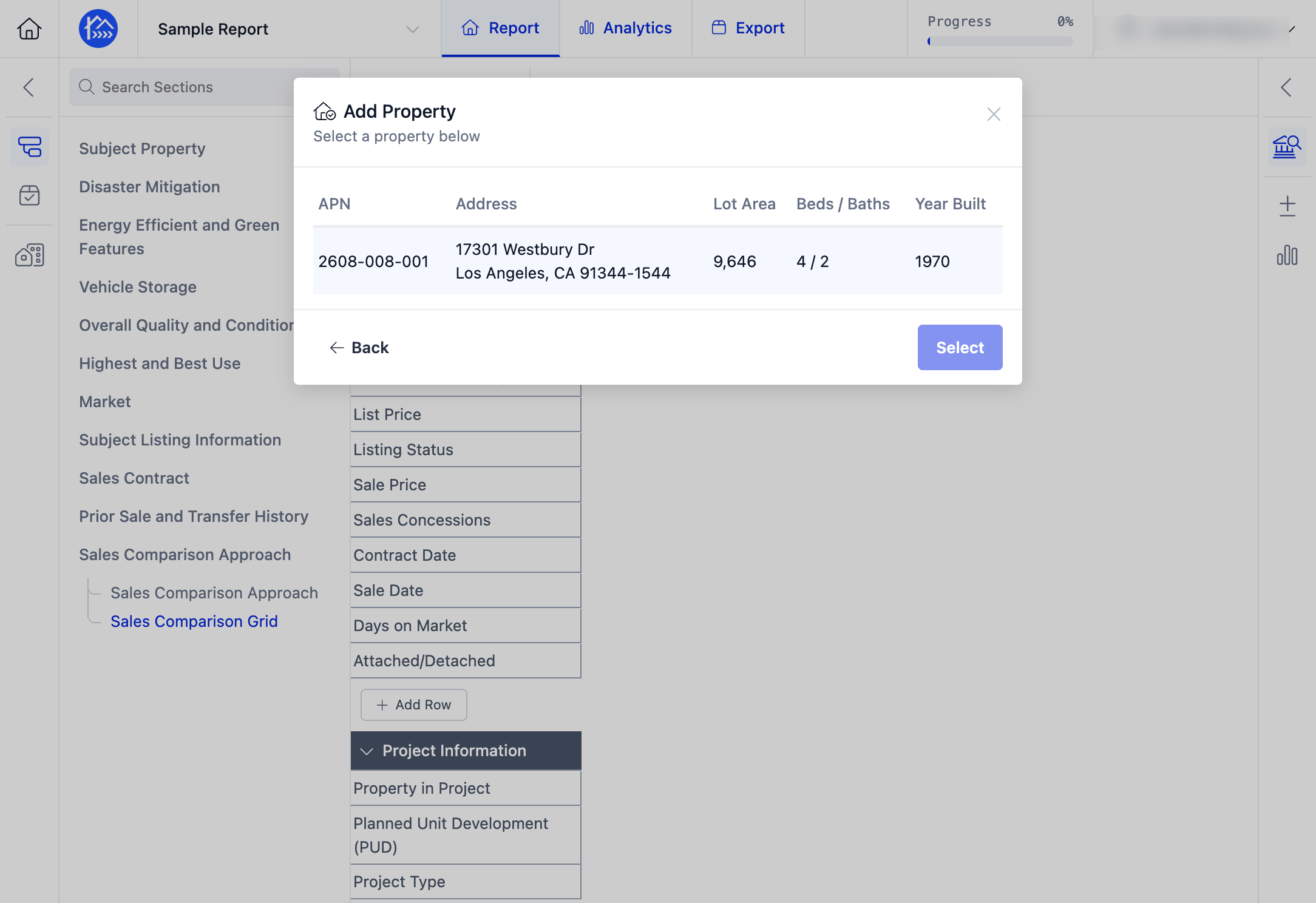
Step 7. Click Select to add the property to your report.
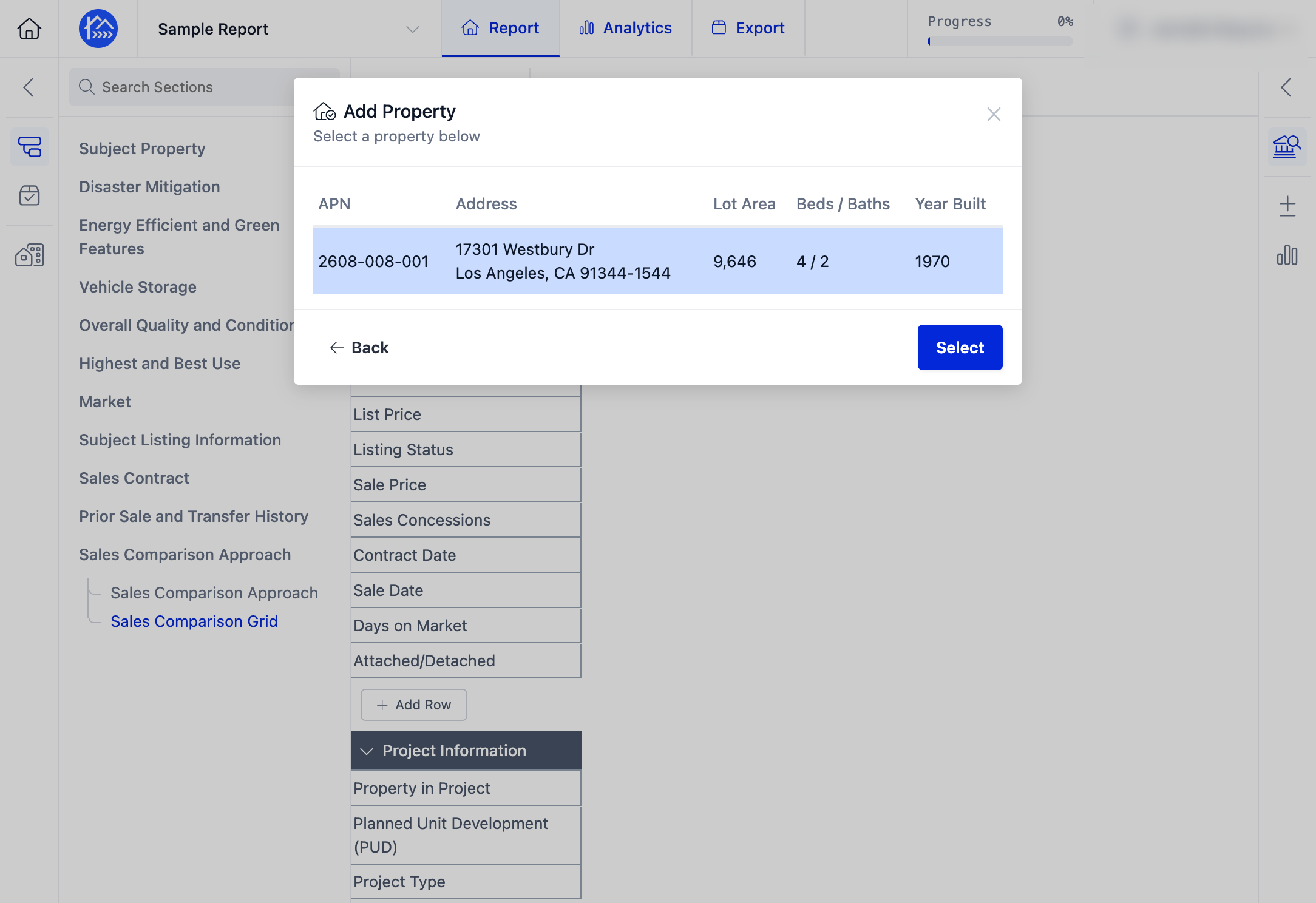
Step 8. The subject property will now be added to your Sales Grid.