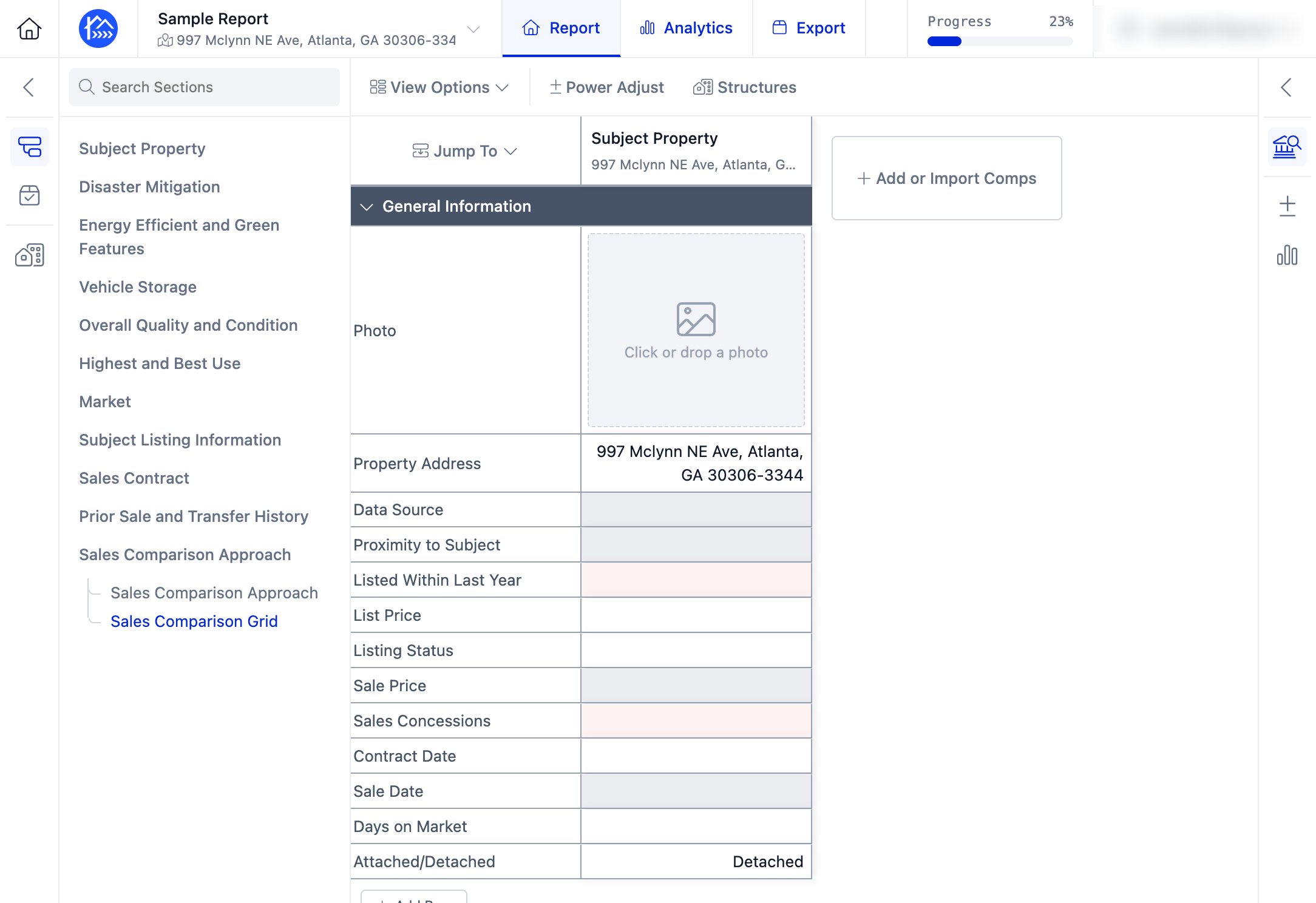
How to Add a Subject Property Using an Address
Edited
This guide walks you through the process of adding a subject property to your Sales Grid by searching with the property's address.
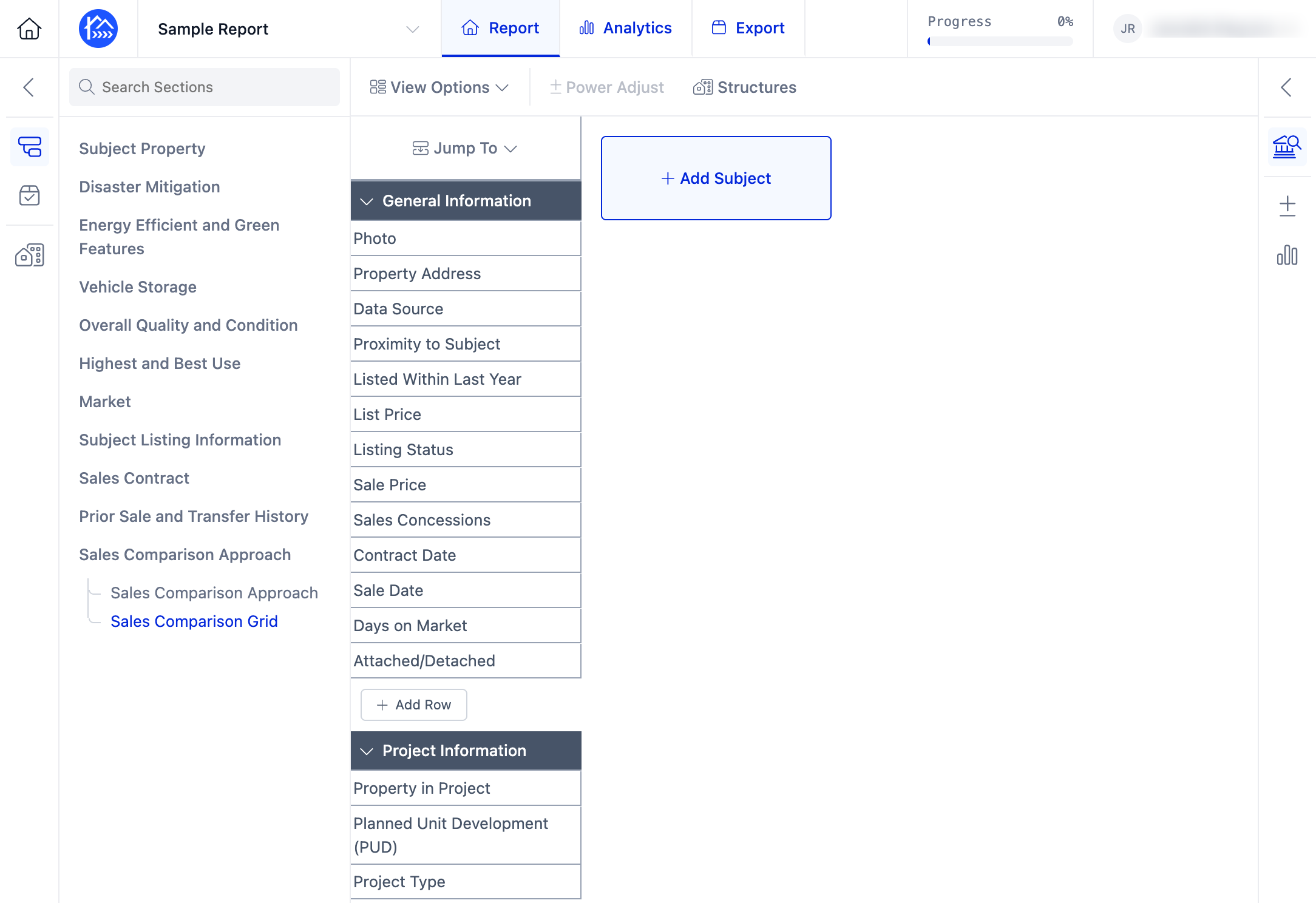
Step 1. Navigate to your report in the DataMaster portal.
Step 2. Click + Add Subject to add the subject property.
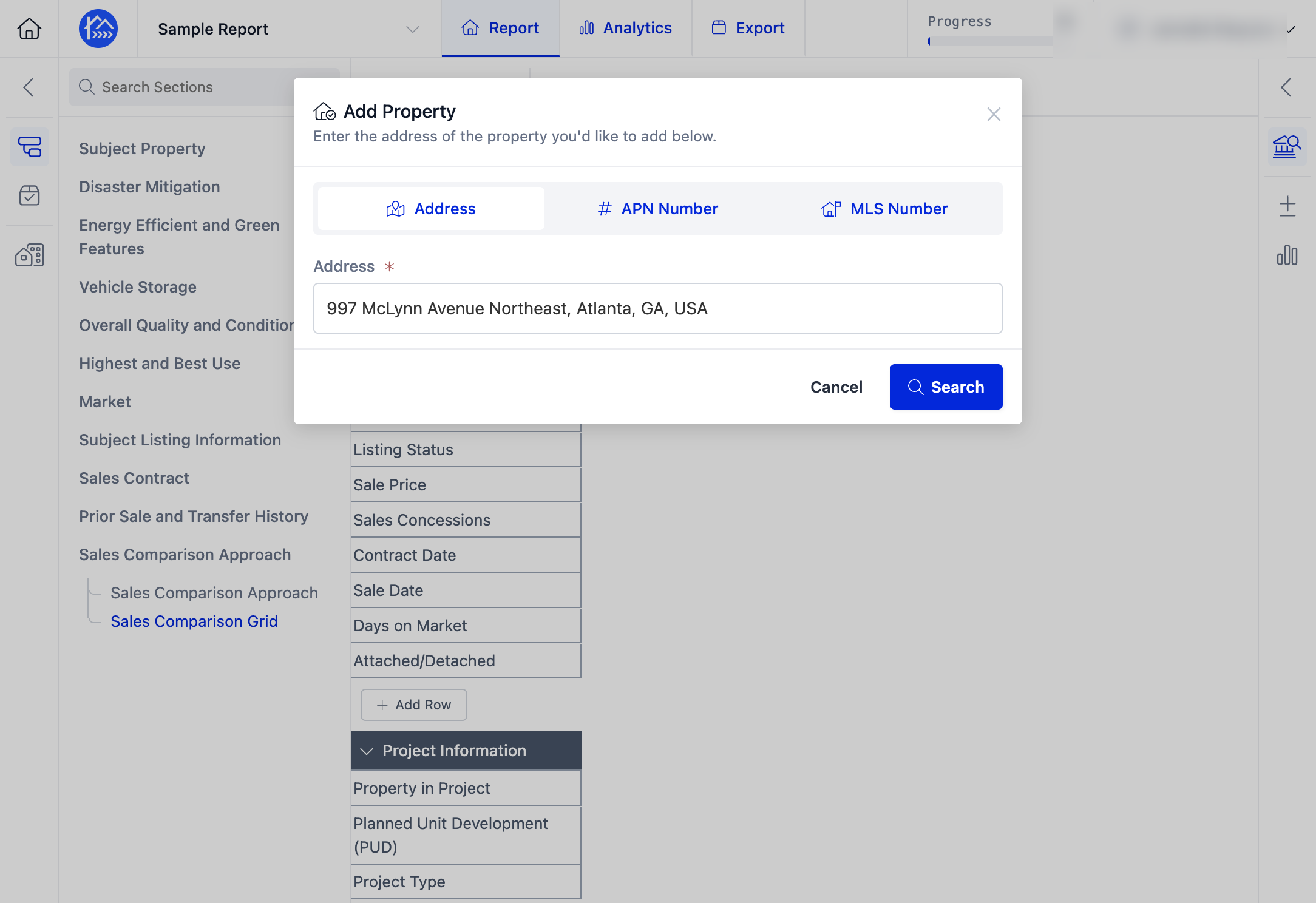
Step 3. Select the Address search option.
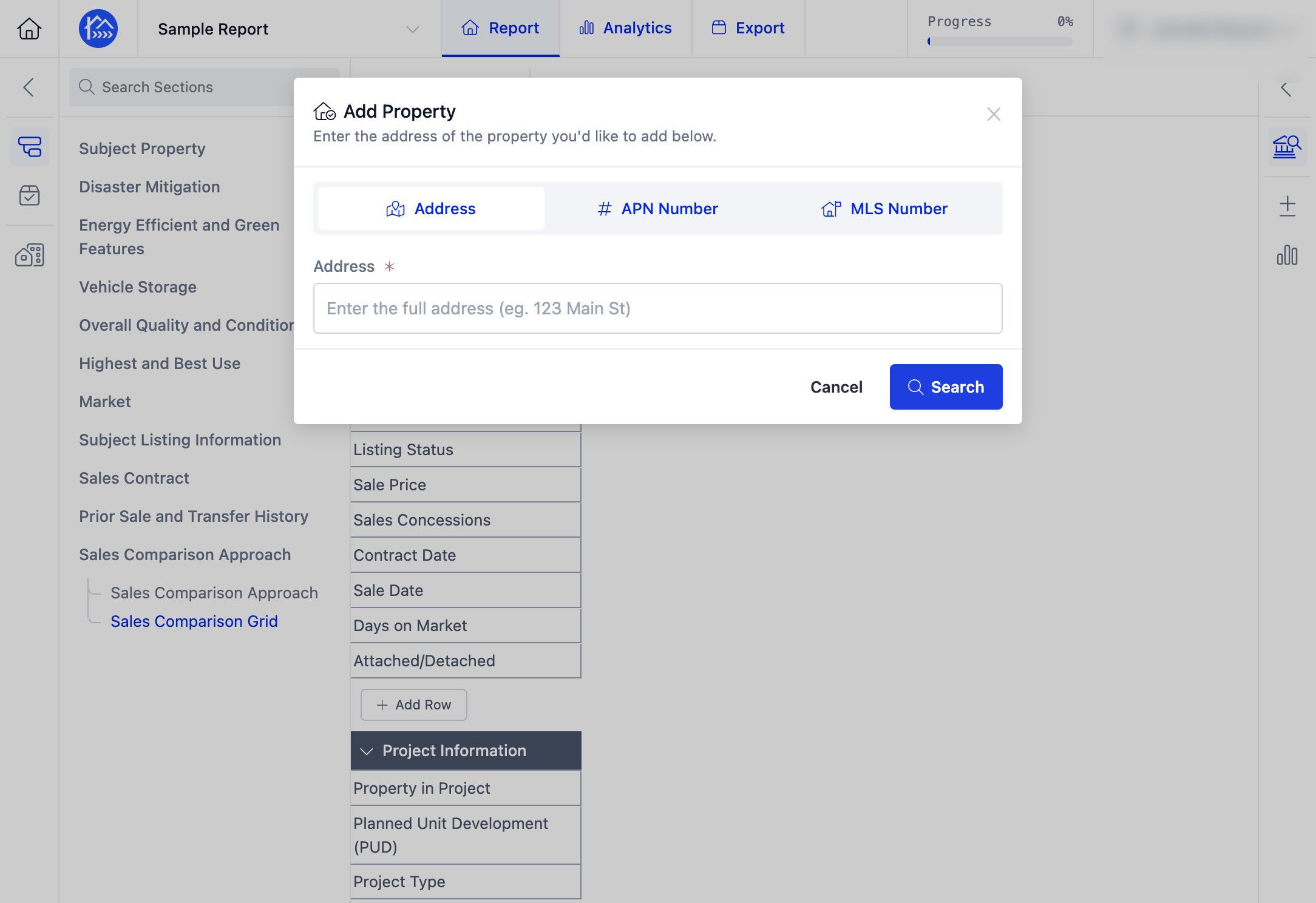
Step 4. Enter the subject property's address.
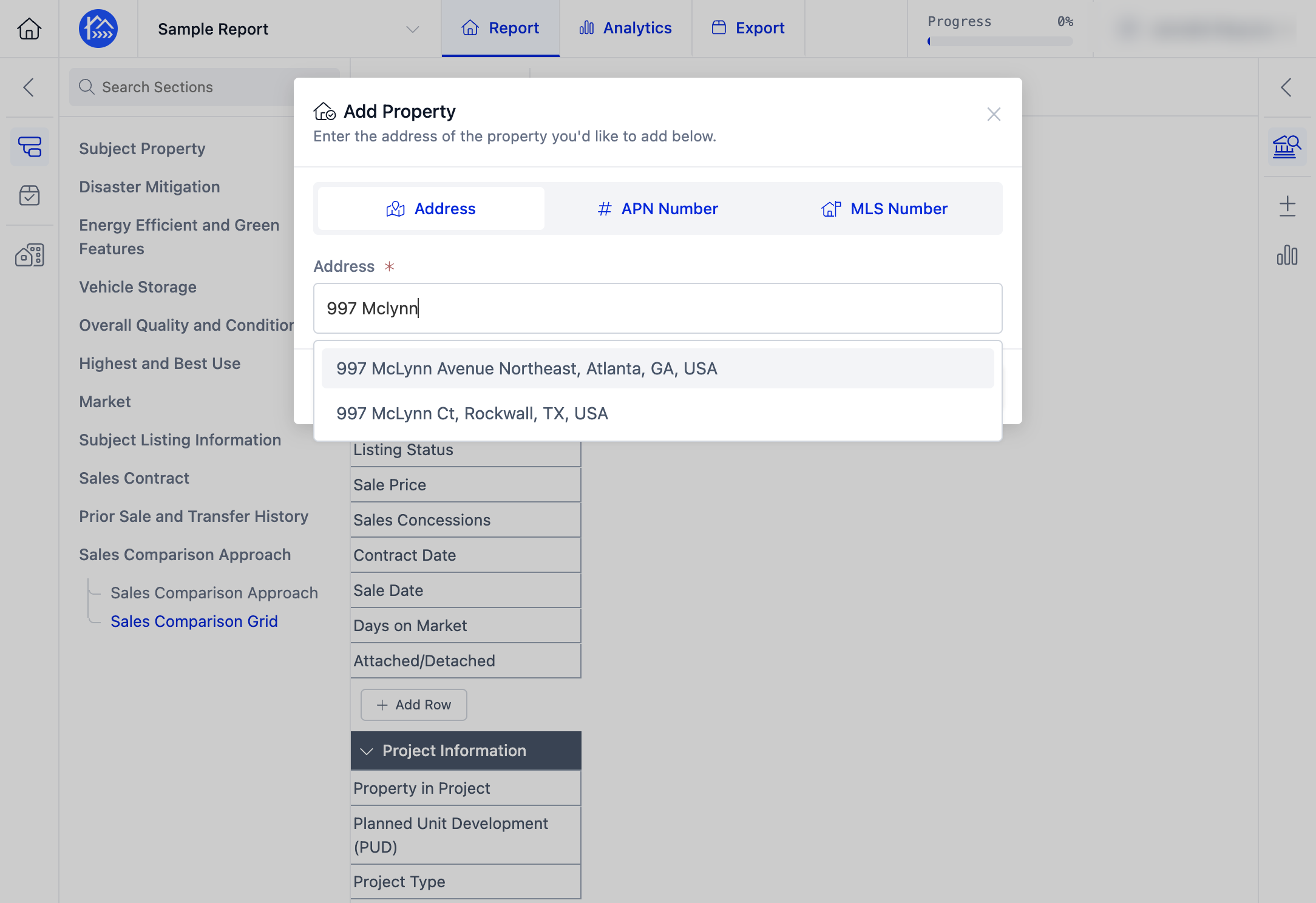
Step 5. Click Search to locate the property.
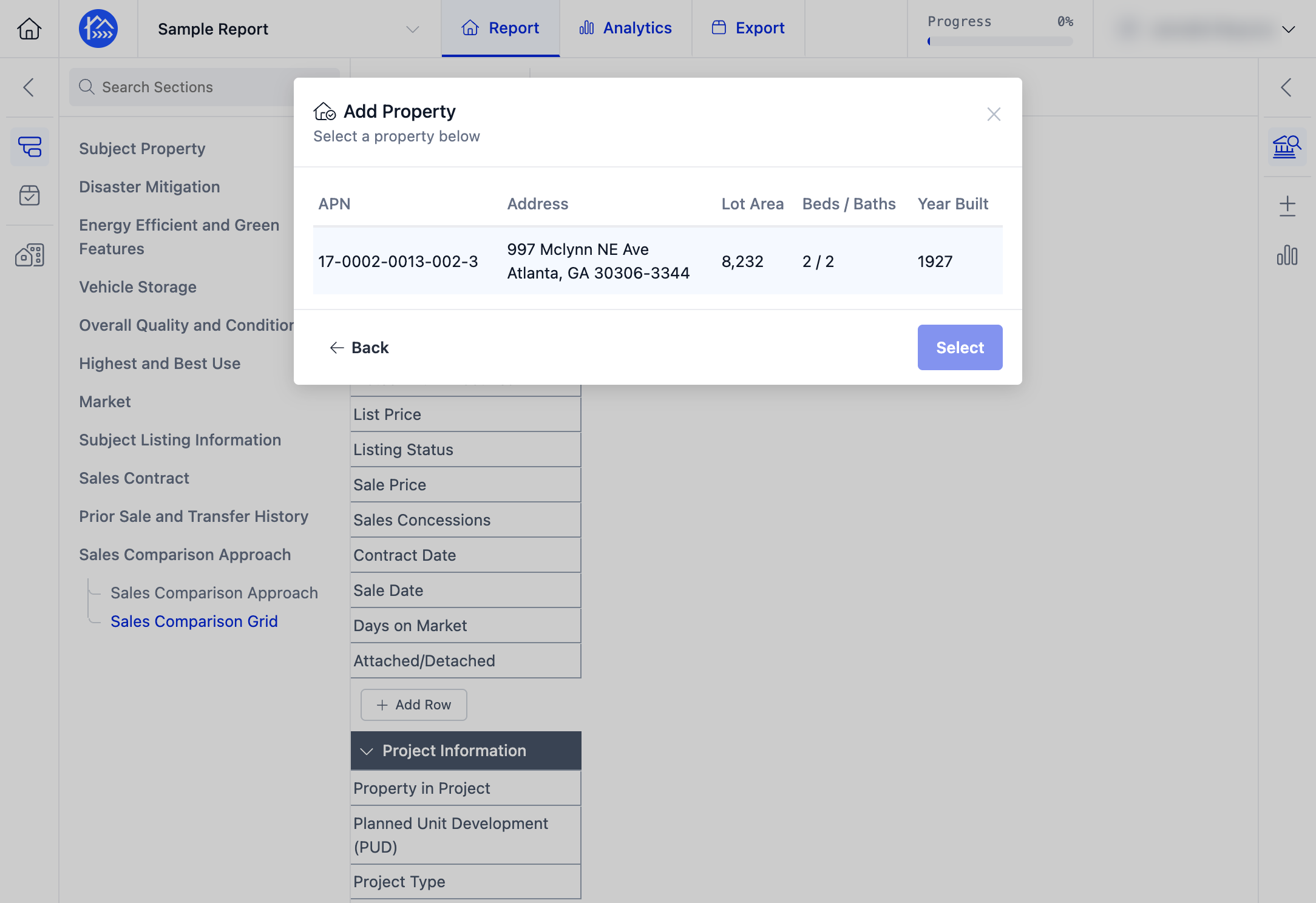
Step 6. Review the search results and identify the matching property.
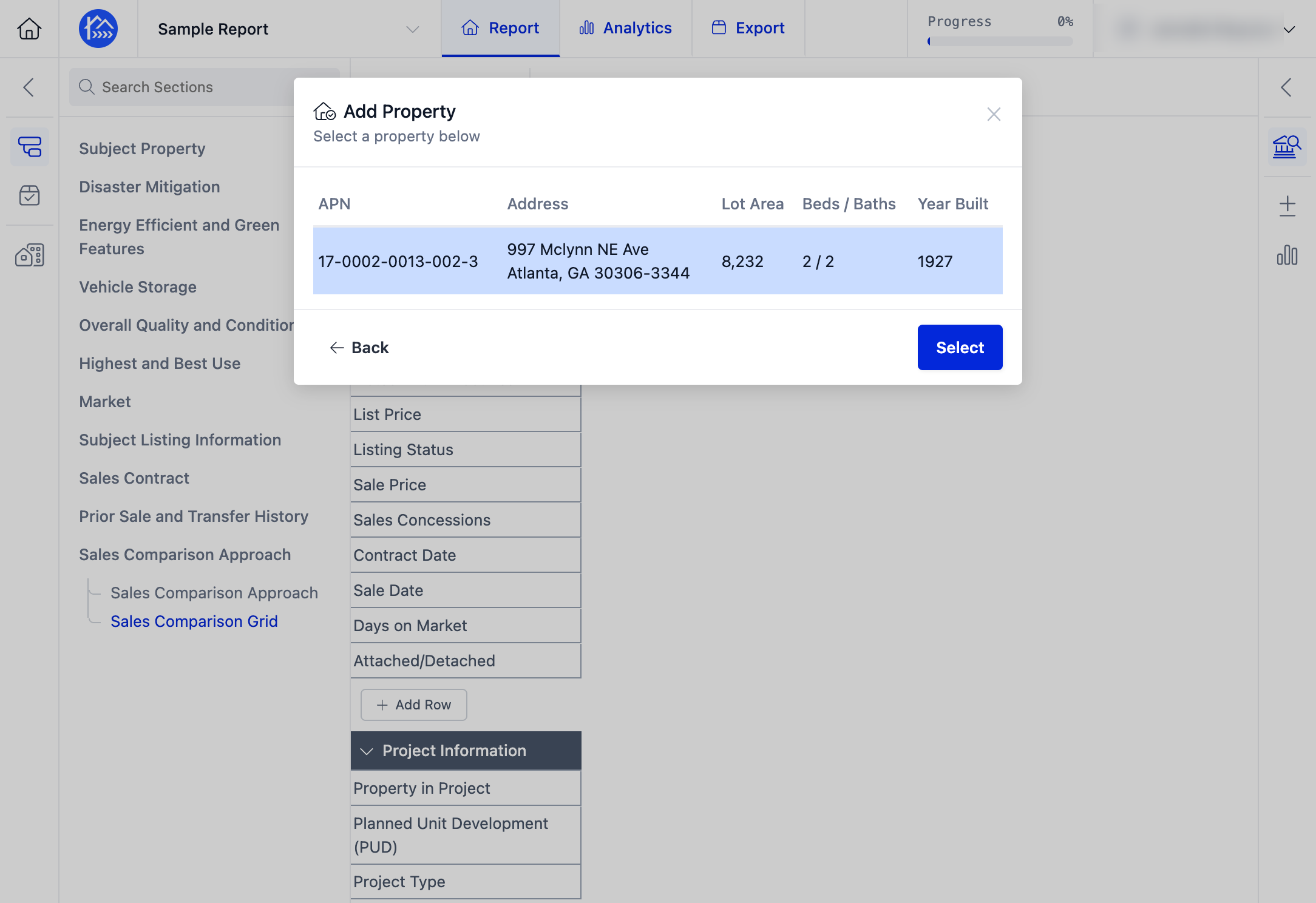
Step 7. Click Select to add the property to your report.
Step 8. The subject property will now be added to your Sales Grid.