Export Market Charts into Appraise-It Pro
Edited
This guide outlines how to copy-and-paste market charts from DataMaster's analytics portal into UAD 3.6 reports within Appraise It Pro.
Step 1. Navigate to your DataMaster portal
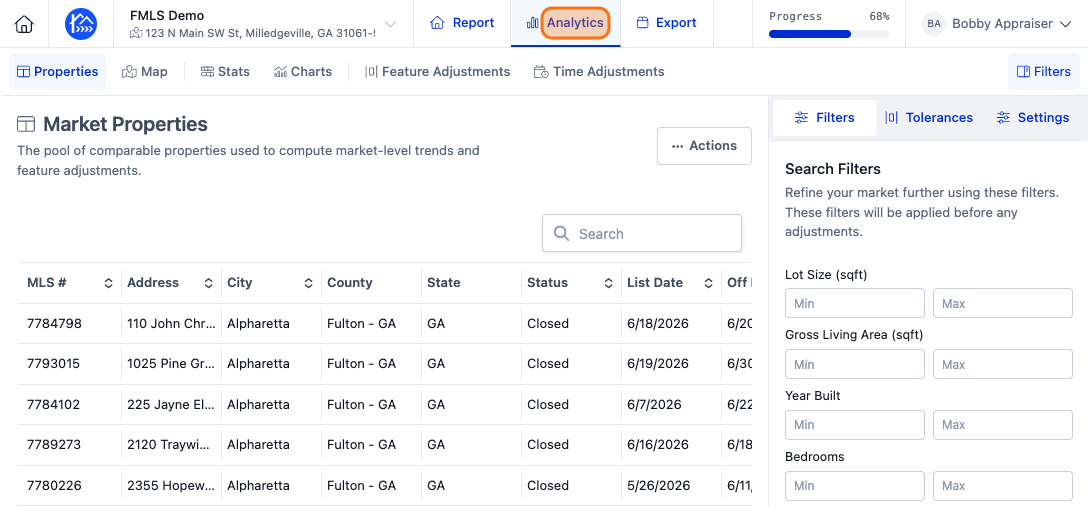
Step 2. Click Analytics to open the analytics section.
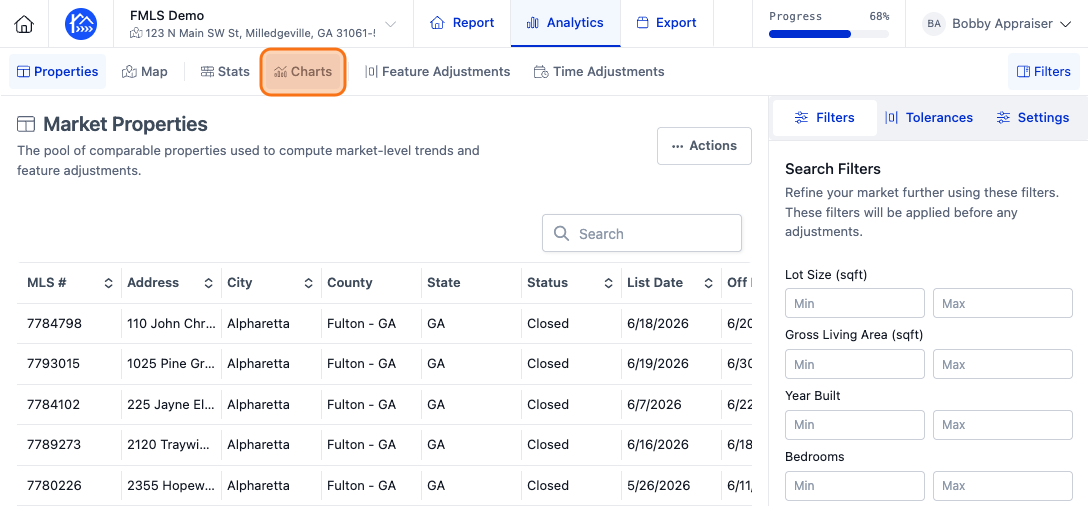
Step 3. Click Charts to view various market charts you can use for your report
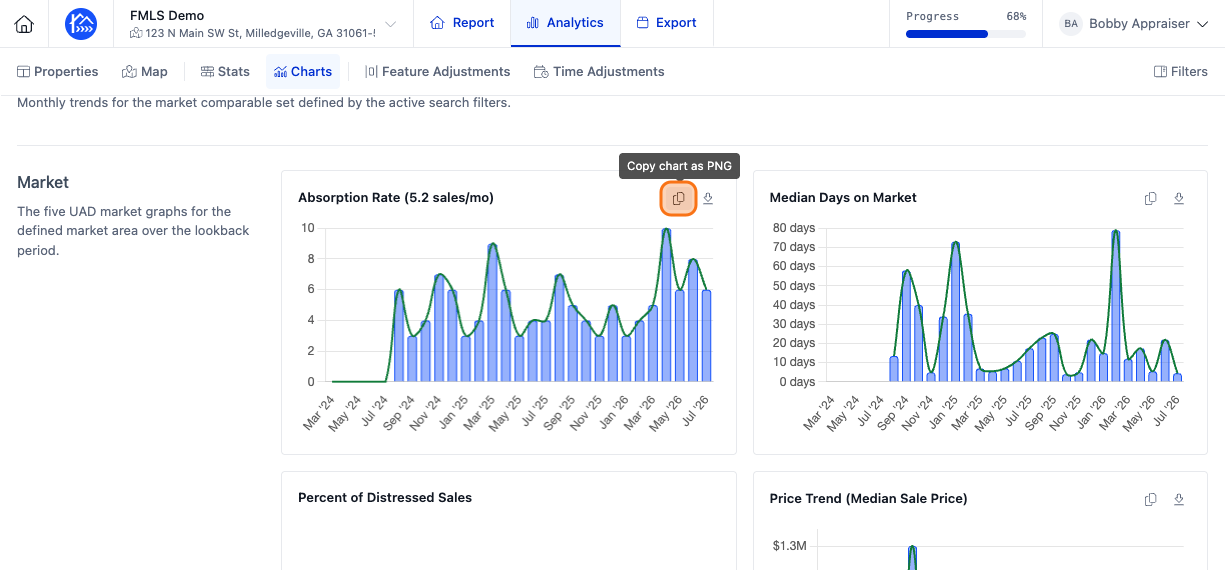
Step 4. Click Copy Chart as PNG to copy the chart image into your clipboard
Step 5. Open an existing report within Appraise It Pro
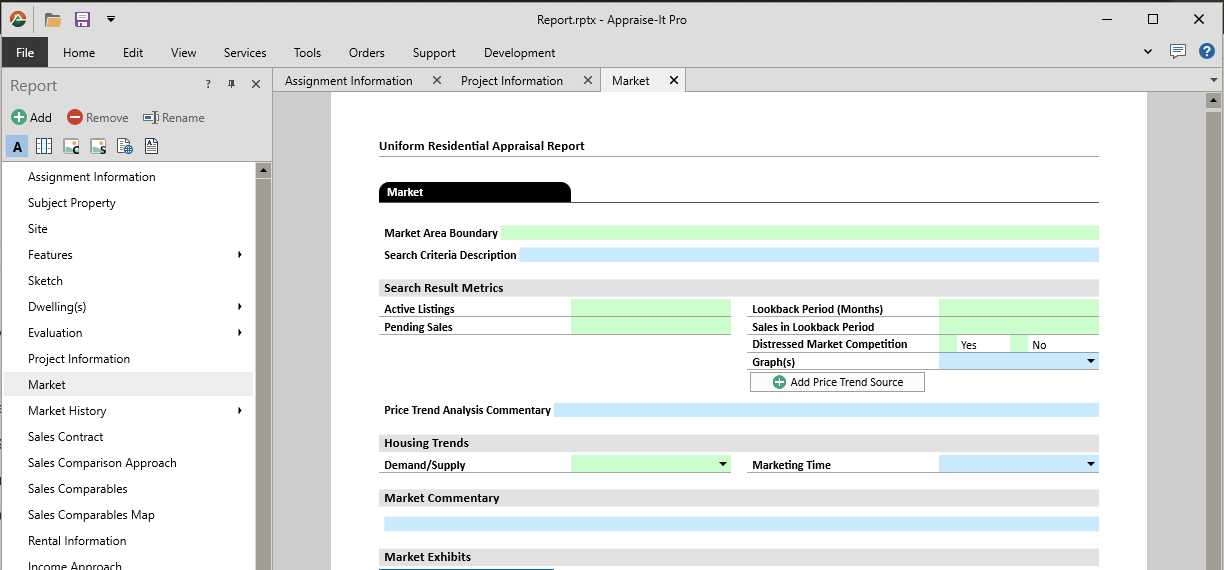
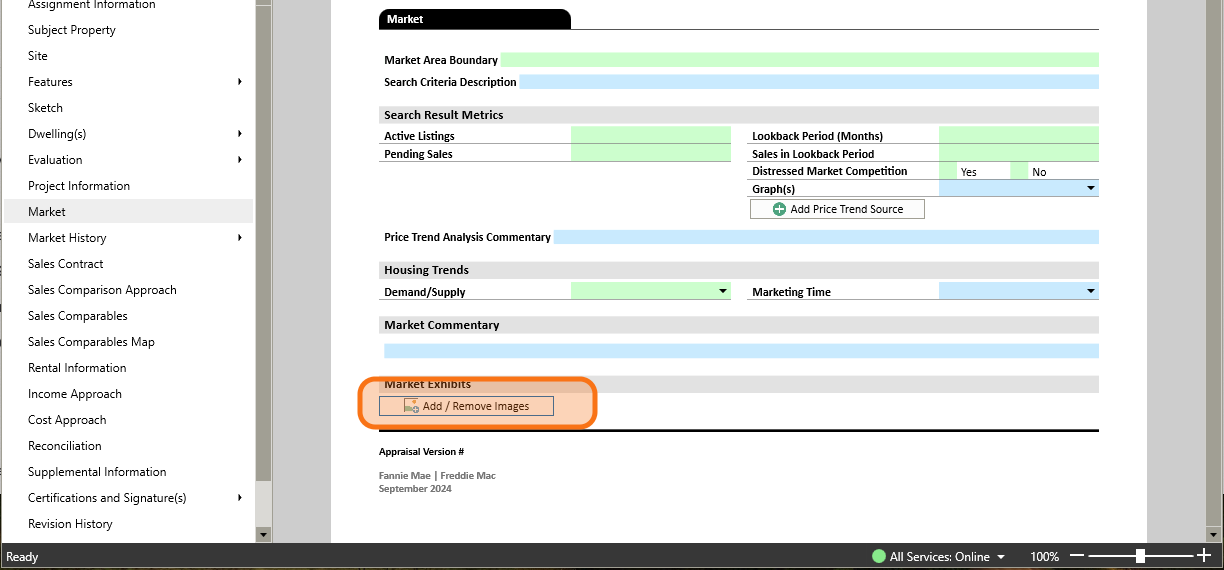
Step 6. Click on the Add / Remove Images button within the Market section or any of the other graph sections
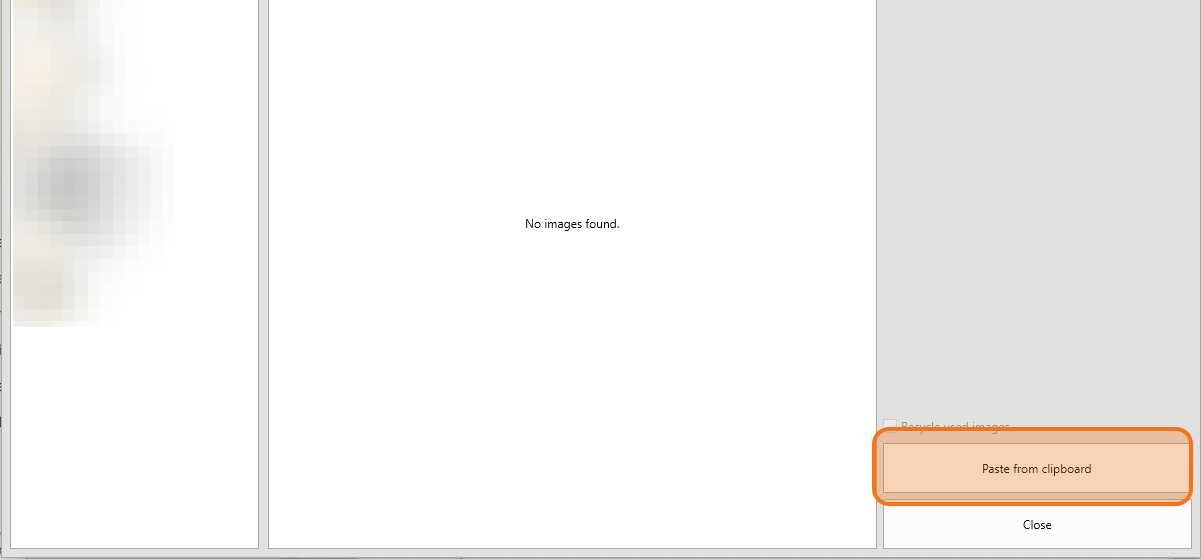
Step 7. Click on the Paste from Clipboard button
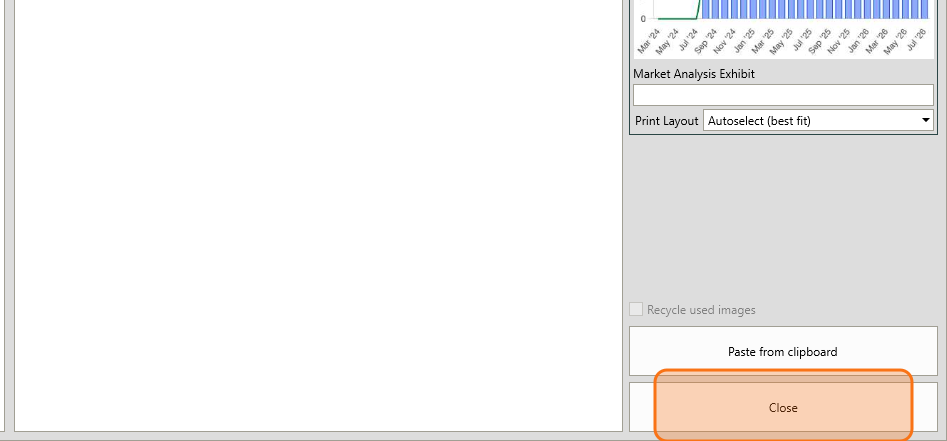
Step 8. Click Close to return to your report within Appraise It Pro