How to View Market Statistics and Charts in DataMaster
Edited
This guide walks you through accessing market statistics and charts in DataMaster.
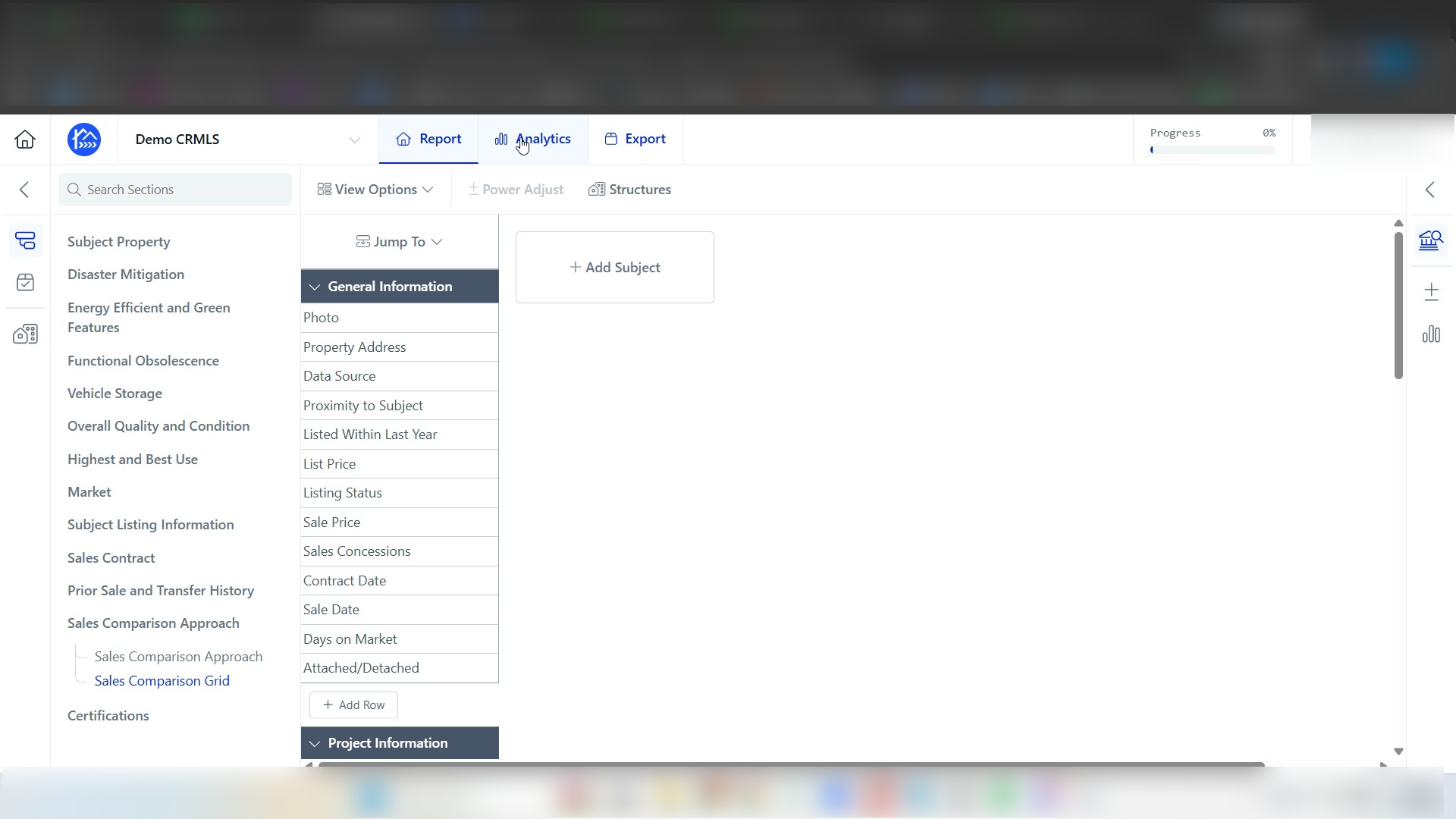
Step 1: In your report click Analytics.
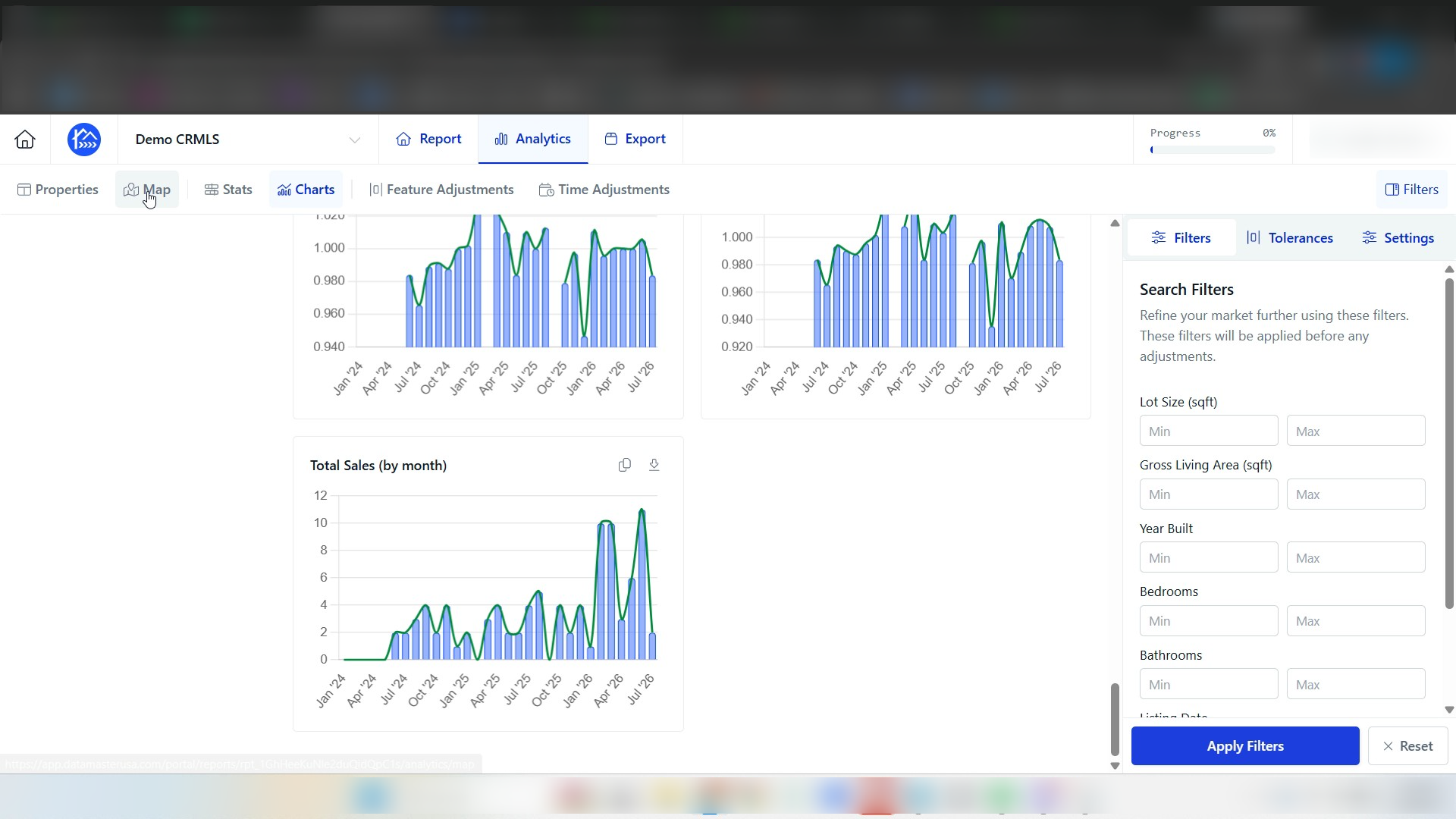
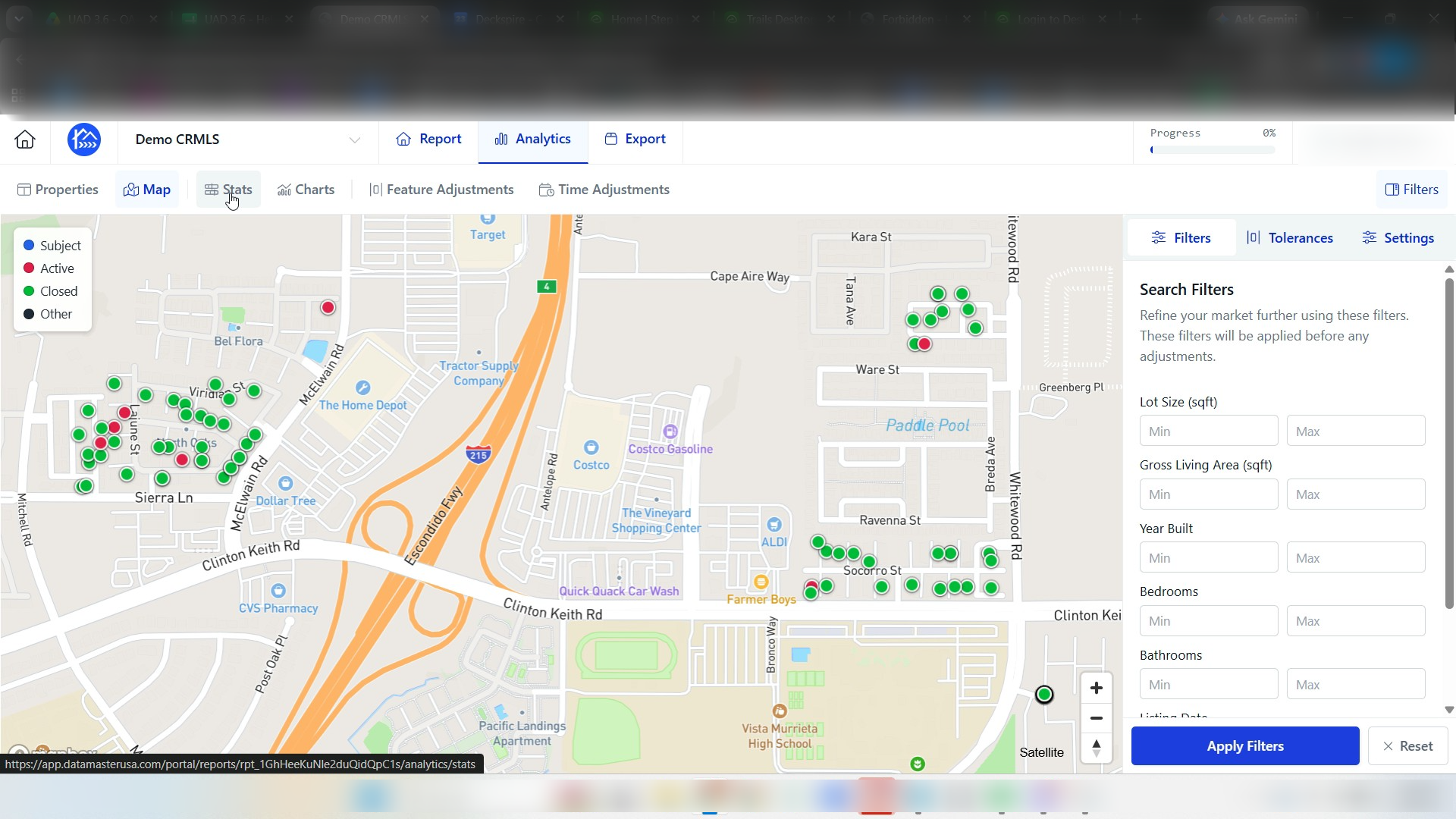
Step 2: Click Map to switch to the map view.
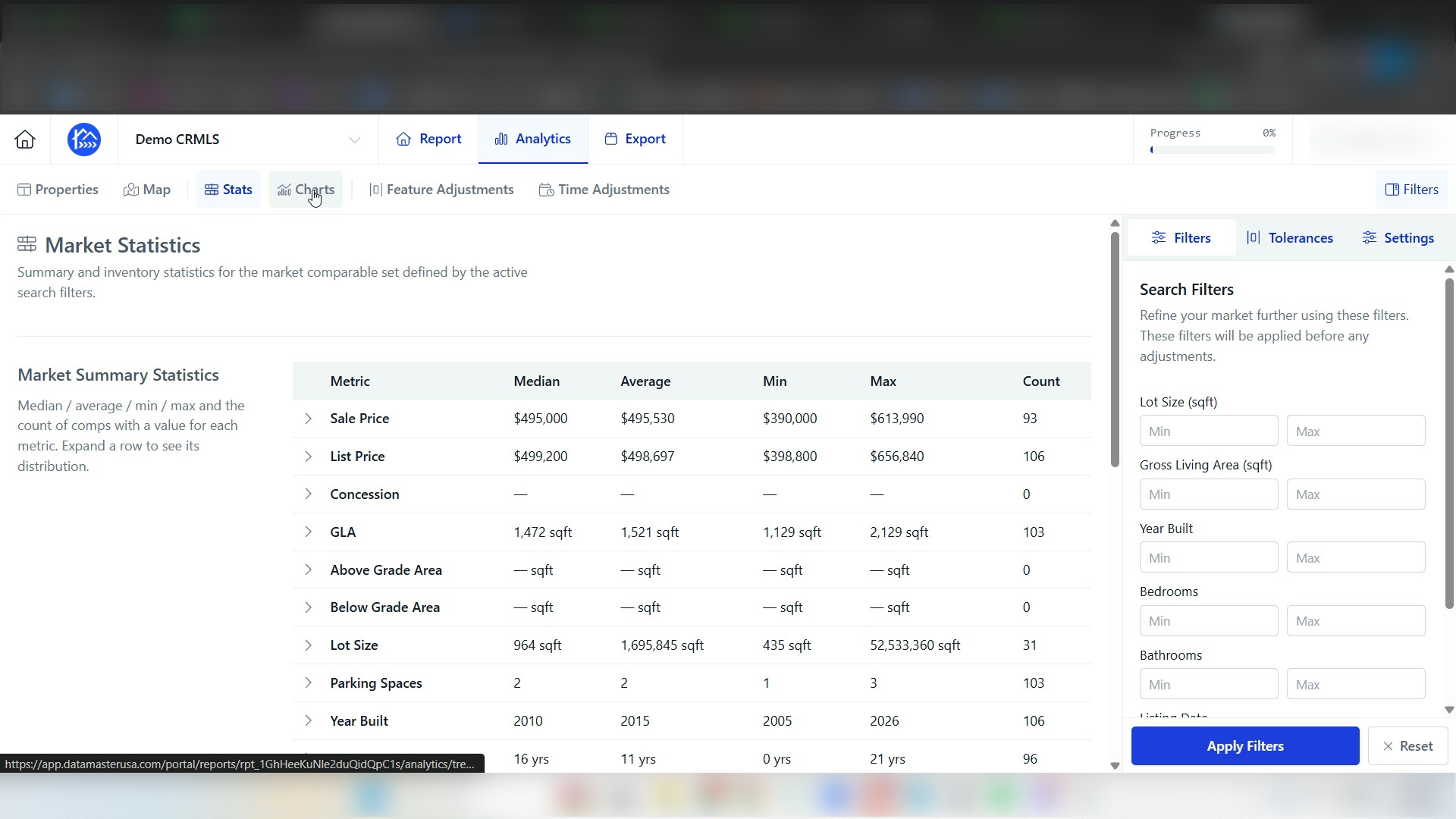
Step 3: Click Stats to view the analytics summary.
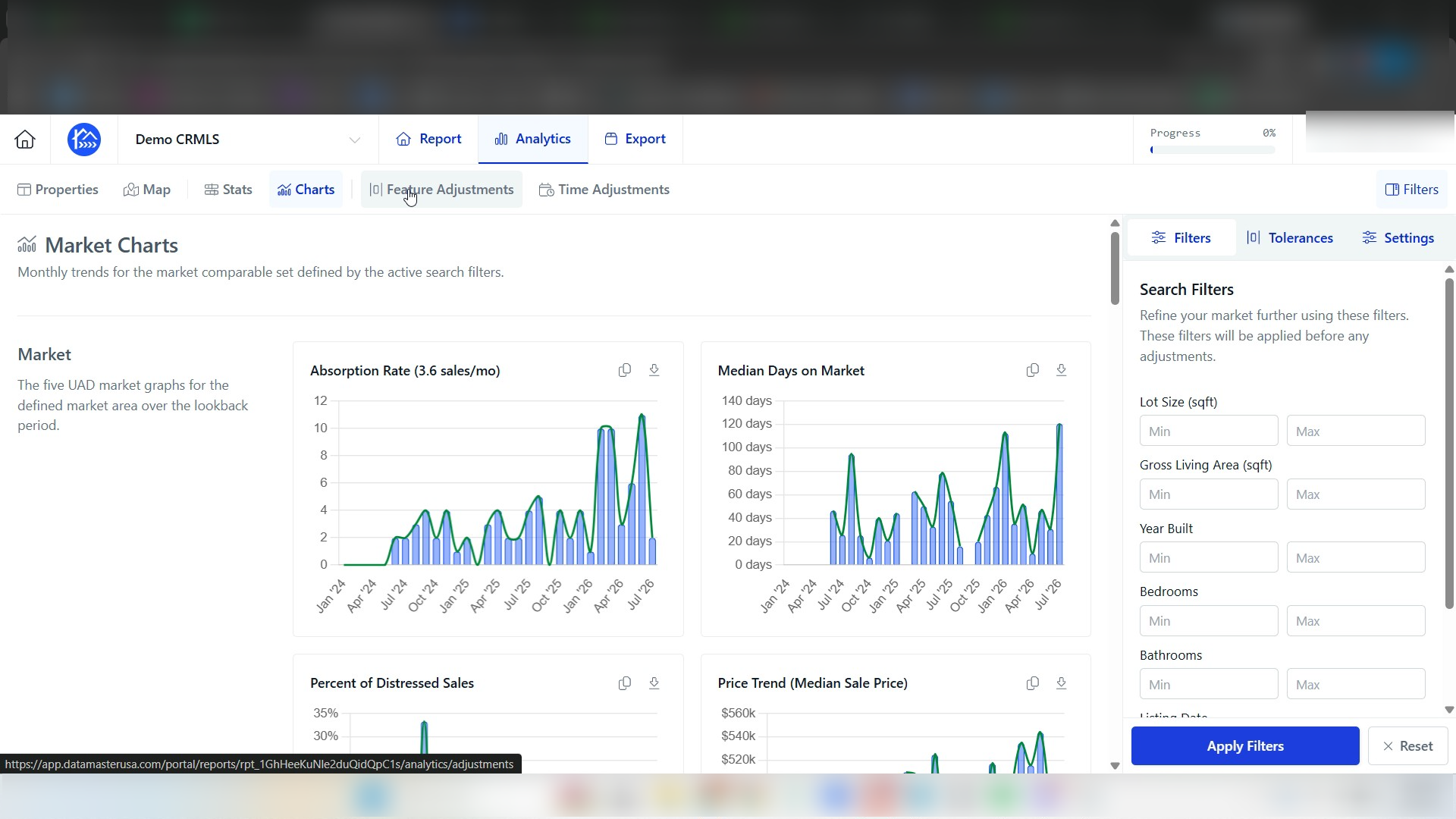
Step 4: Click Charts to view the market statistics charts.
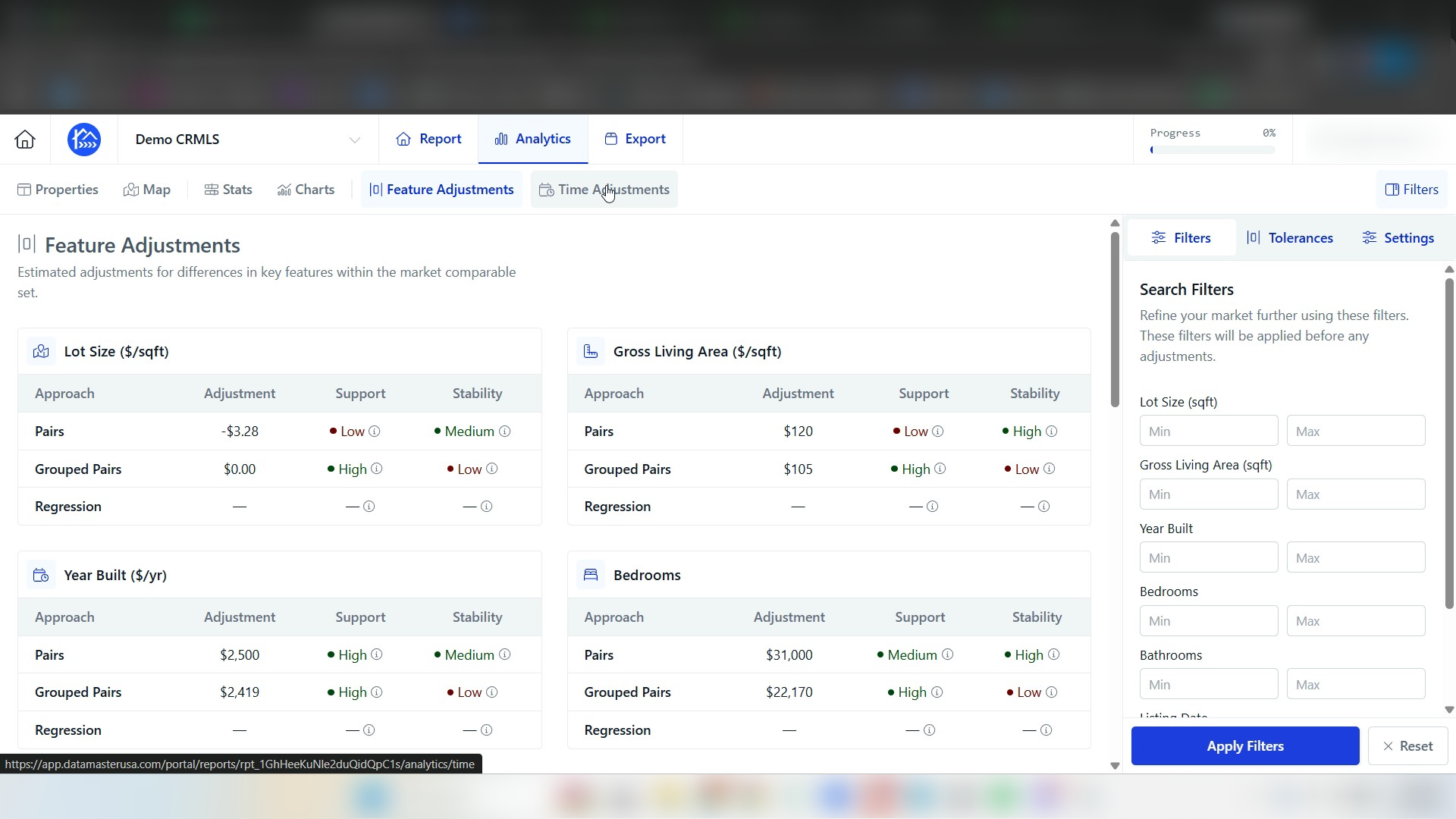
Step 5: Click Feature Adjustments to open the adjustment options.
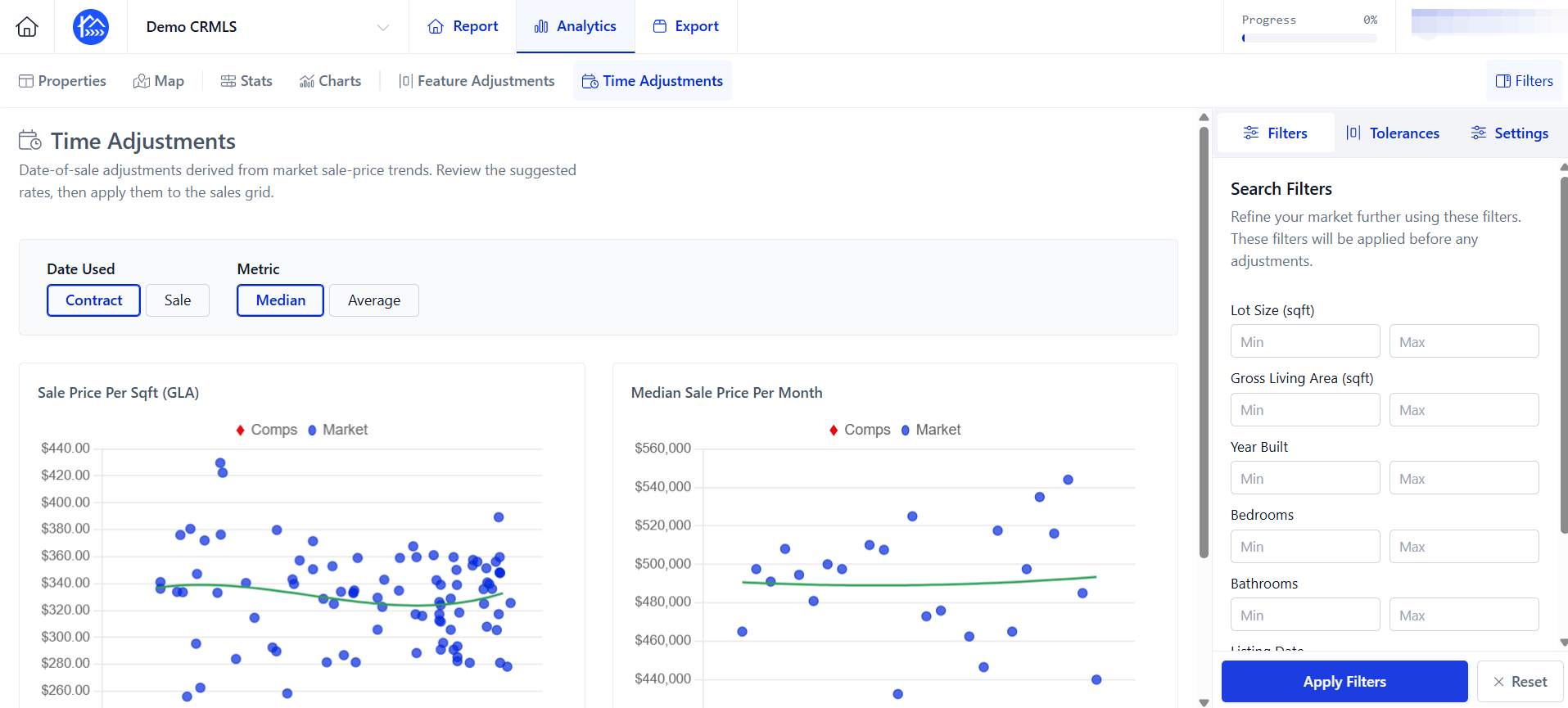
Step 6: Click Time Adjustments.