How to Delete All Market Data in DataMaster
Edited
If for any reason you need to delete the market data in DataMaster Follow these steps.
Step 1
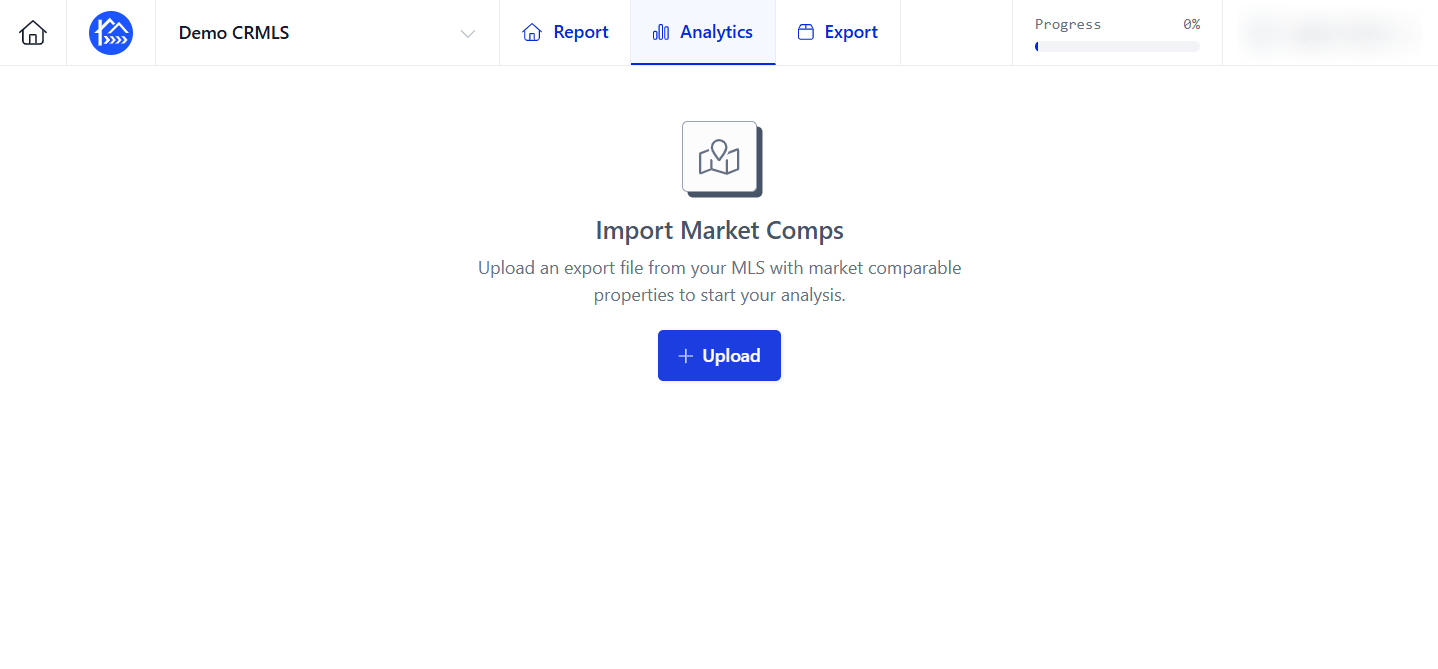
Navigate to the Analytics section of your report.
Step 2
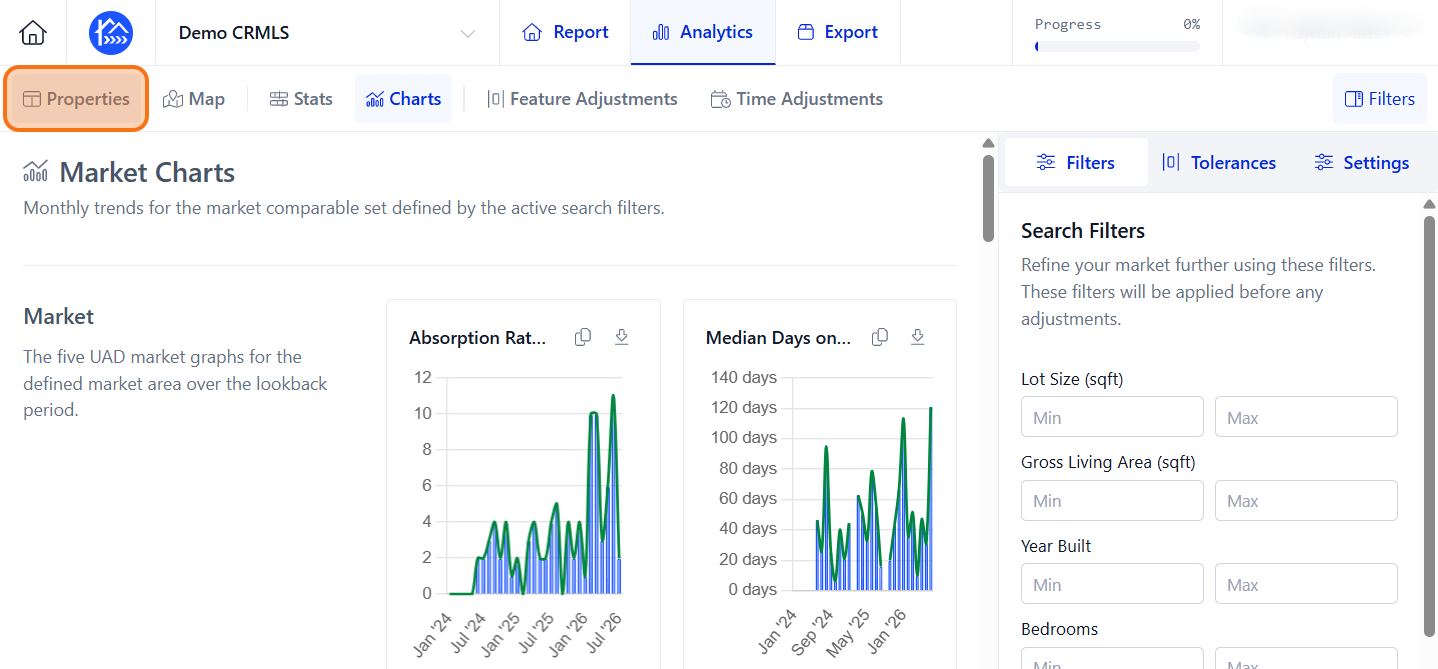
Click Properties to open the property details section.
Step 3
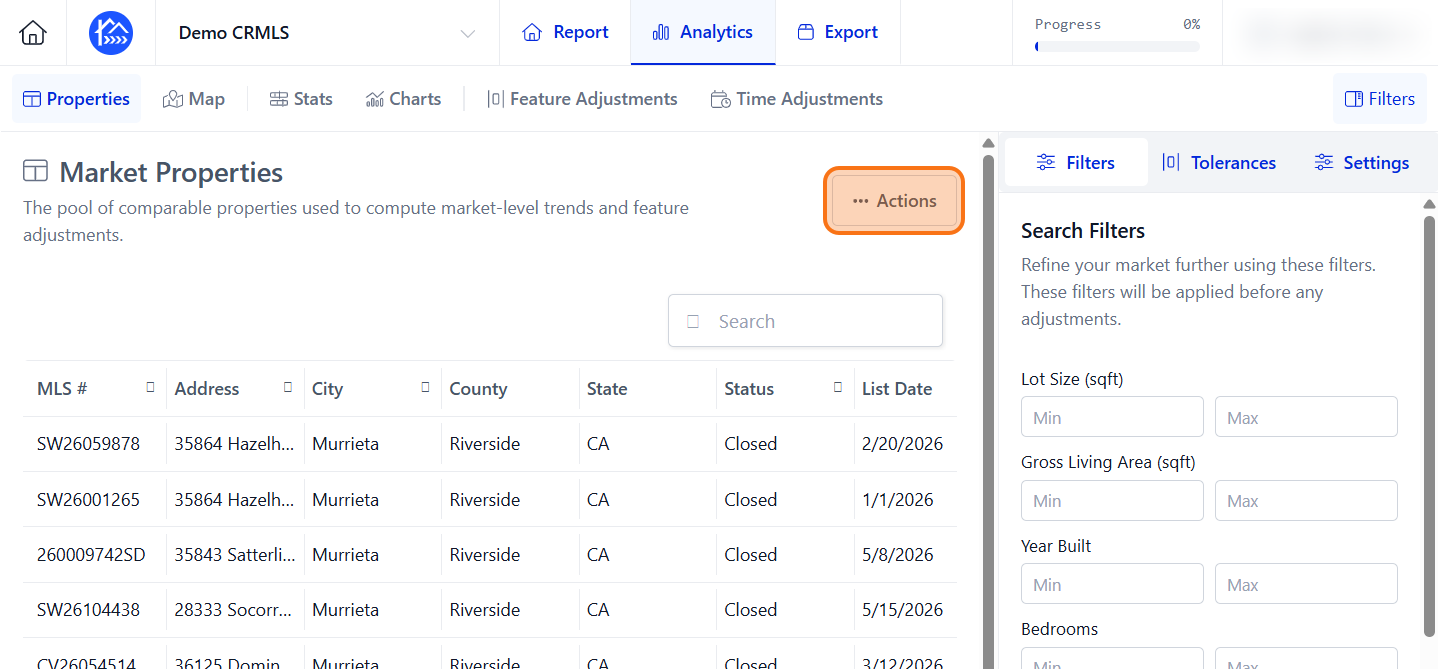
Click Actions to open the market property options.
Step 4
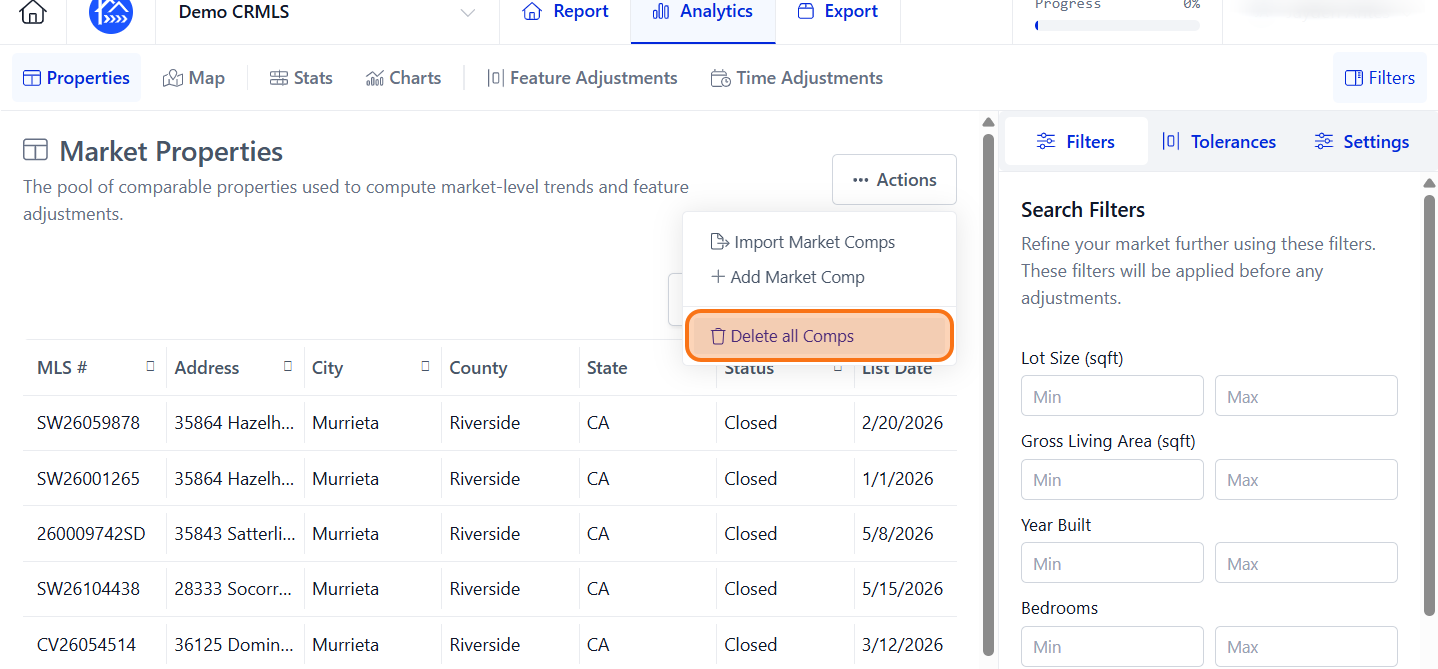
Click Delete all Comps.
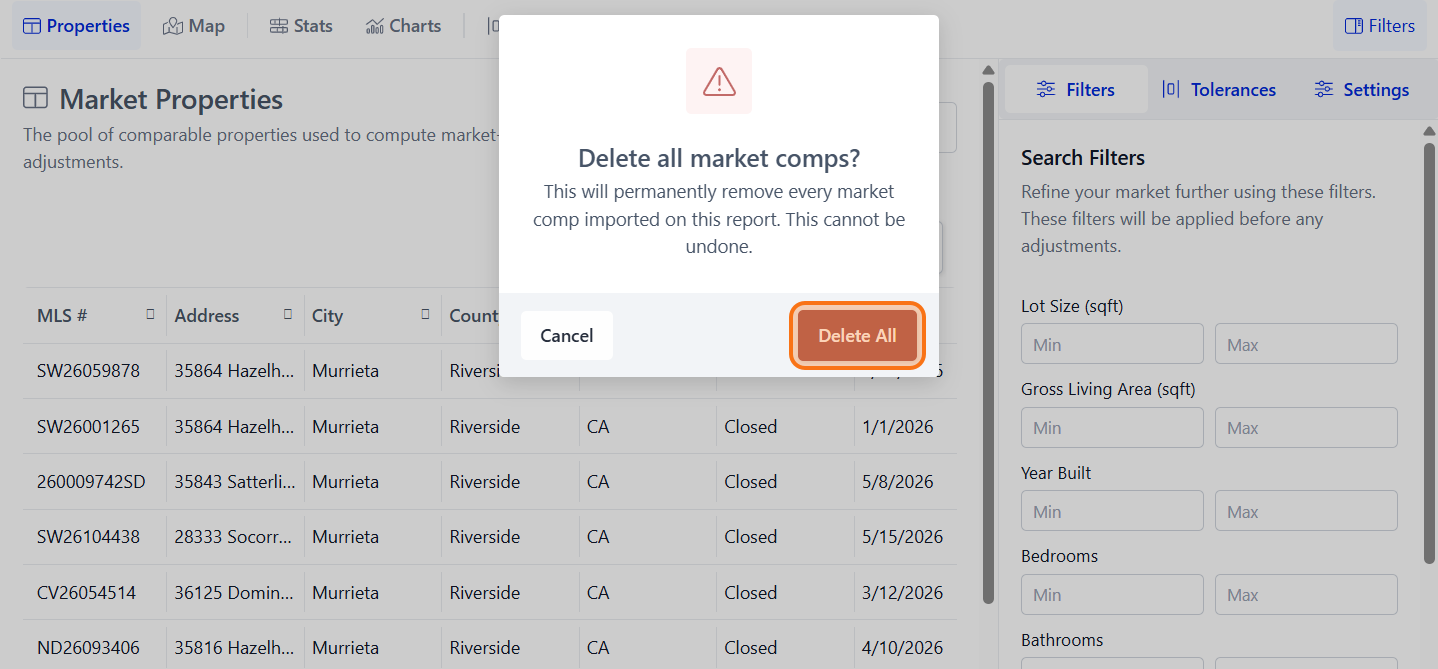
Step 5
Click Delete All to confirm deleting all market comps.
Step 6
Now you have a blank slate to work from.