Guide to Filling Market Reports in DataMaster
Edited
This guide walks you through generating a detailed market report in DataMaster. You will need to already have your market data in DataMaster. Please see our article on how to upload your market data if you need assistance with that step.
Step 1
Navigate to your DataMaster report.
Step 2
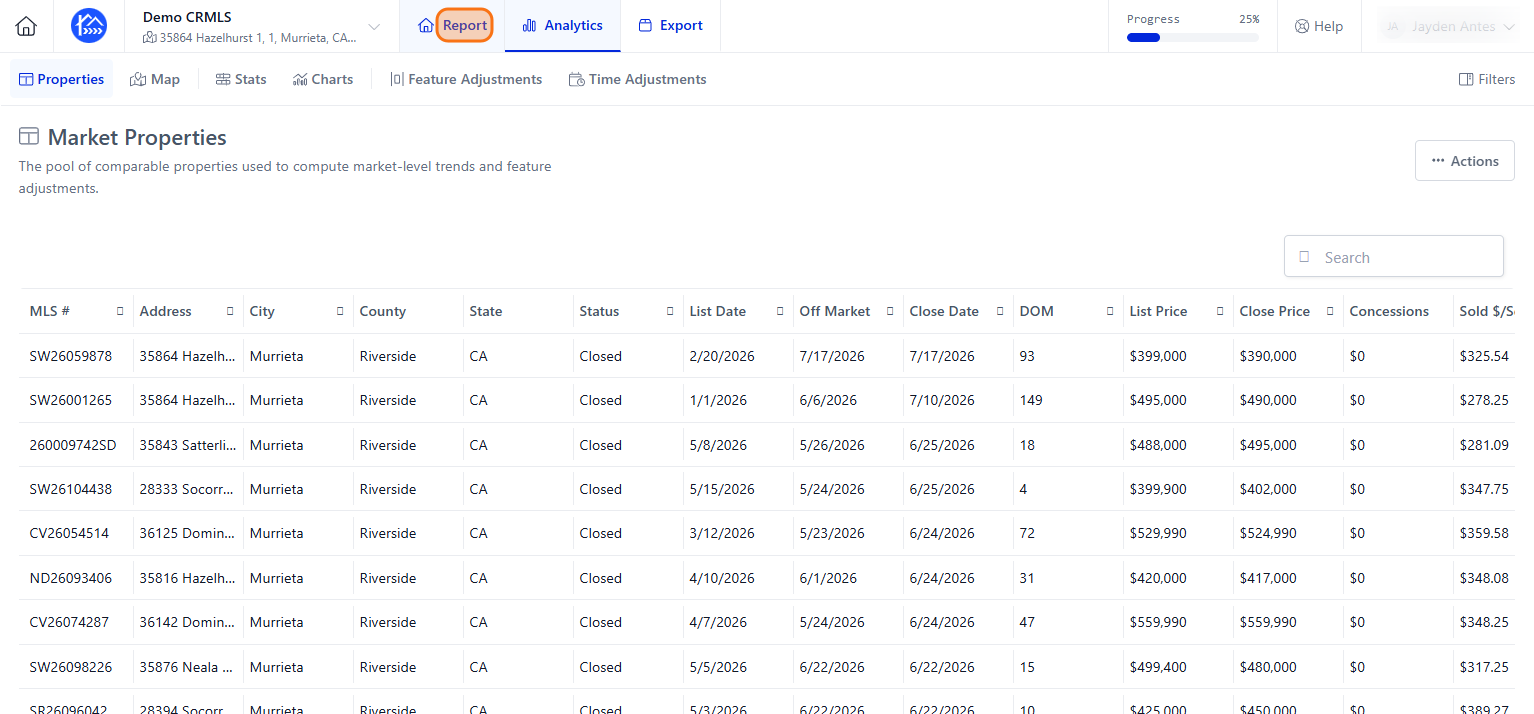
Click on "Report"
Step 3
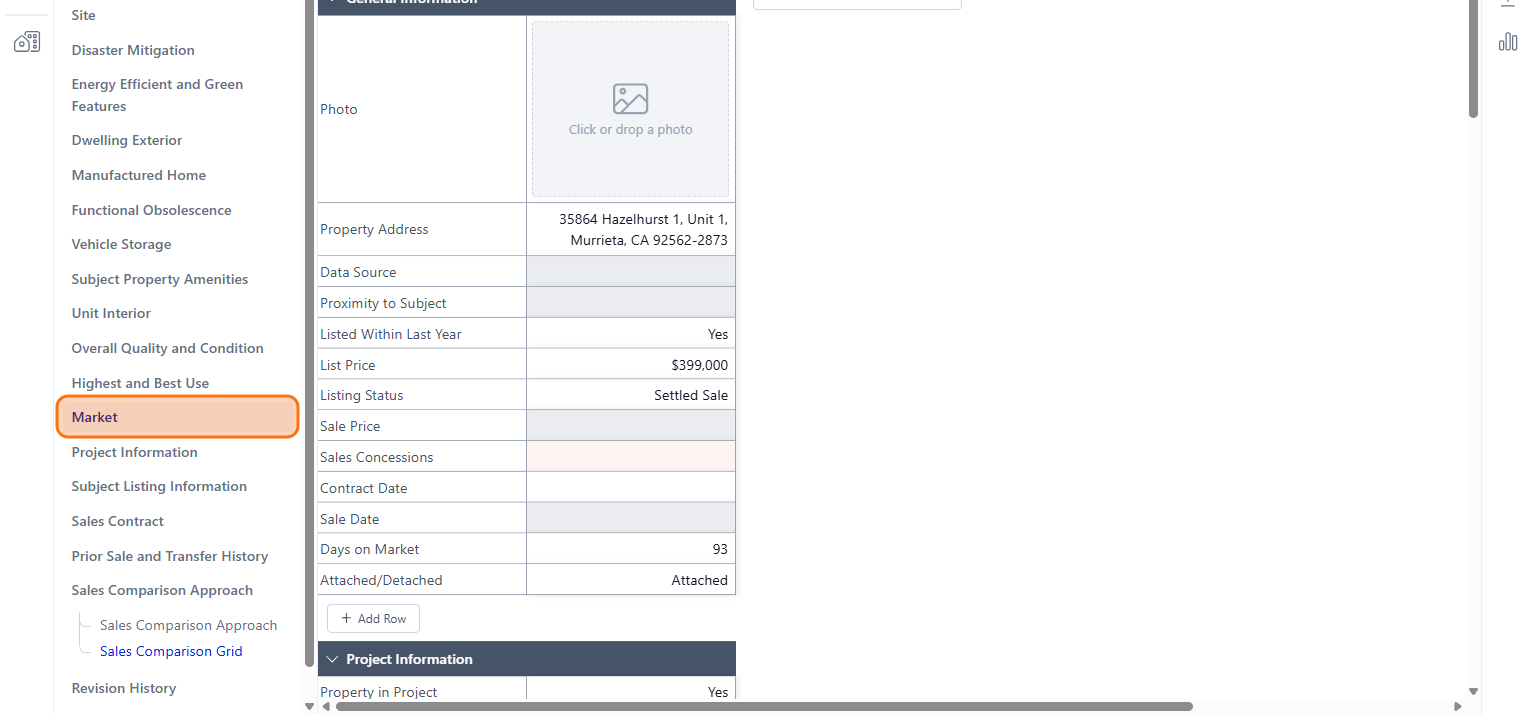
Click on "Market"
Step 4
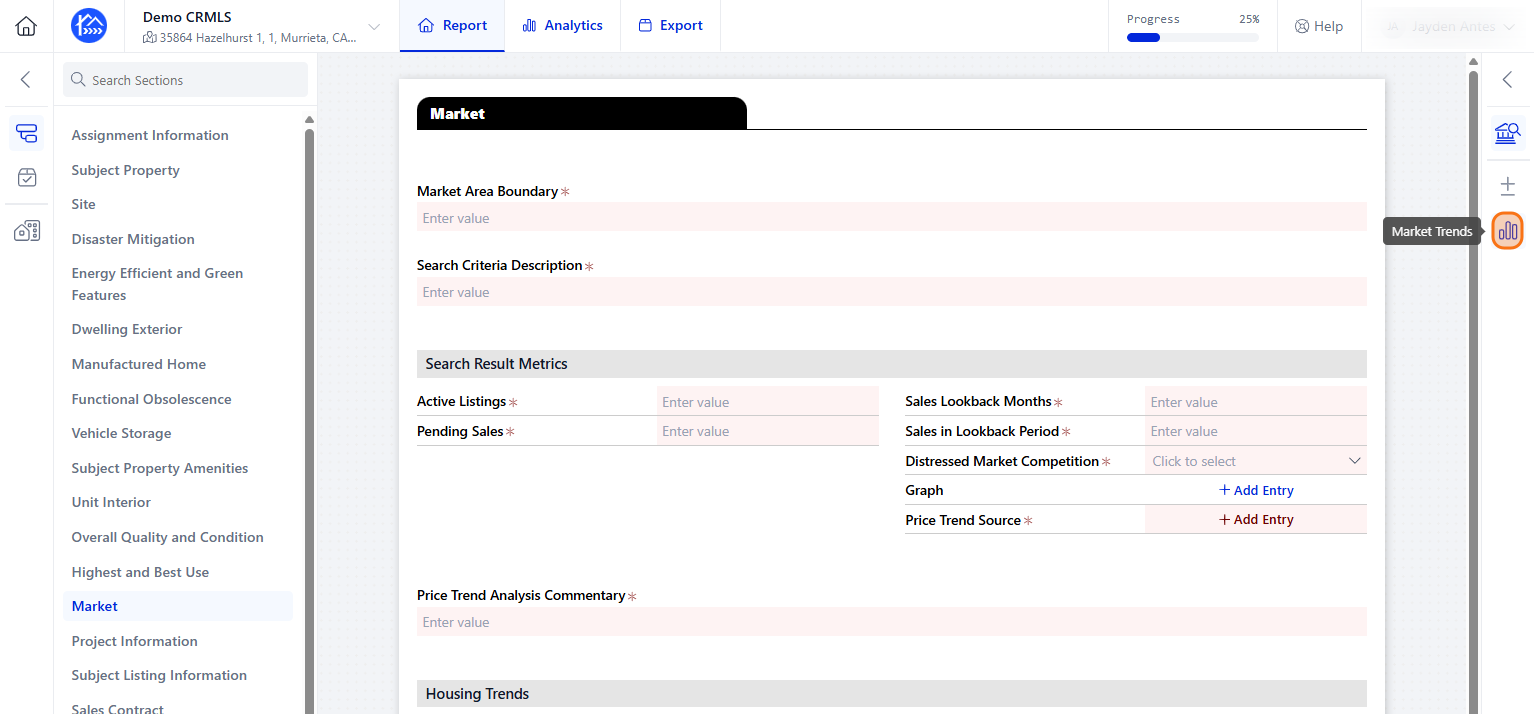
On the right side click on "Market Trends"
Step 5
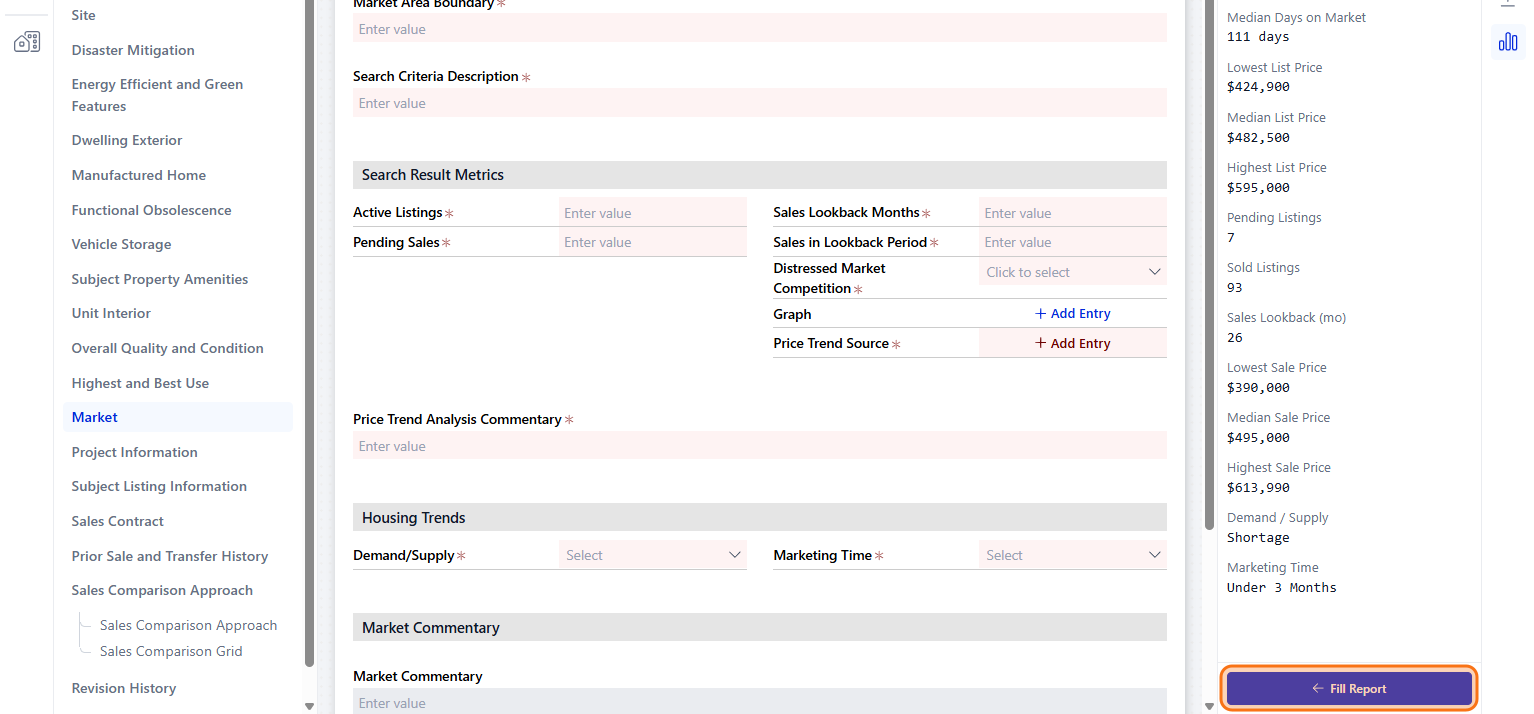
Click on "Fill Report"
Step 6
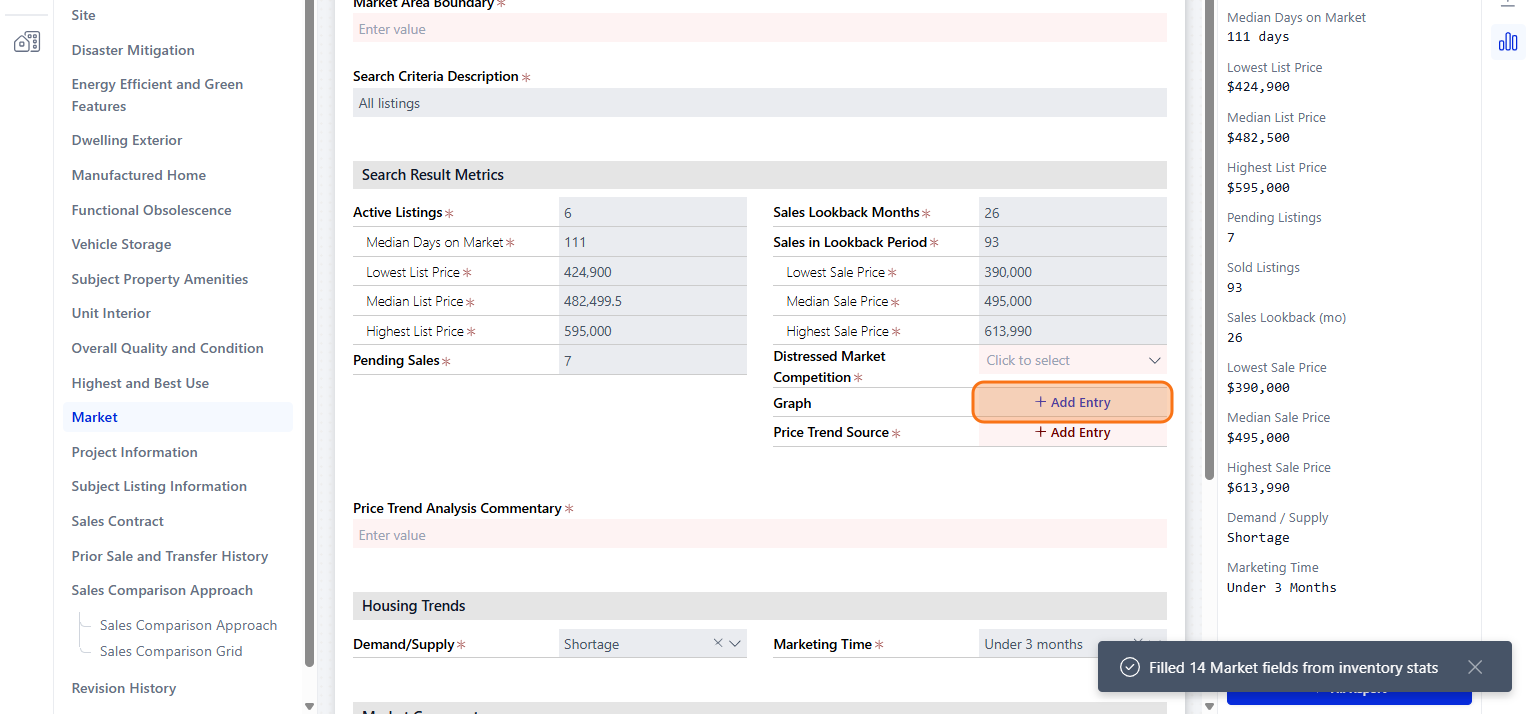
You can also add graphs by clicking on " Add Entry"