How to Import Market Data into DataMaster
This guide walks you through importing market data into DataMaster.
Step 1
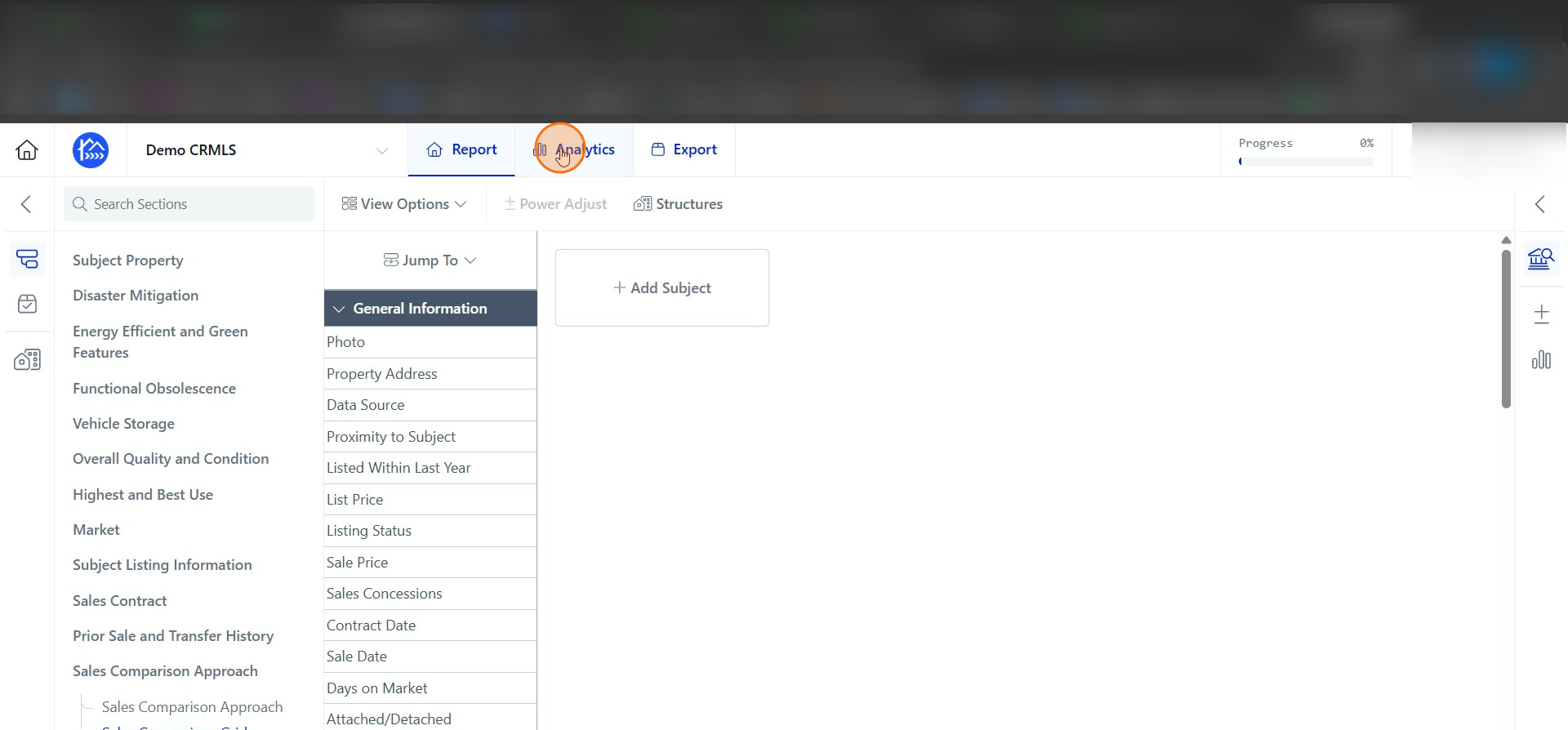
Click Analytics.
Step 2
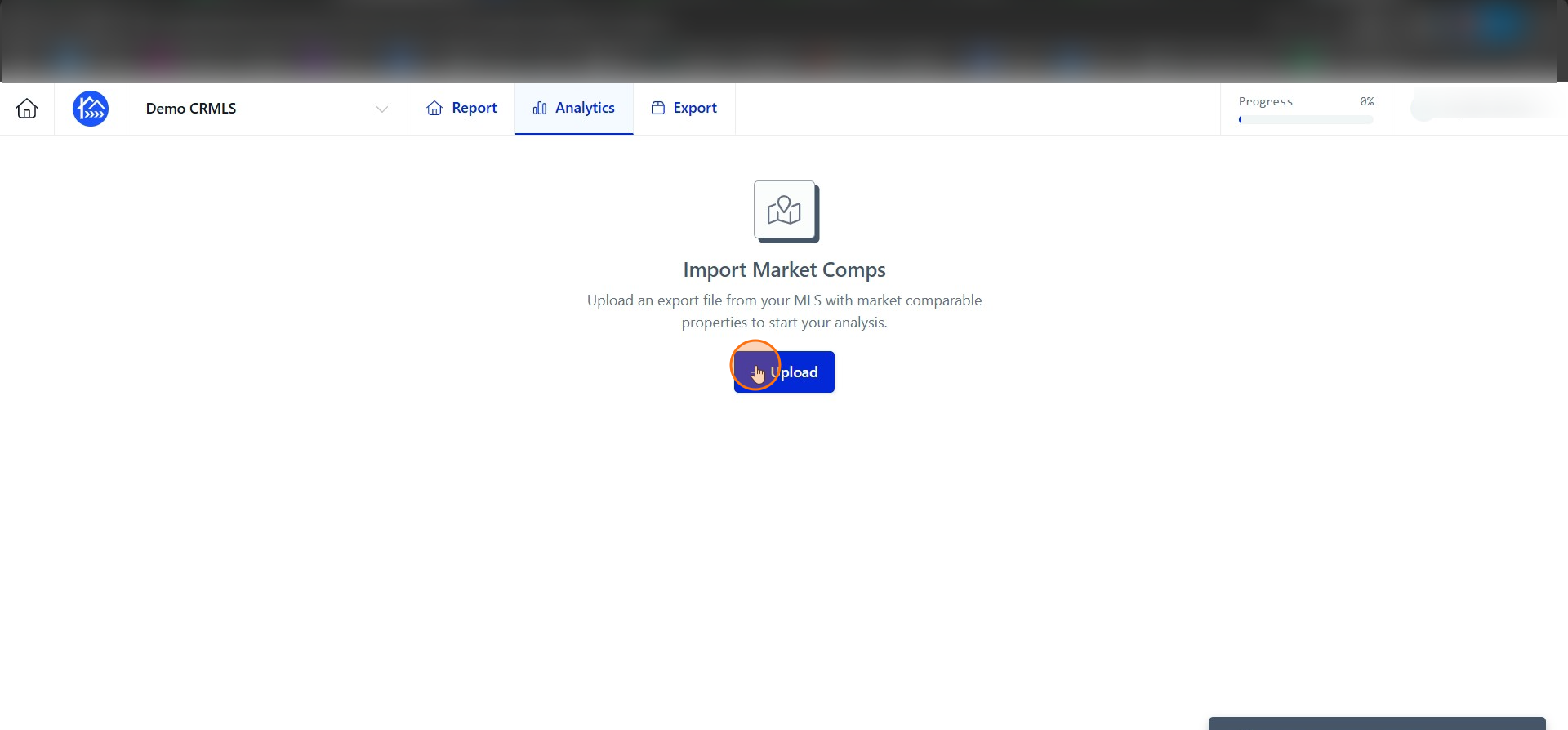
Click Upload to import your market comps file.
Step 3
Click click here to upload an MLS export file.
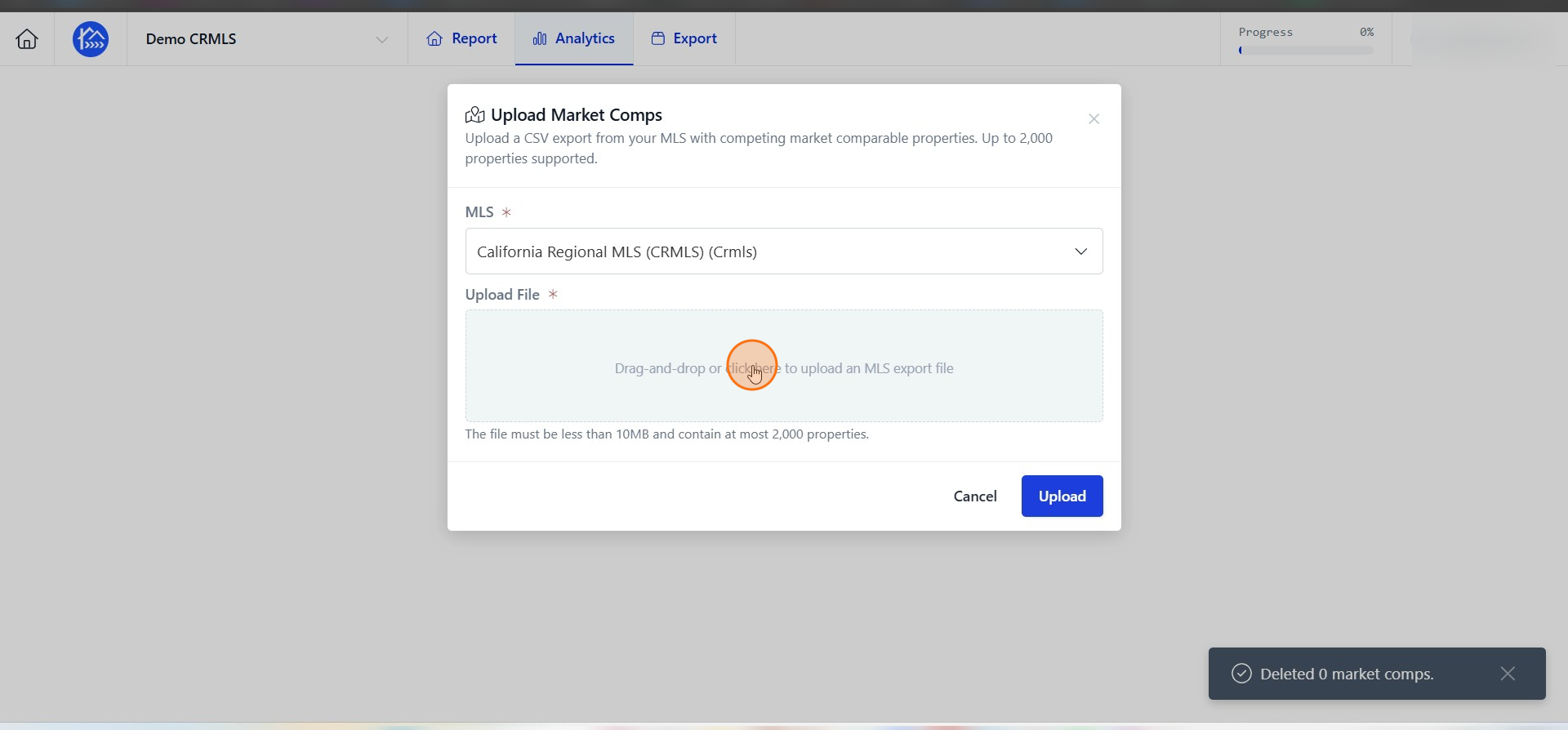
Step 4
Navigate to your Downloads folder or wherever you have saved your market export from your MLS.
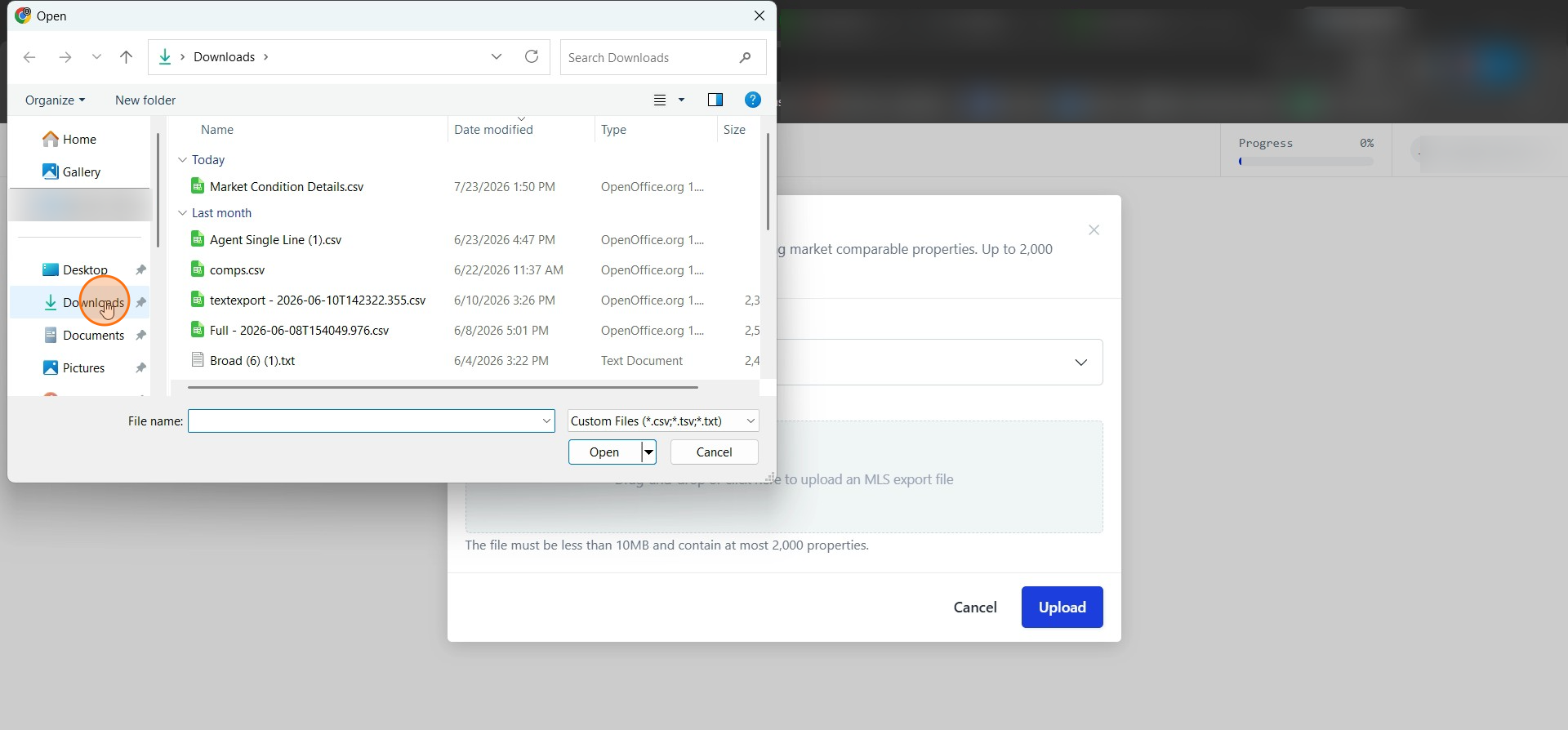
Step 5
Click on your file.
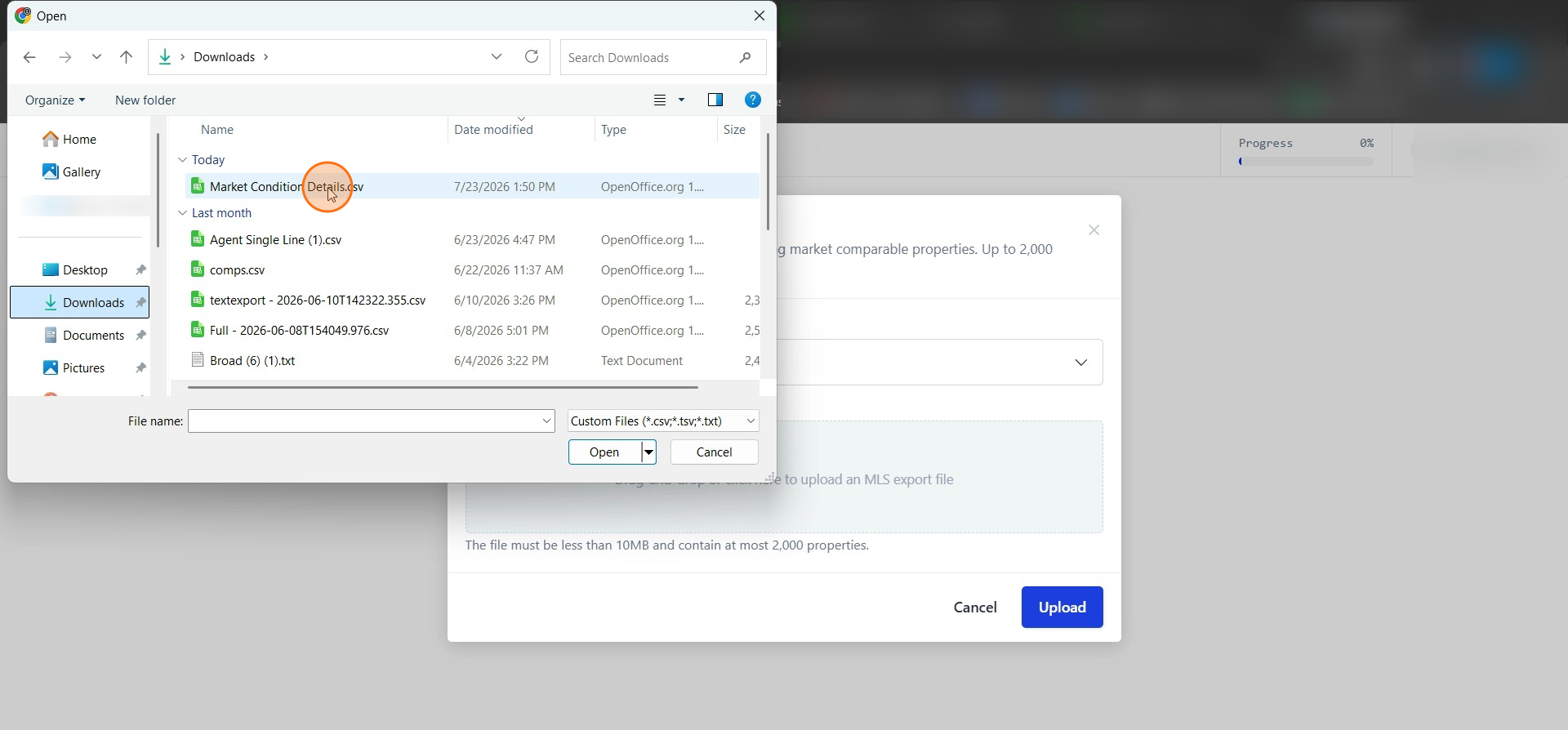
Step 6
Click Open to upload the selected file.
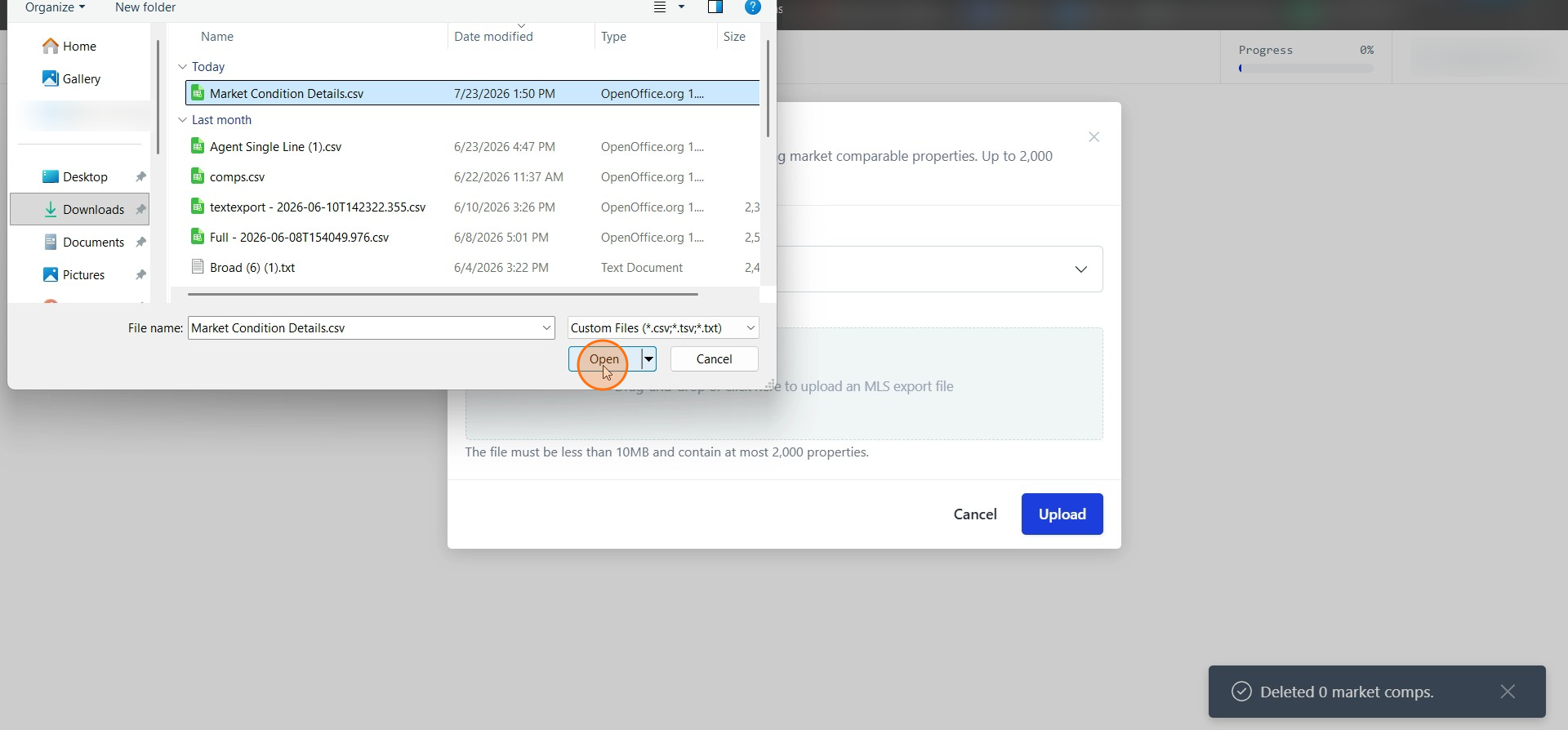
Step 7
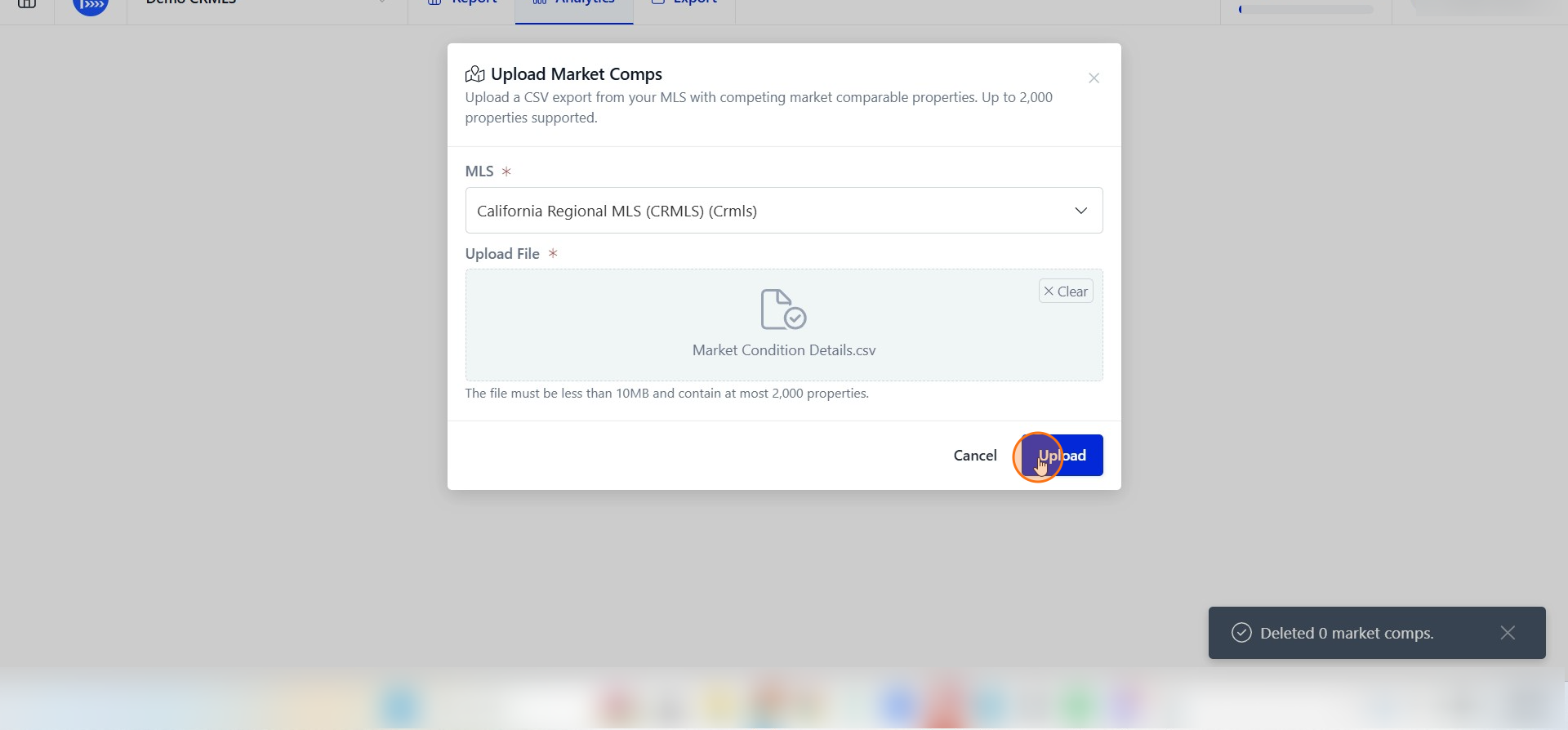
Click Upload to submit the market comps file.
Step 8
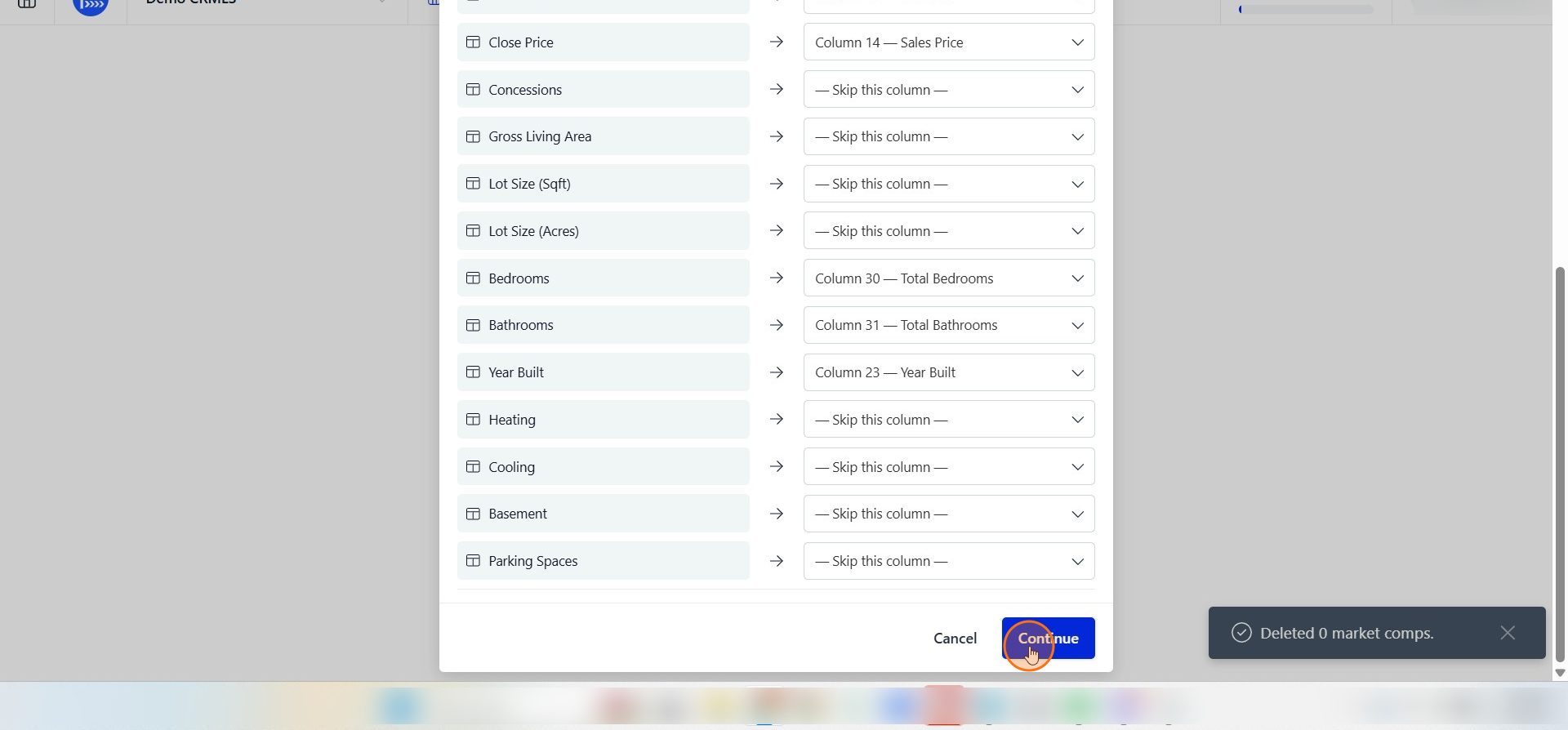
If you know how your export file is formatted you can verify its mapping here otherwise click Continue to proceed.
Step 9
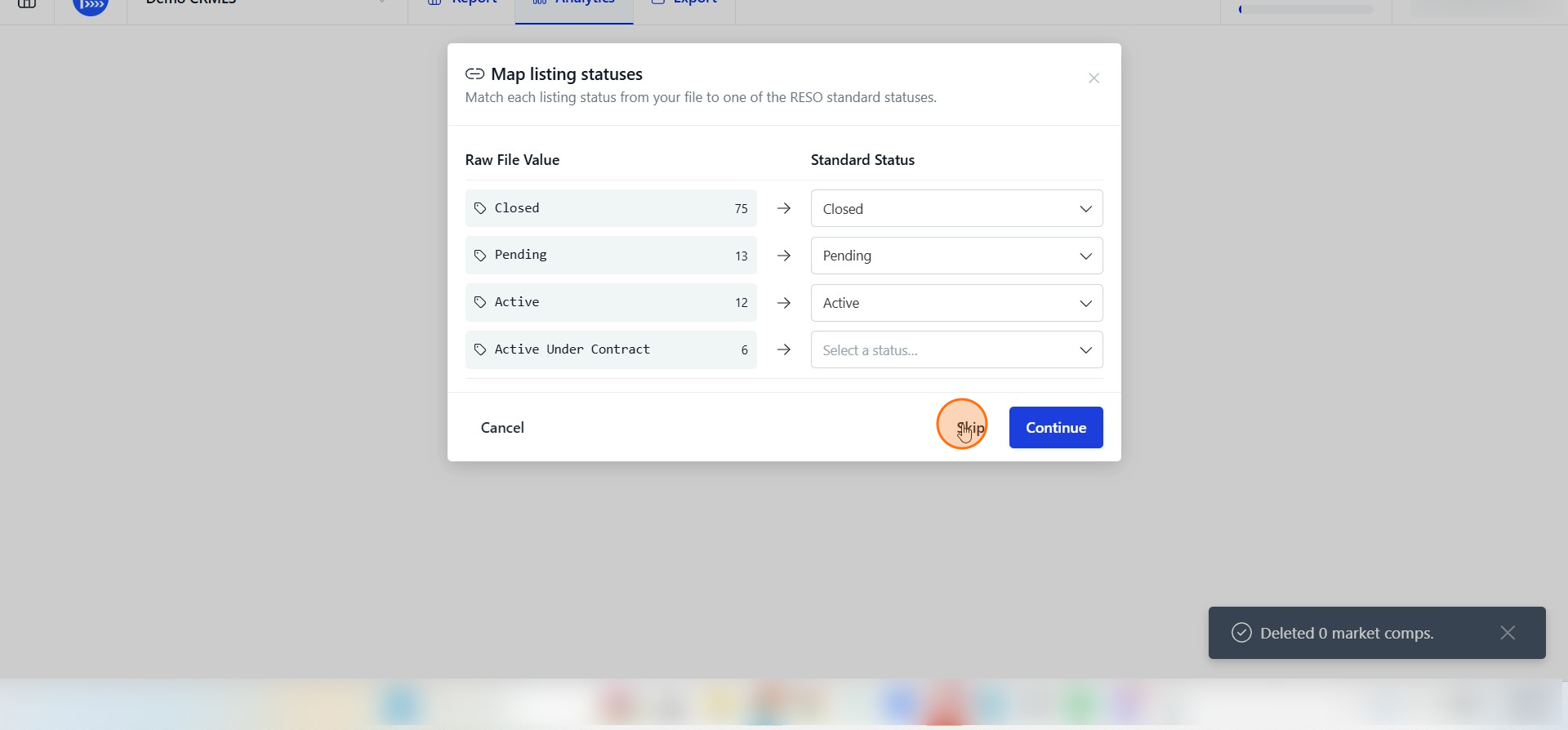
Click Skip to bypass the status mapping step.
Step 10
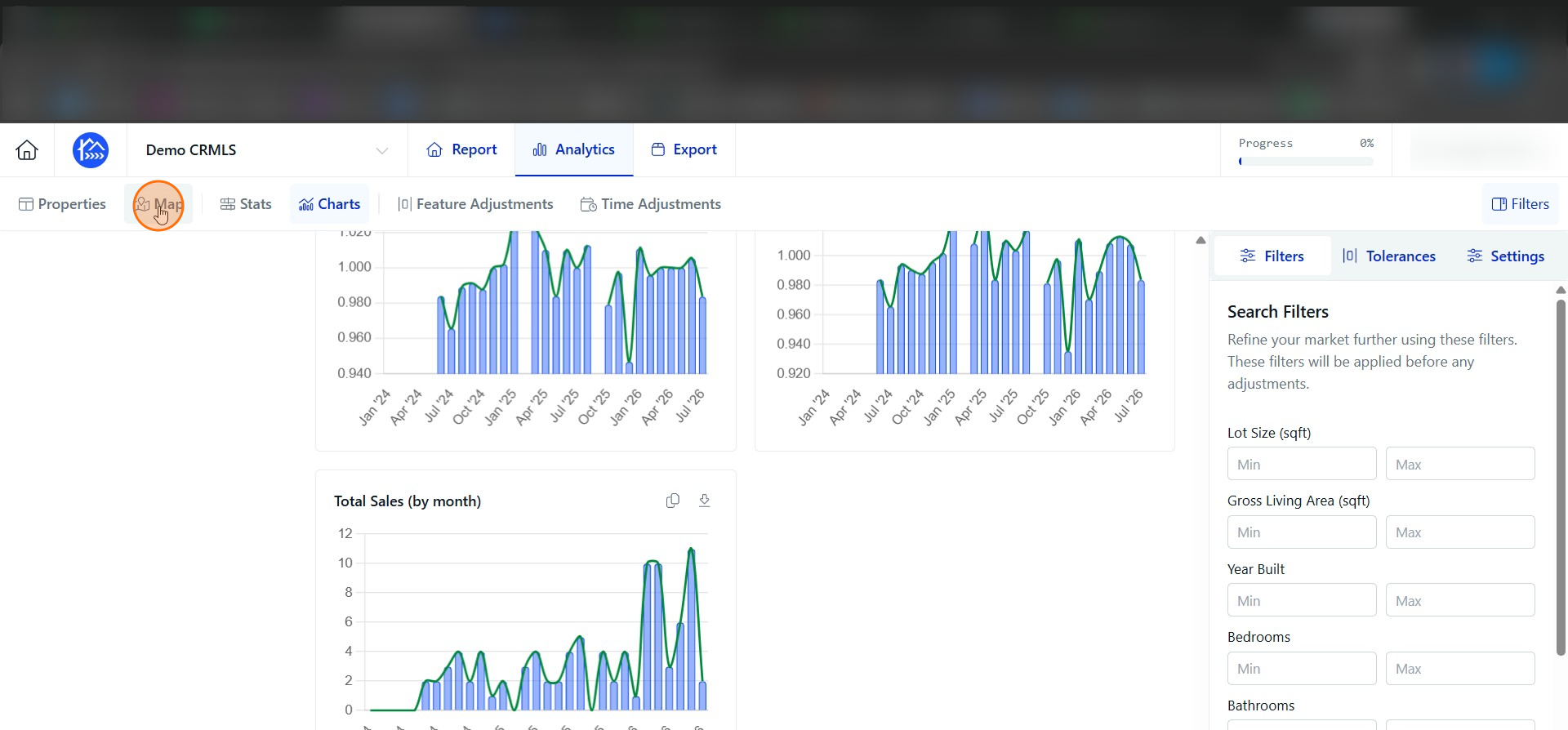
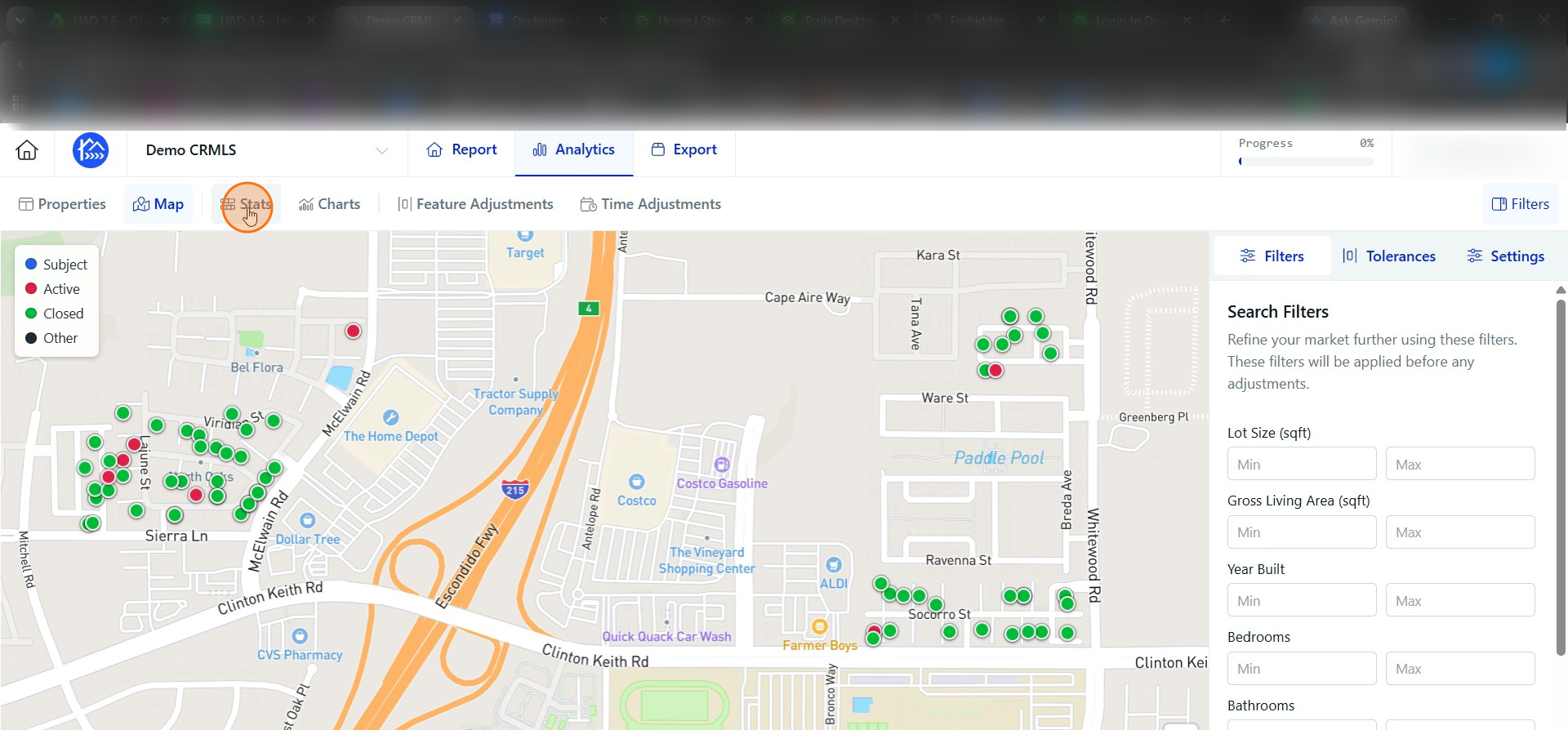
Now that your data is uploaded to DataMaster let's explore the features. Click Map to switch to the map view.
Step 11
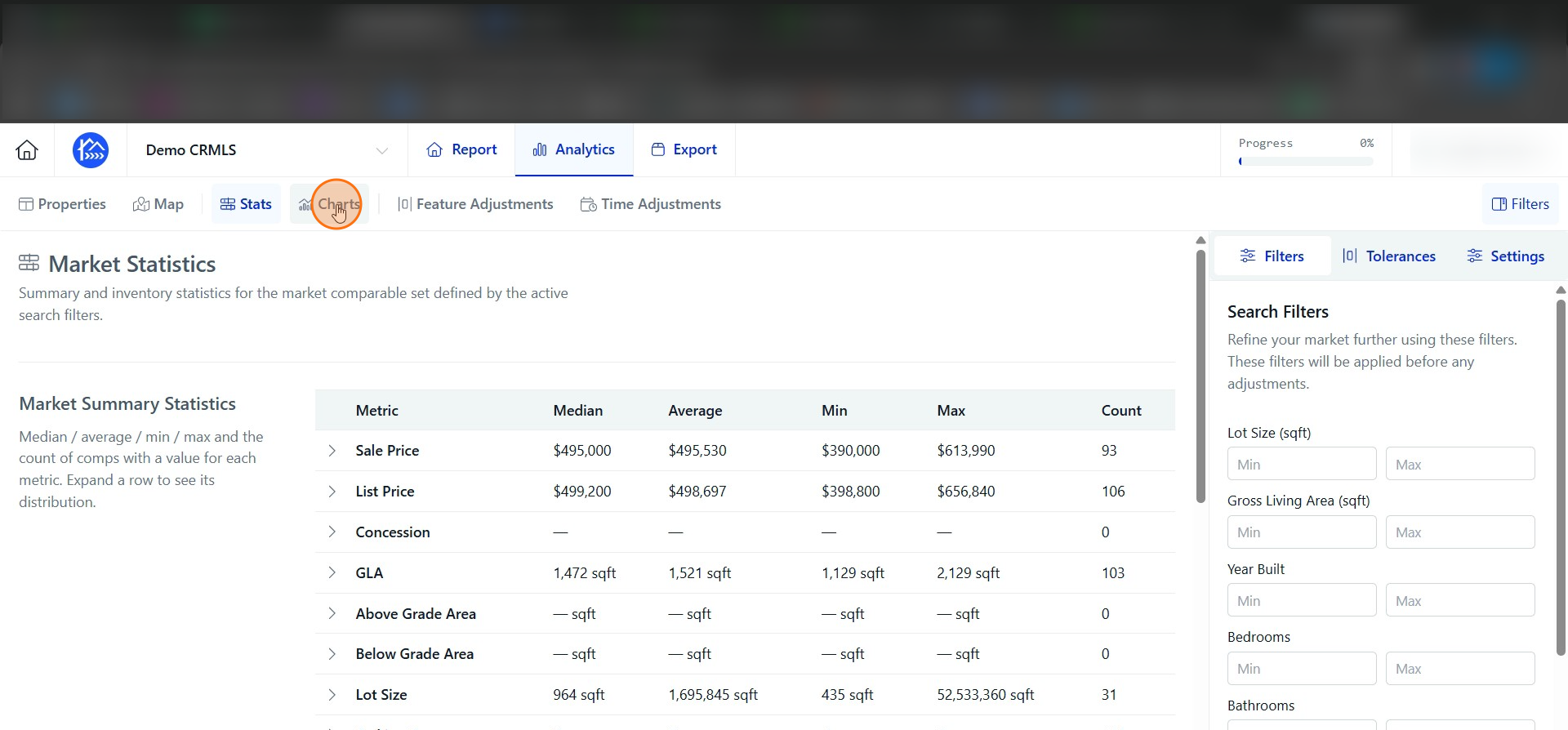
Click Stats to view the analytics summary.
Step 12
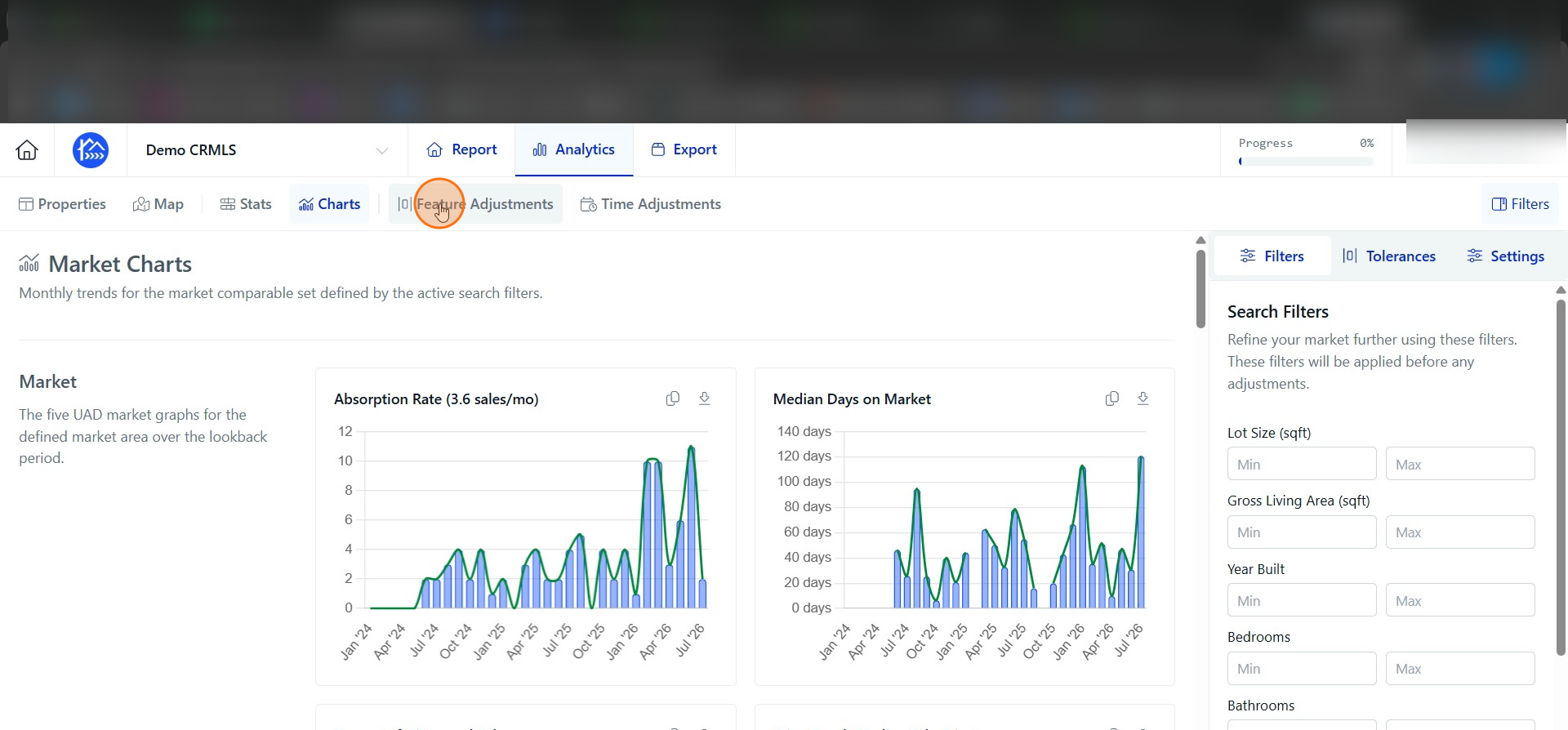
Click Charts to view the market statistics charts.
Step 13
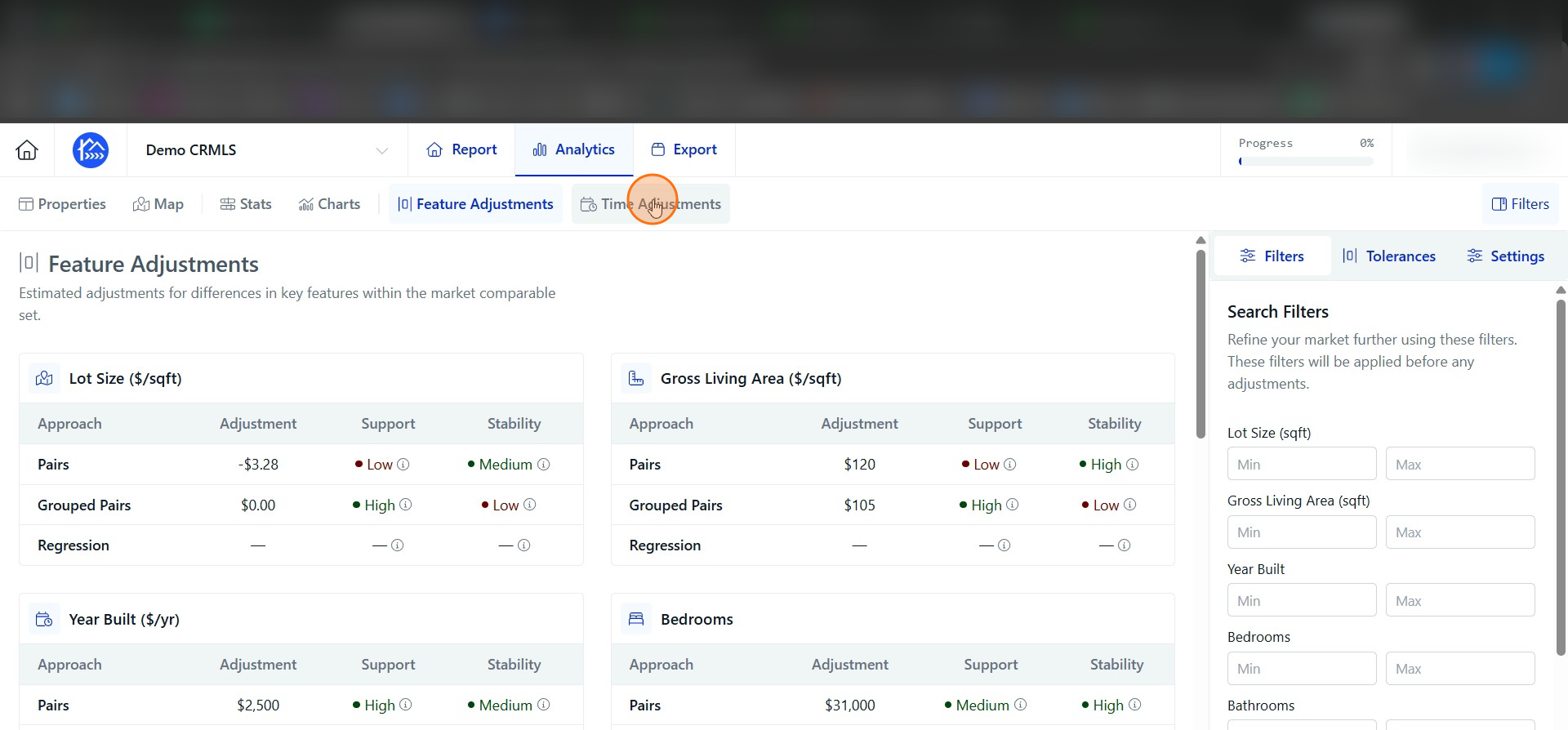
Click Feature Adjustments to open the adjustment options.
Step 14
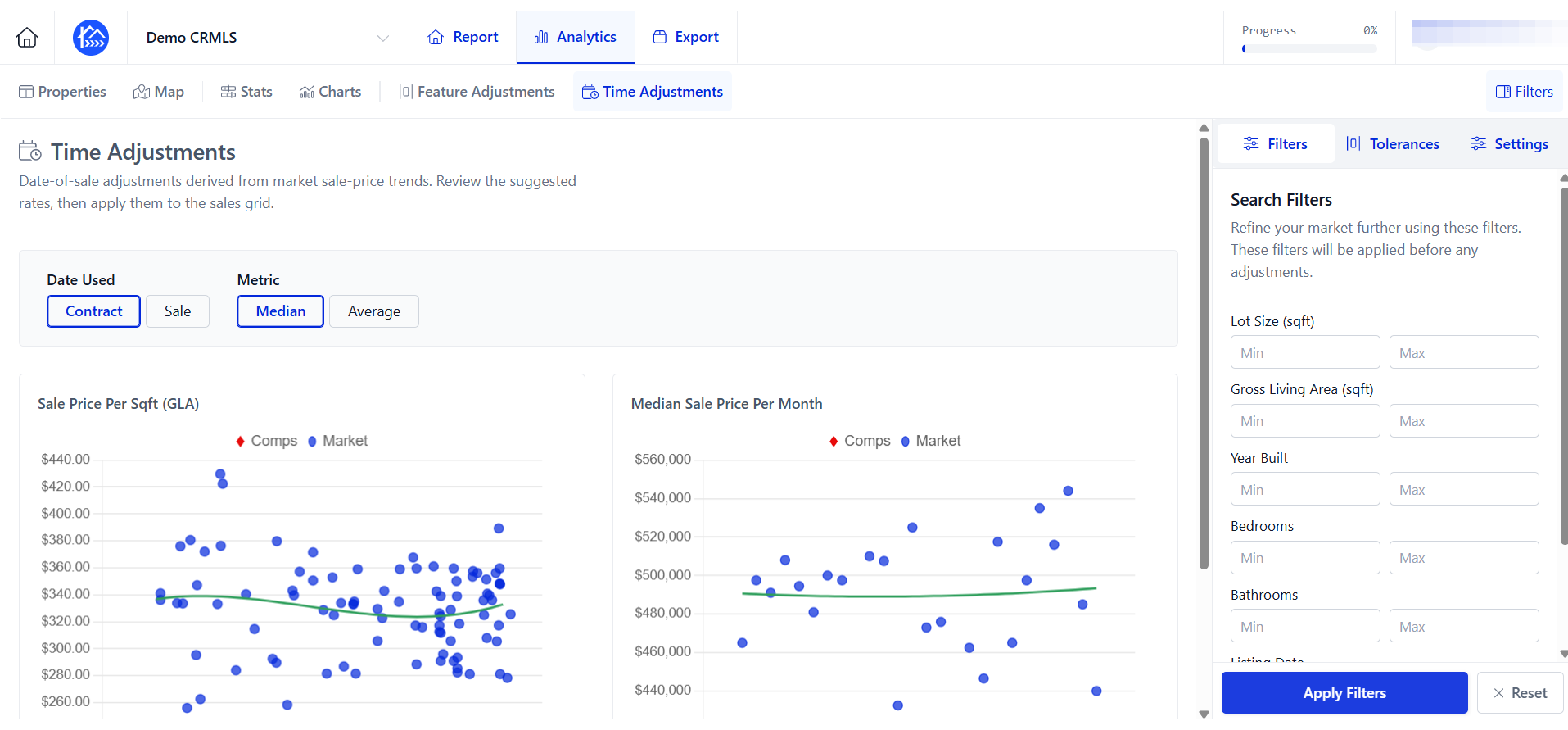
Click Time Adjustments.