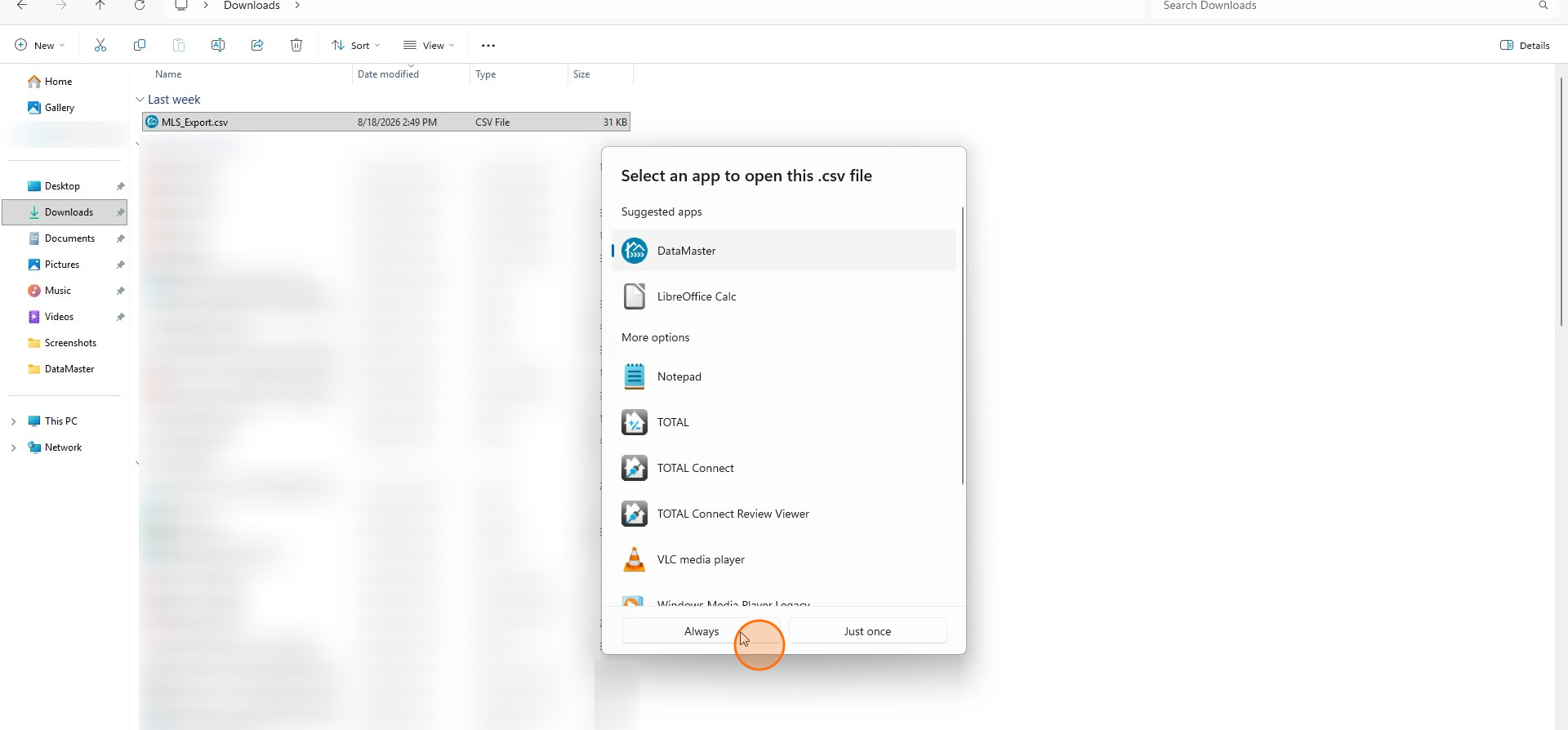
How to Associate your MLS Exports to DataMaster
Edited
This guide walks you through associating your MLS exports so they load directly into DataMaster.
Step 1
Once you have exported a file from your MLS navigate to File Explorer.
Step 2
Click Downloads in the left pane.
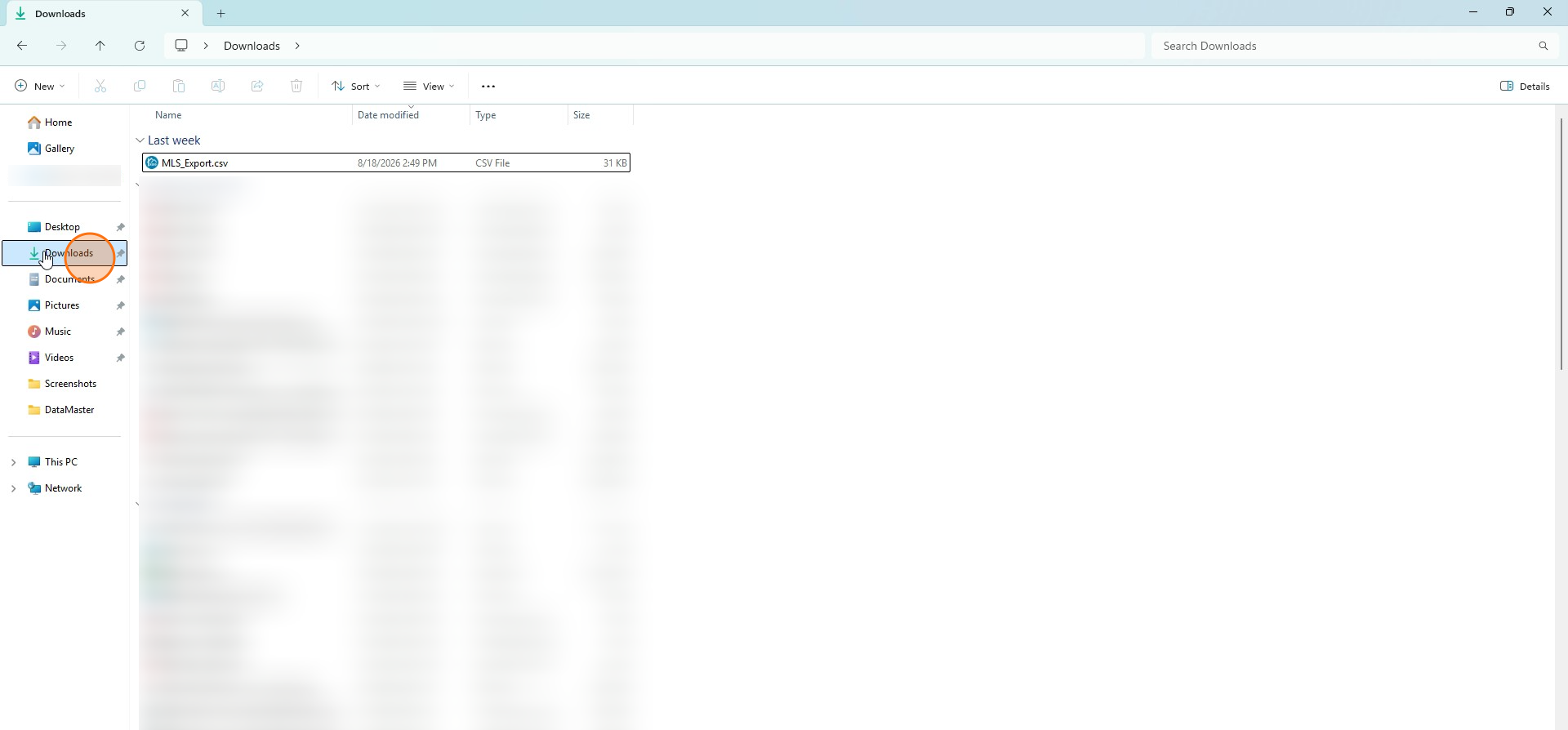
Step 3
Left click once on your MLS export in Downloads. This should highlight the file.
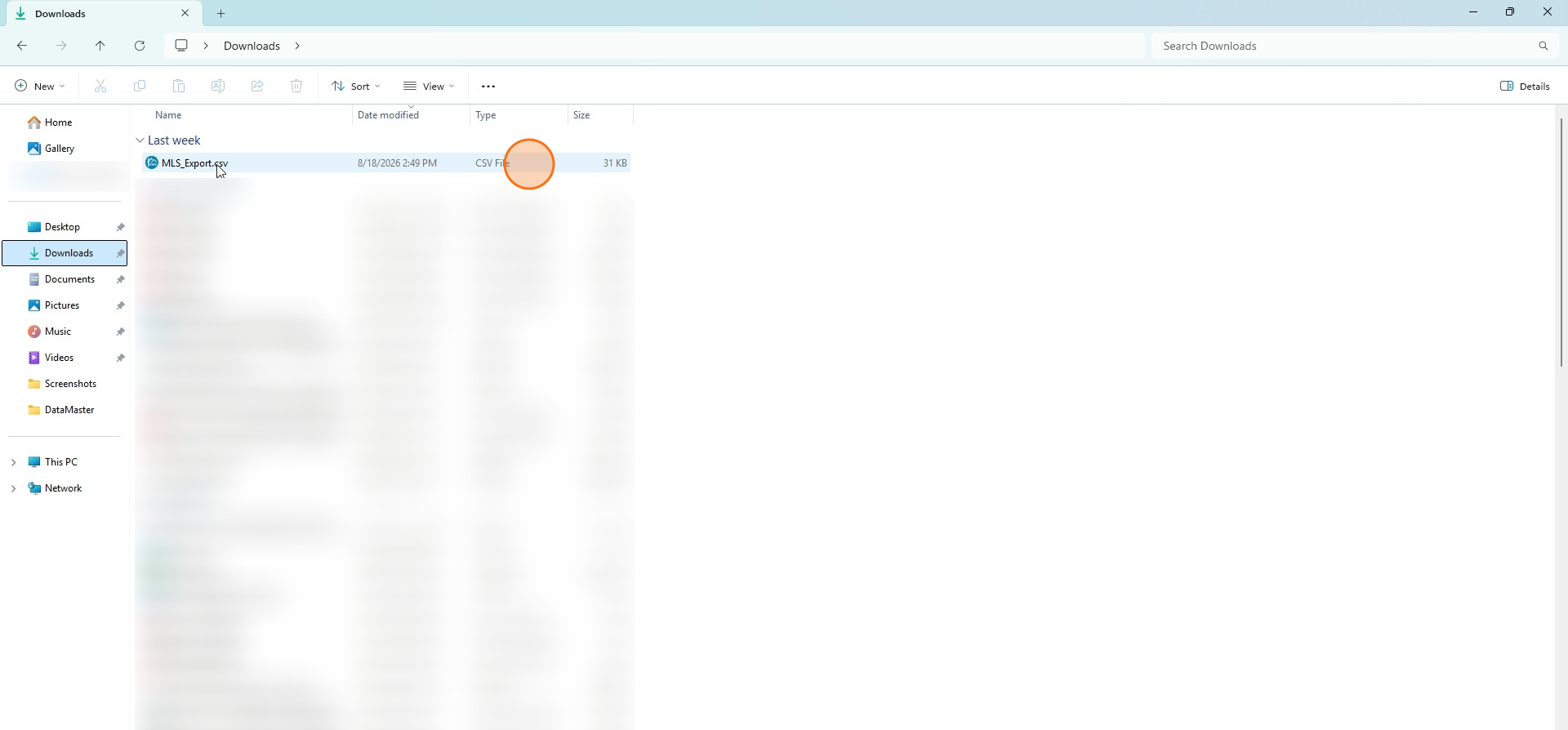
Step 4
Now right click the file to open file options.
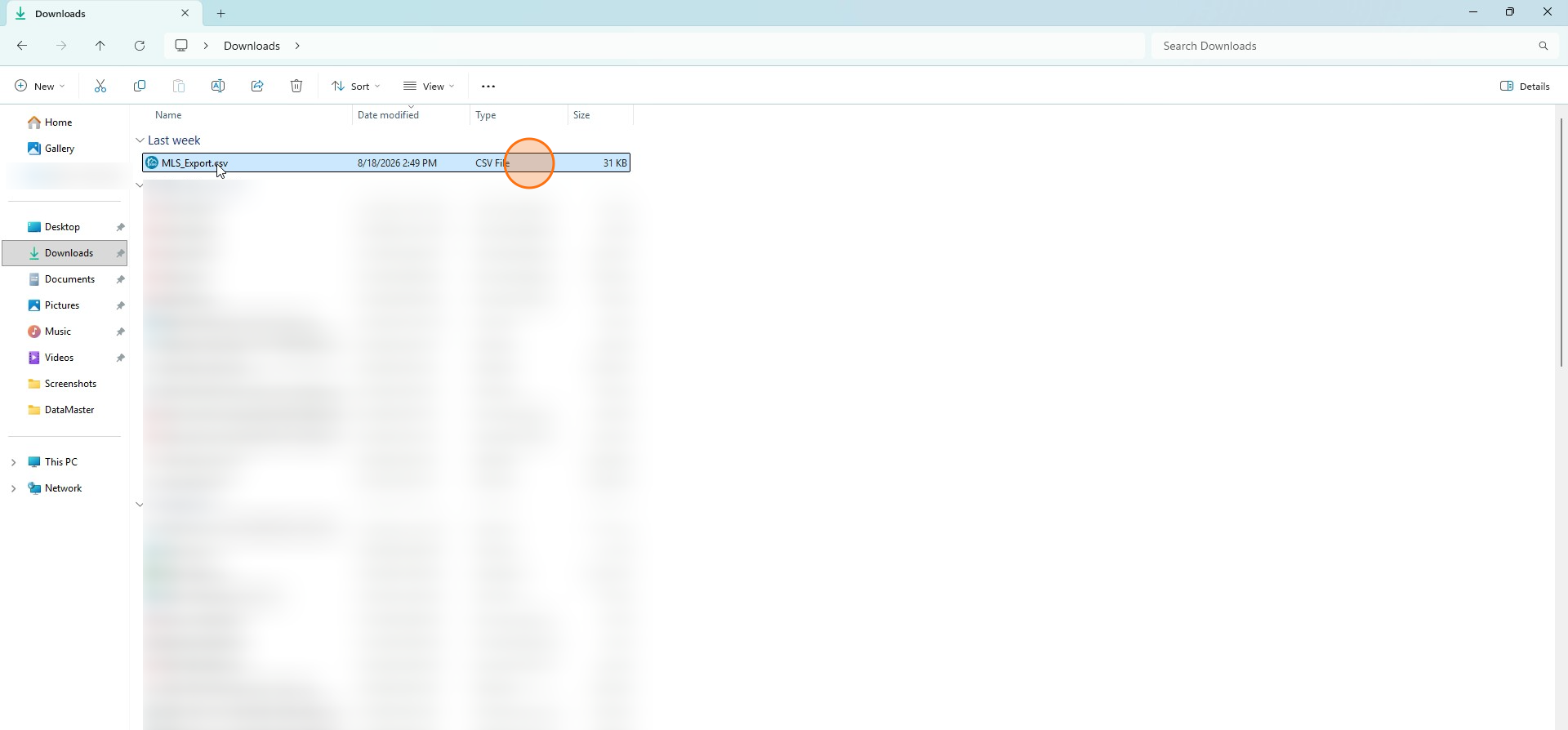
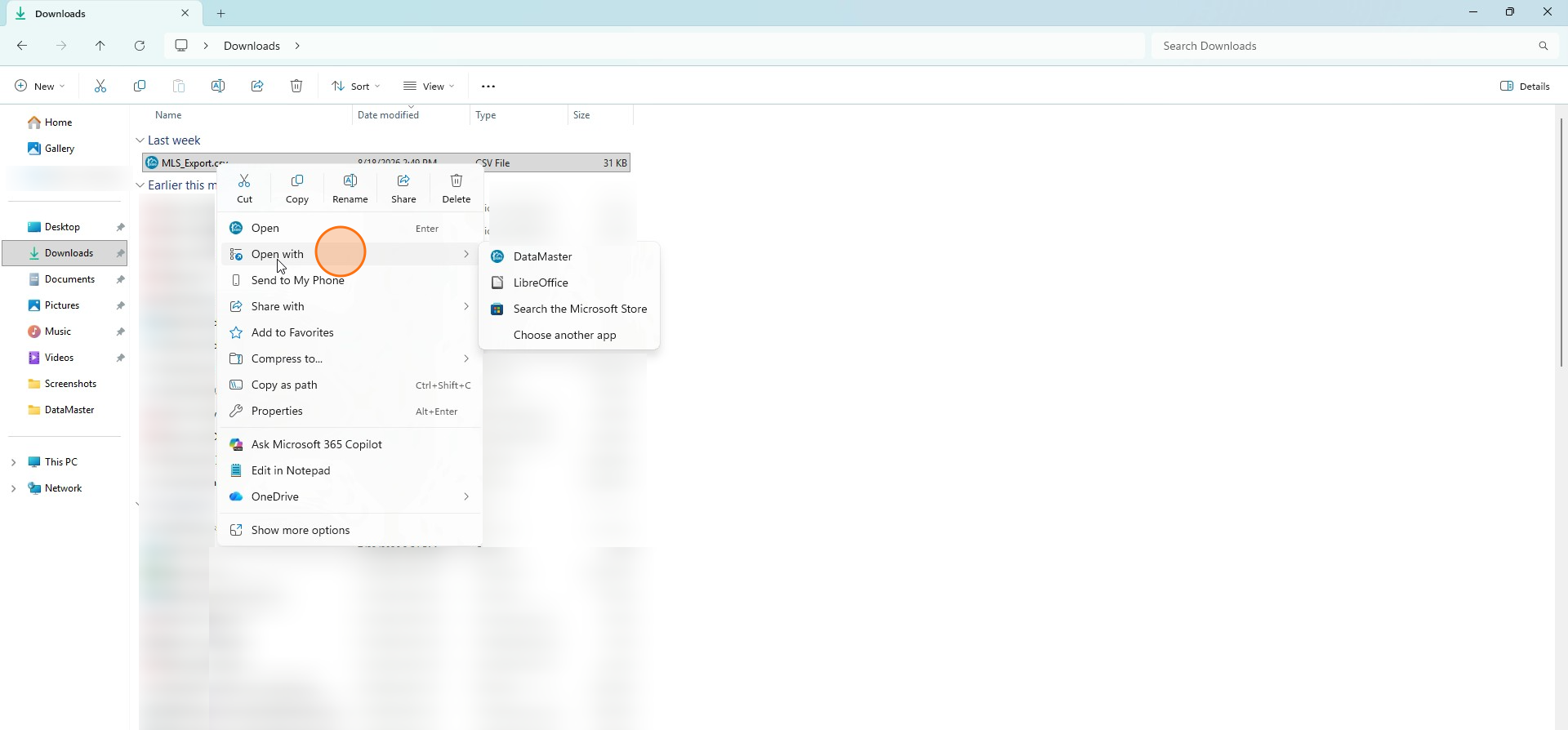
Step 5
Click Open with.
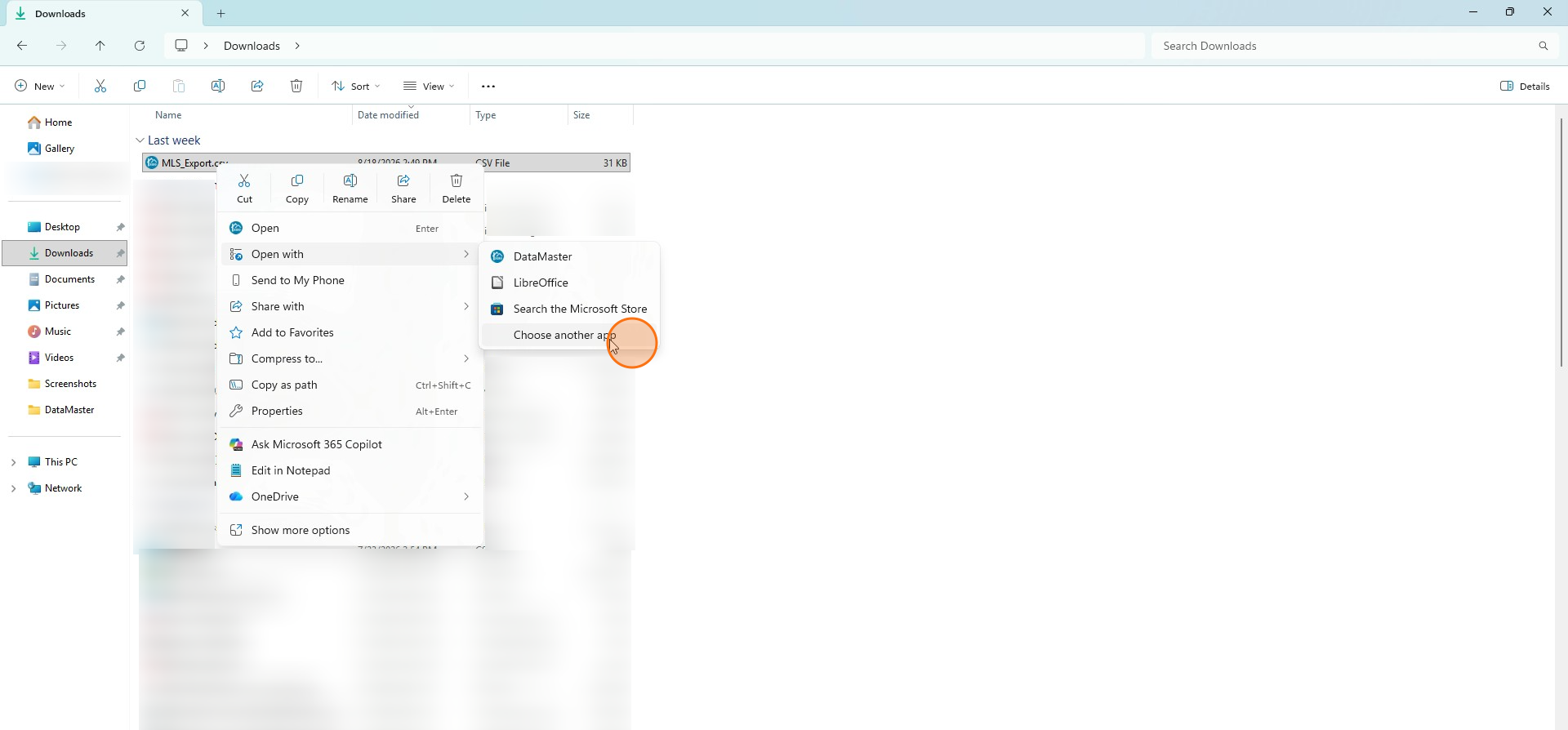
Step 6
Click Choose another app.
Step 7
Click DataMaster.
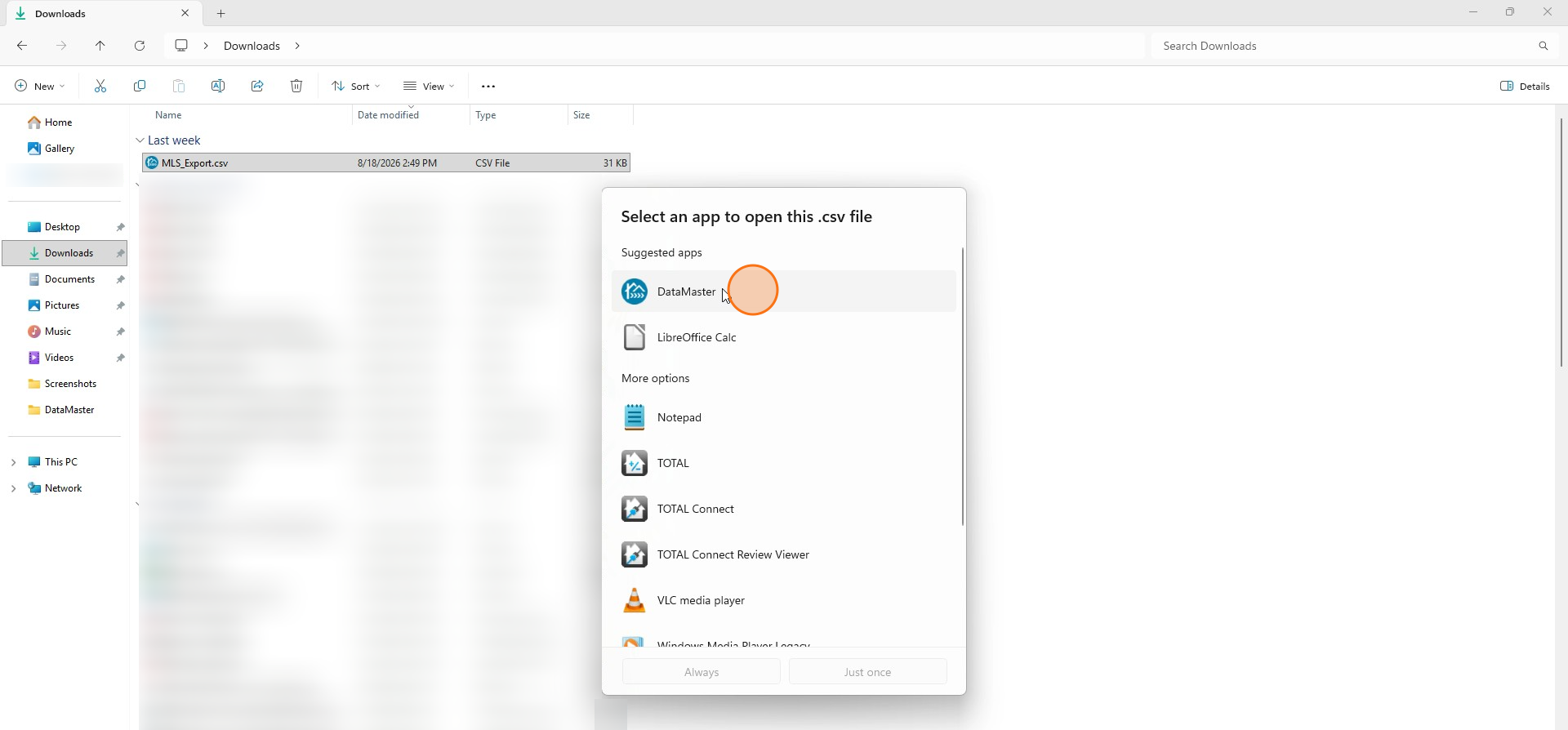
Step 8
Click Always. Now DataMaster is your default app.