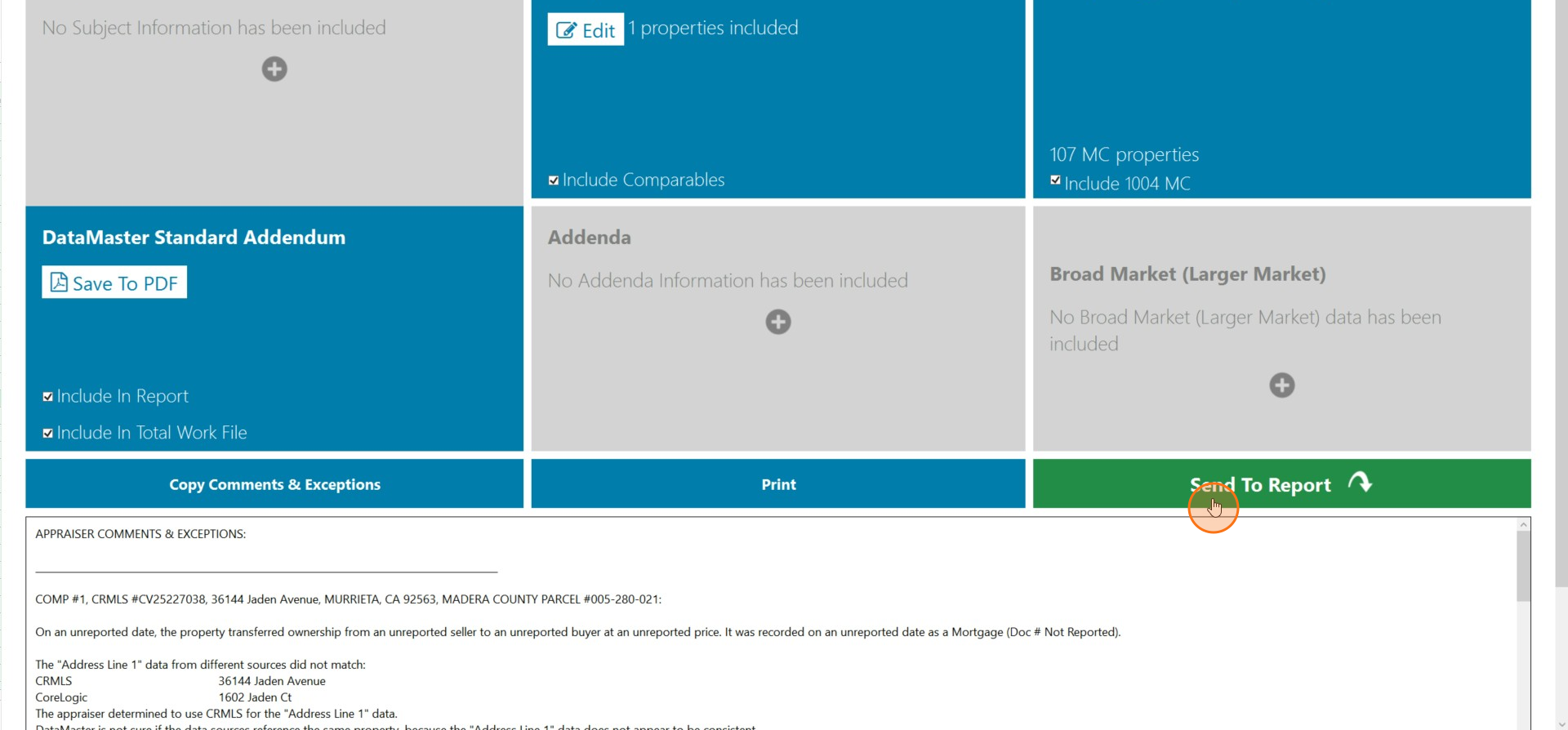
How to send Specific Comparables to Specific Positions in your Report
Edited
This guide will teach you how to send specific comparables into specific positions in your report.
Step 1
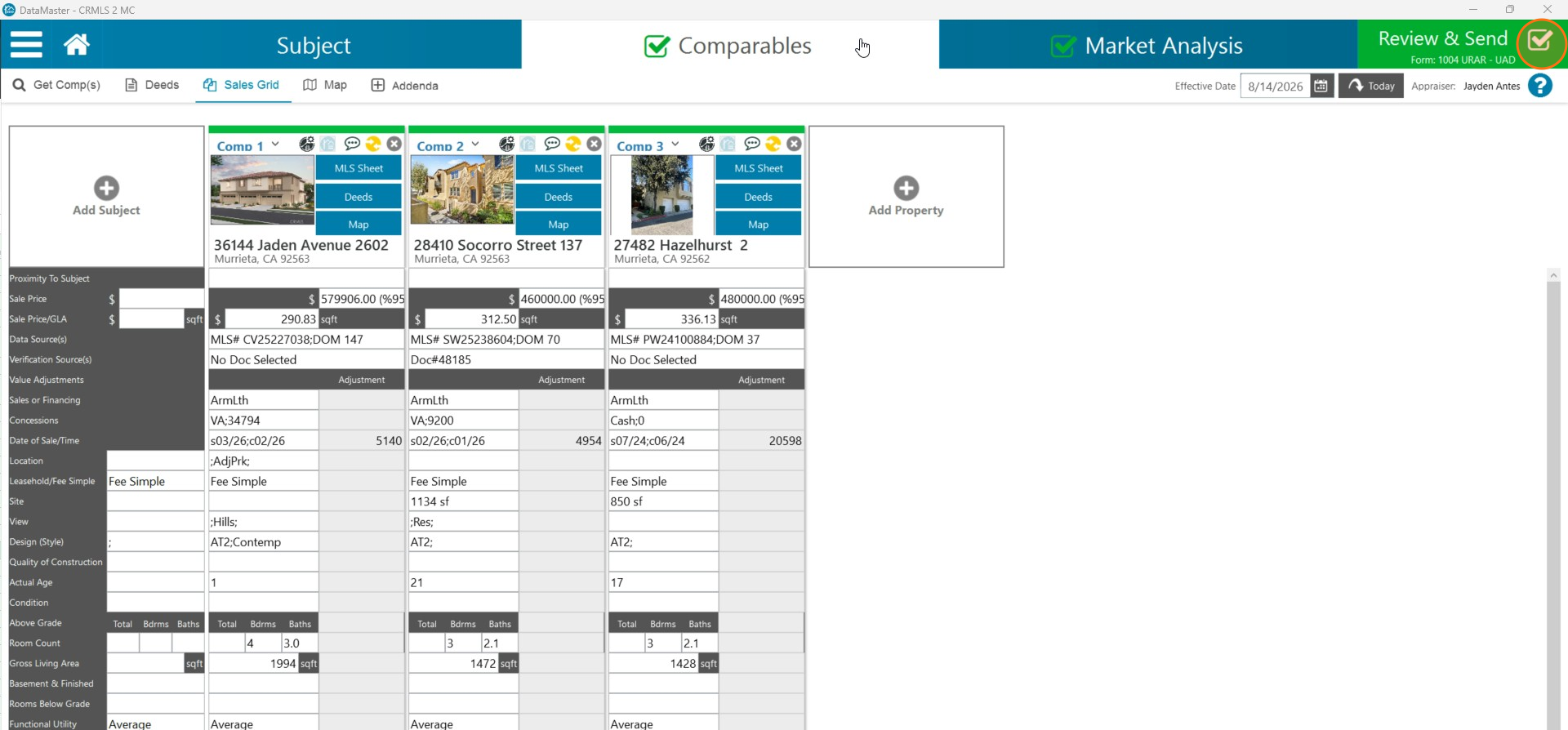
Once you have your comparables loaded into datamaster navigate to the Review & Send section.
Step 2
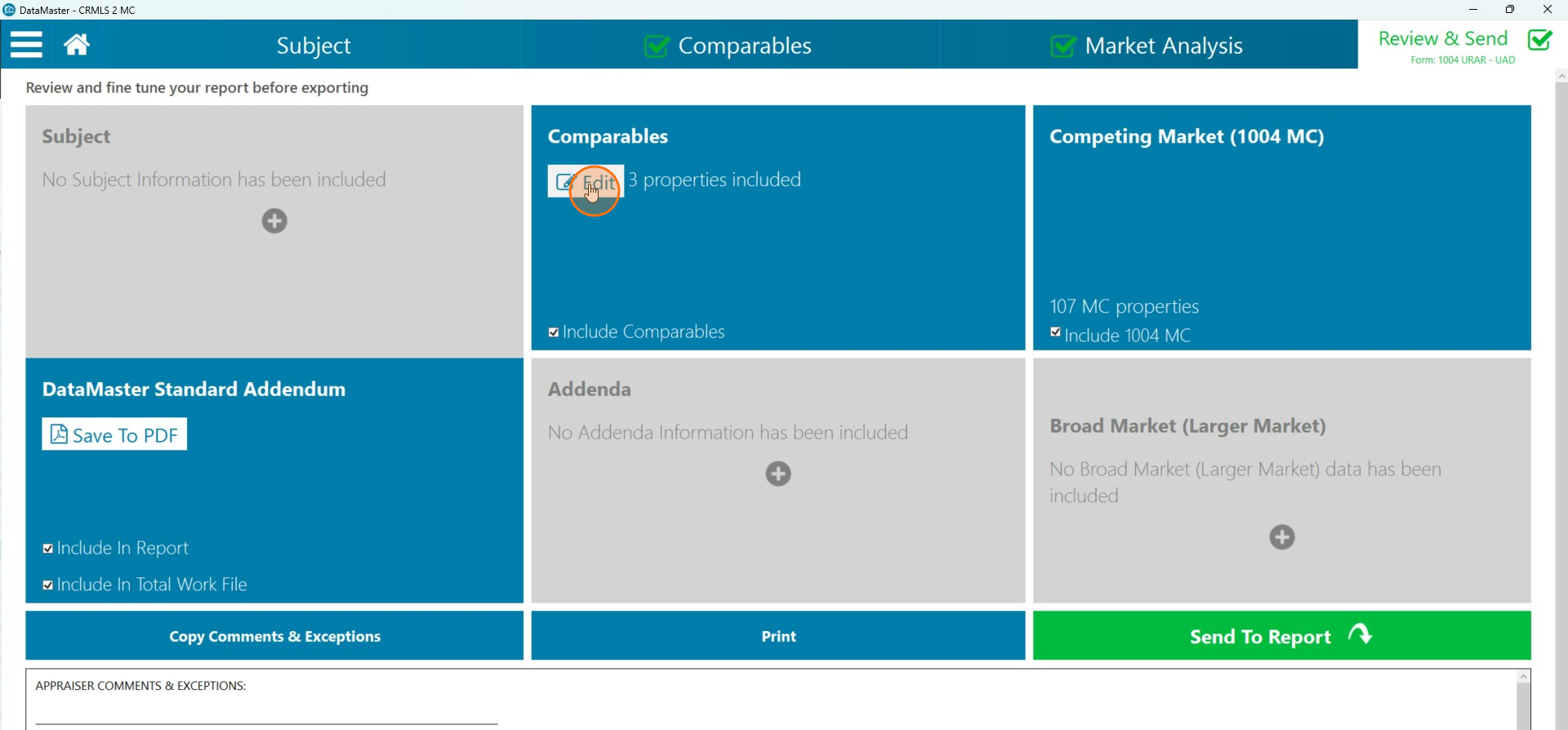
Click Edit in the Comparables section.
Step 3
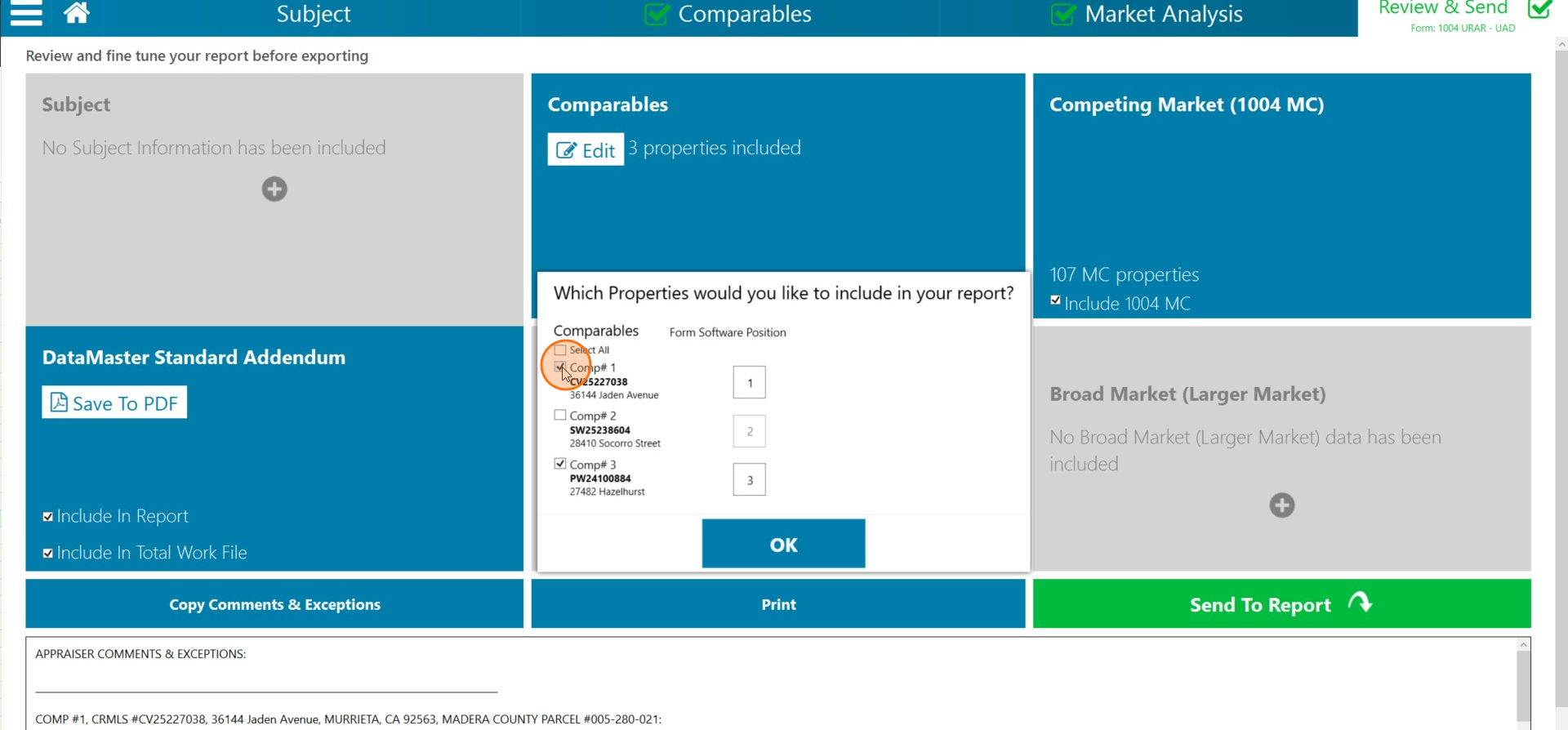
Uncheck the comparables you do not want to send to the report
Step 4
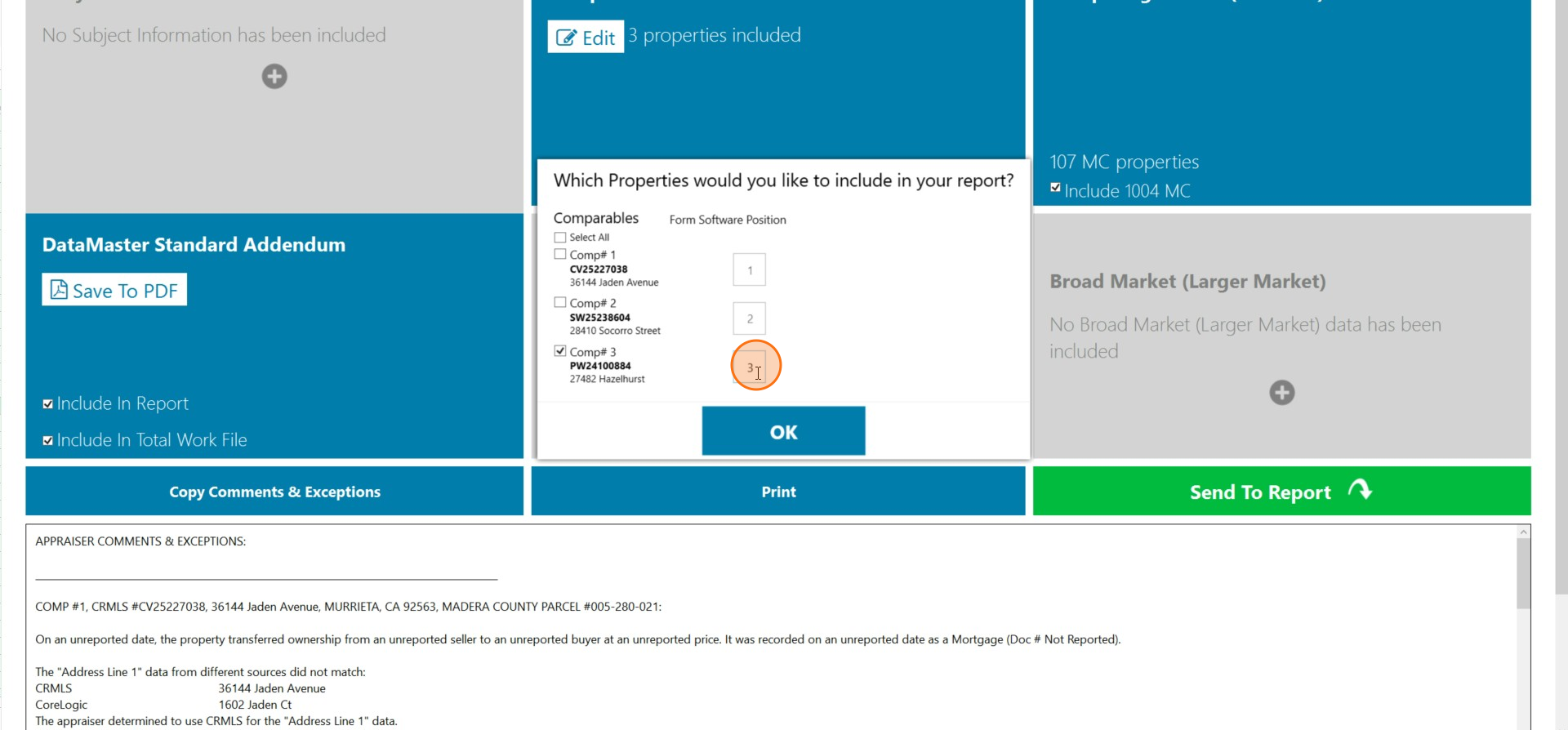
Click on the Form Software Position box next to the comparable you want to send to the report.
Step 5
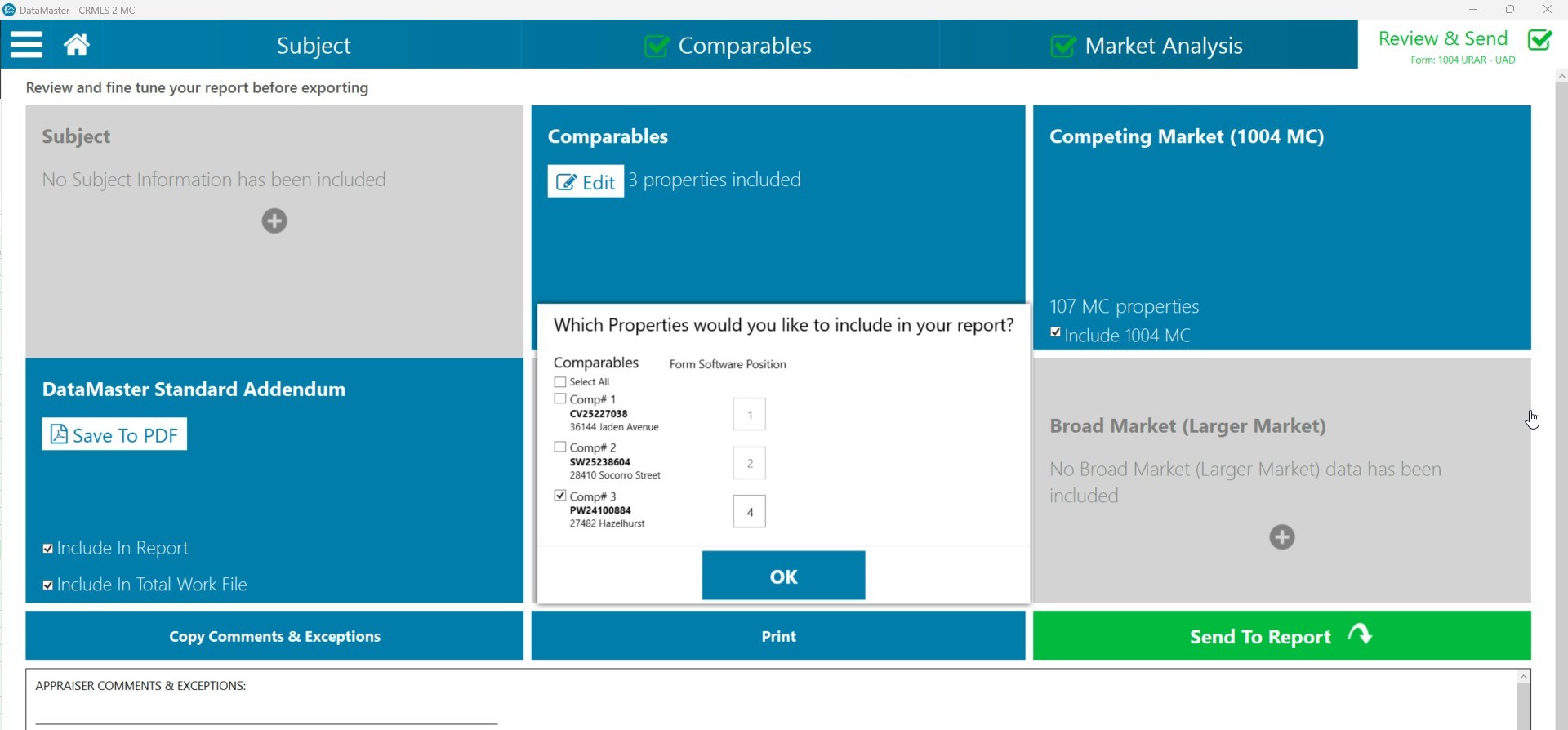
Type in the desired position for the comparable in the selected box.
Step 6
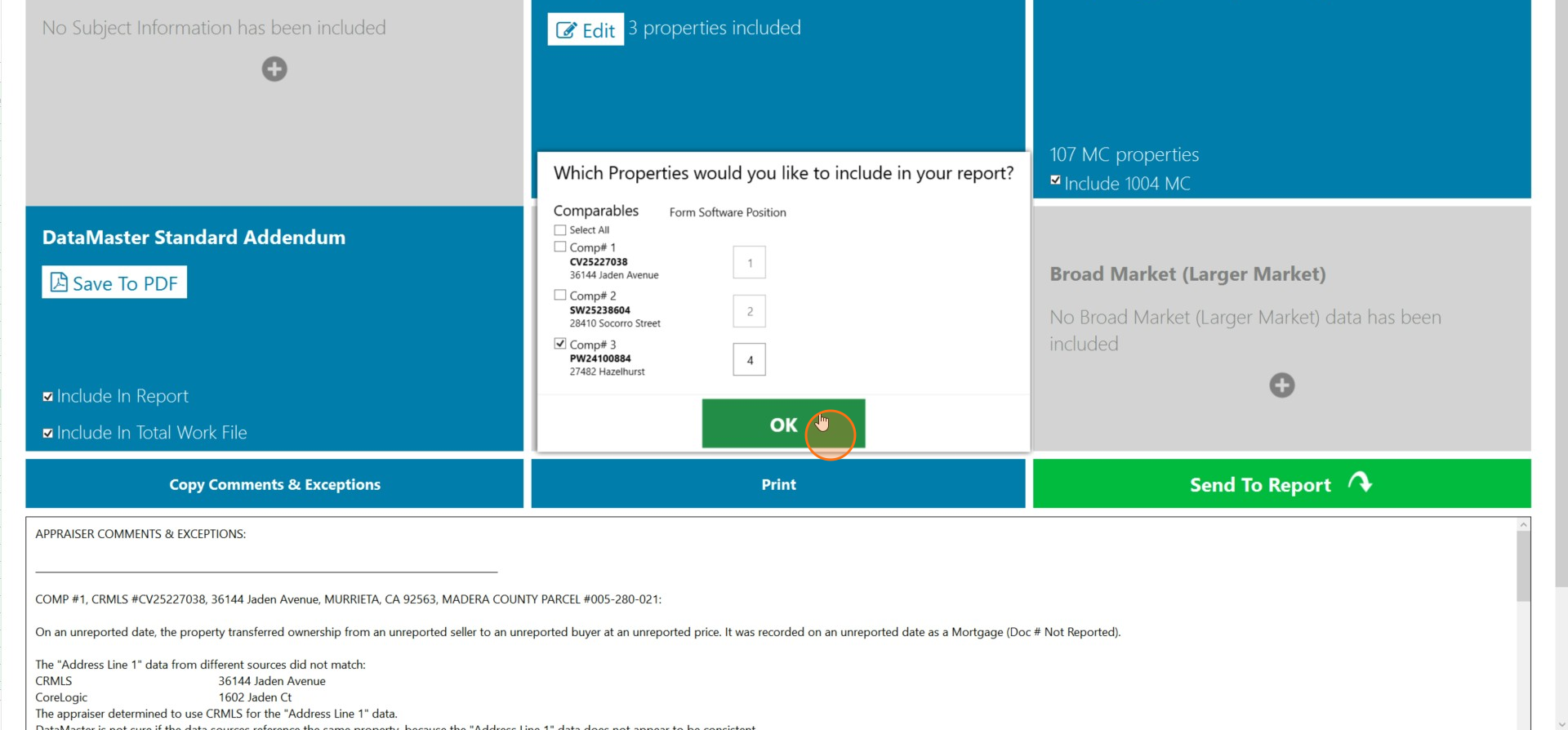
Click OK to include the selected properties in the report.
Step 7
Click Send To Report to submit the report.