
Creating a Custom Template in DataMaster
Edited
Navigate to app.datamasterusa.com/portal/reports
From the Reports homepage, locate the report you want to create a template for.
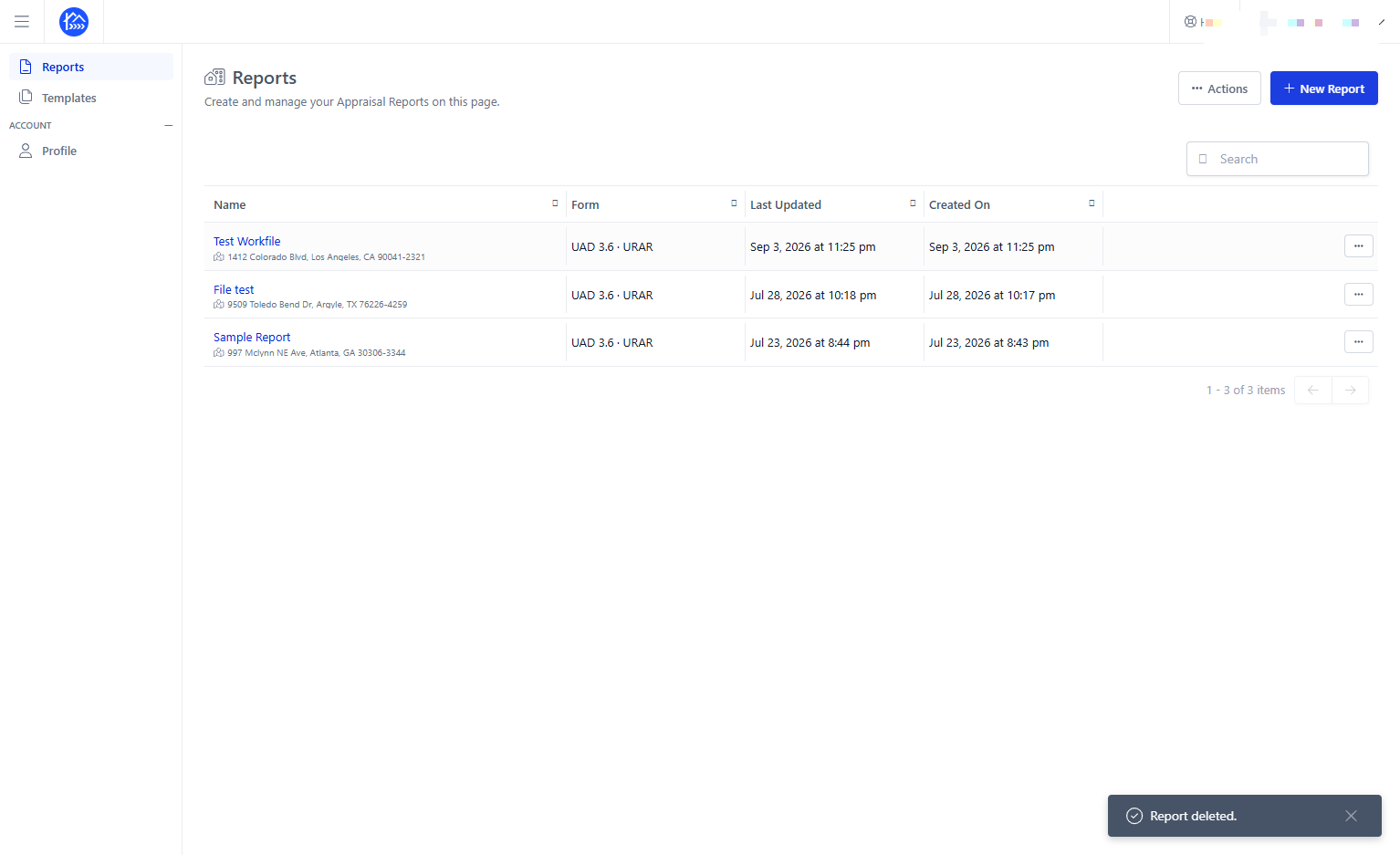
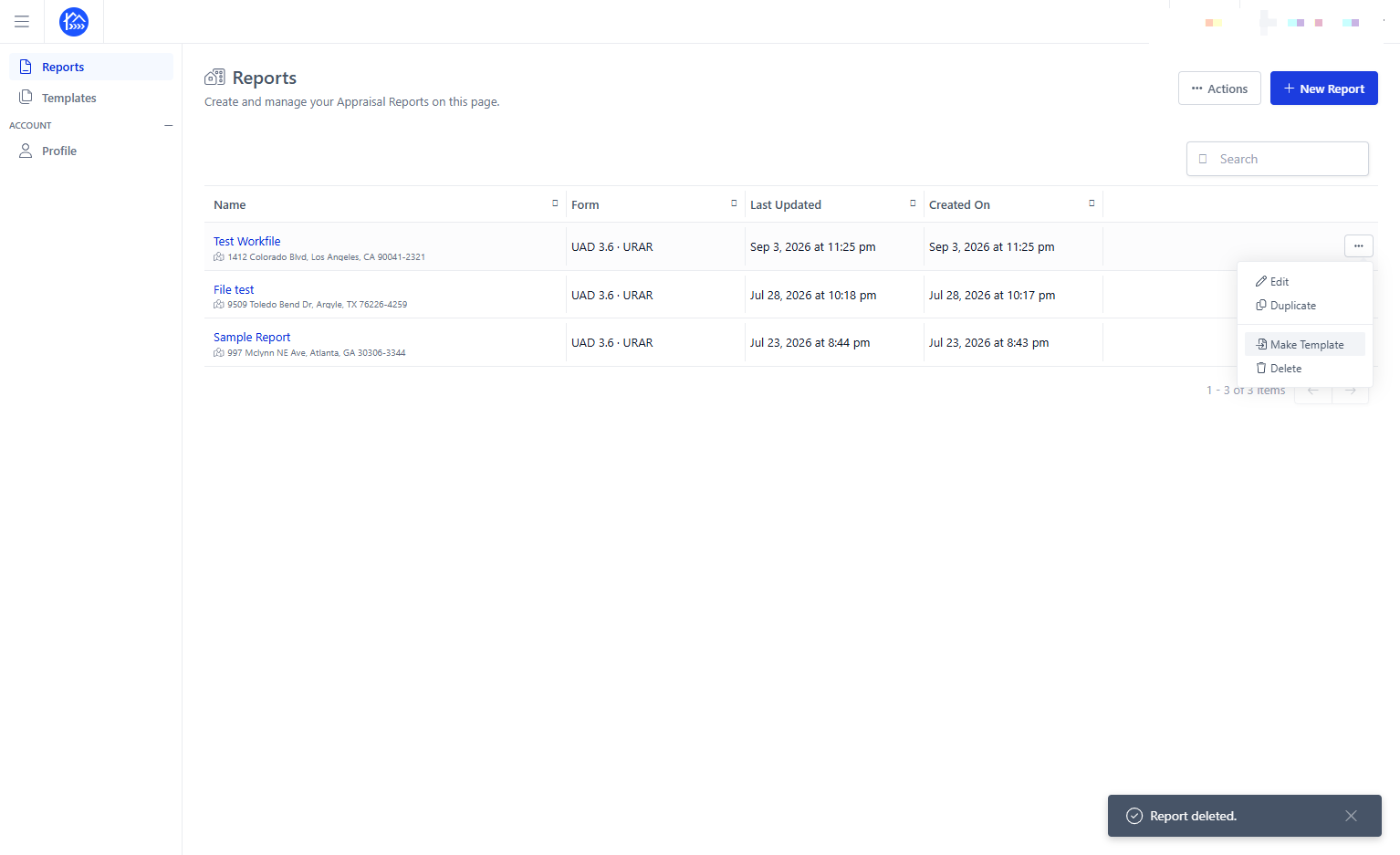
Click the Menu option for the report and select Make Template
Enter a name for the template in the Template Name field
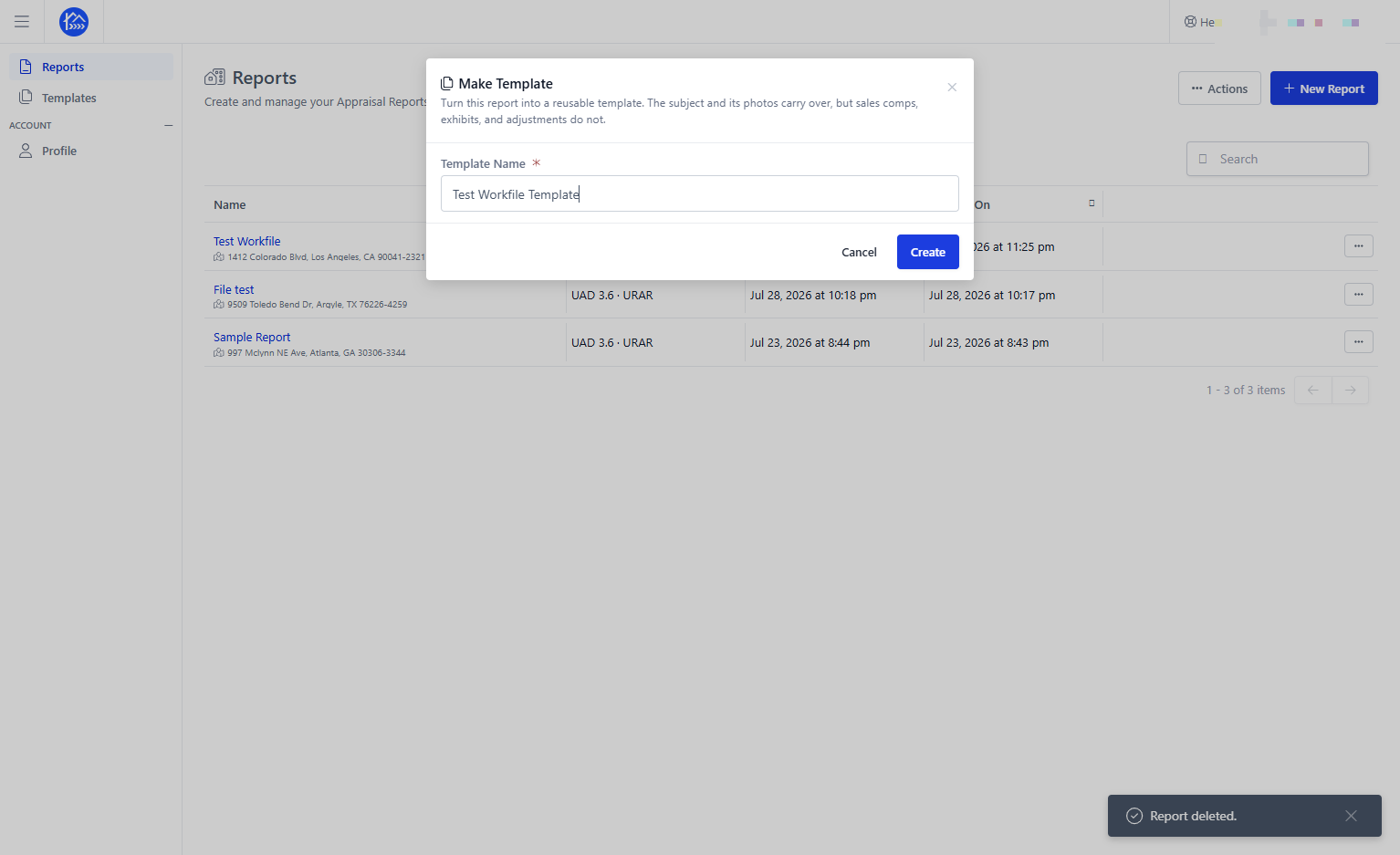
Click Create to save your template.
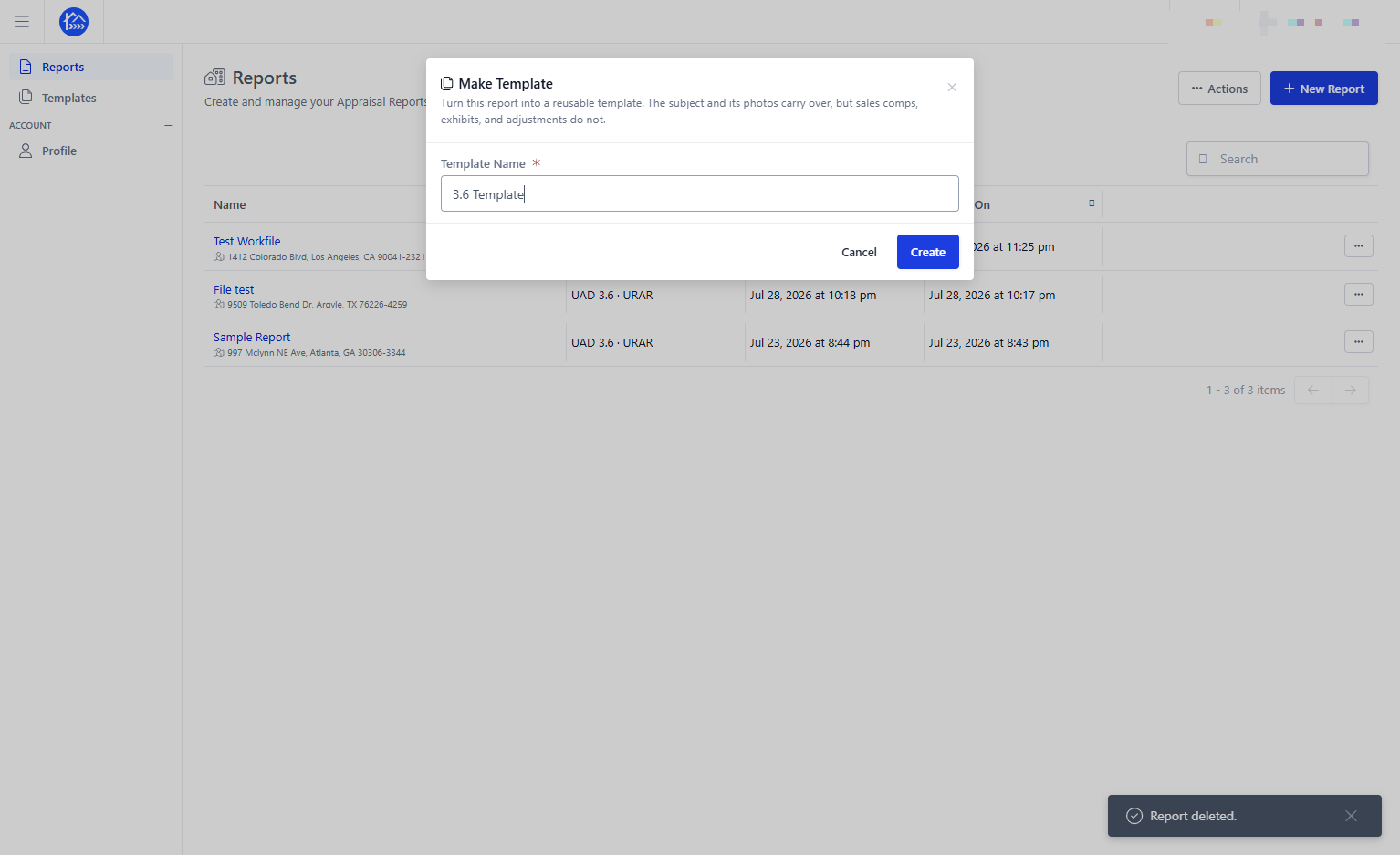
Your template has now been created.
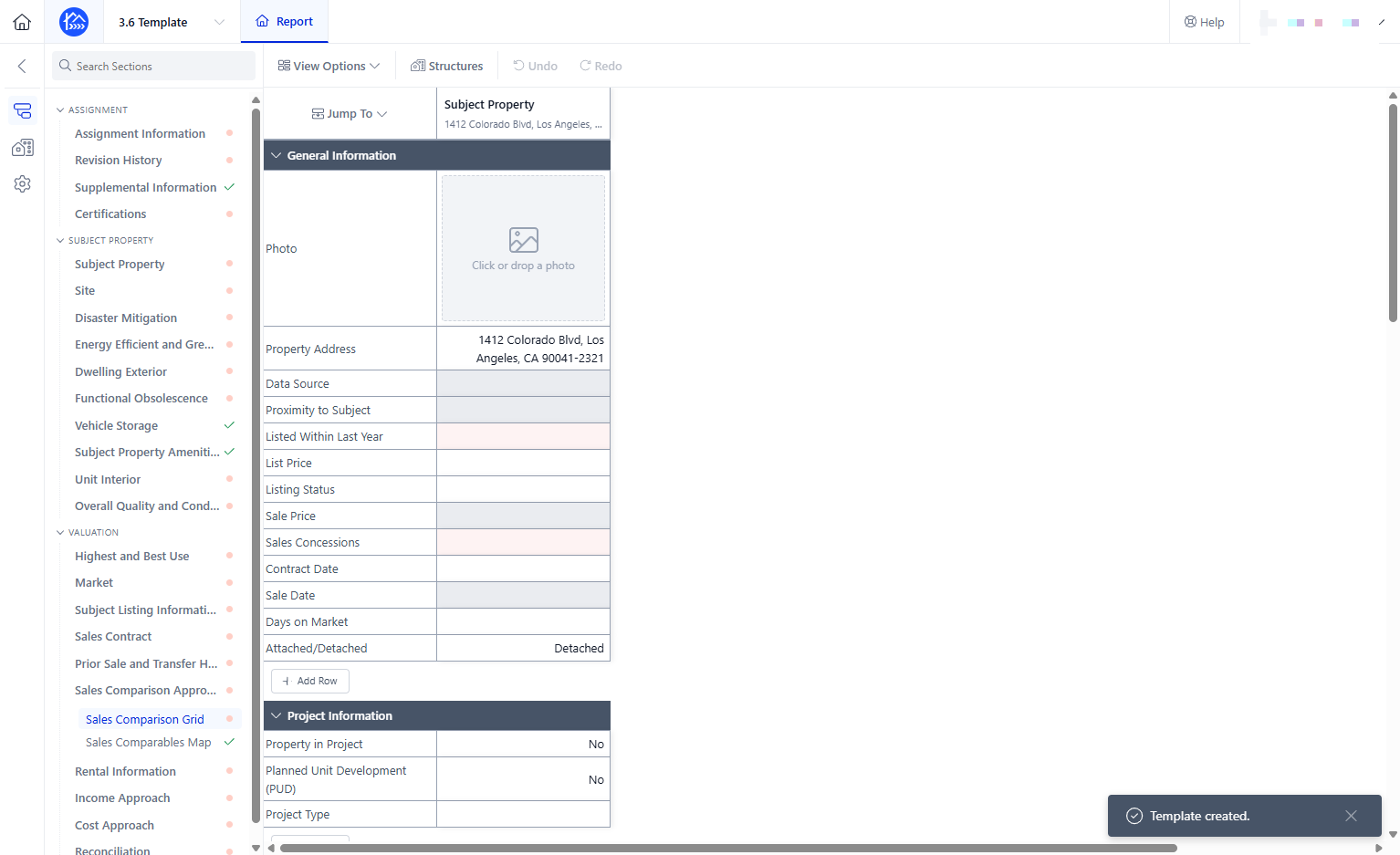
You can find it under Templates in the left-hand sidebar