How to Create a New Report using Saved Report Templates
This guide walks you through creating a UAD 3.6 Uniform Residential Appraisal Report using a saved report template in Data Master USA, from navigating to the platform to creating the new report
Step 1
Navigate to your report section in DataMaster 3.6
Step 2
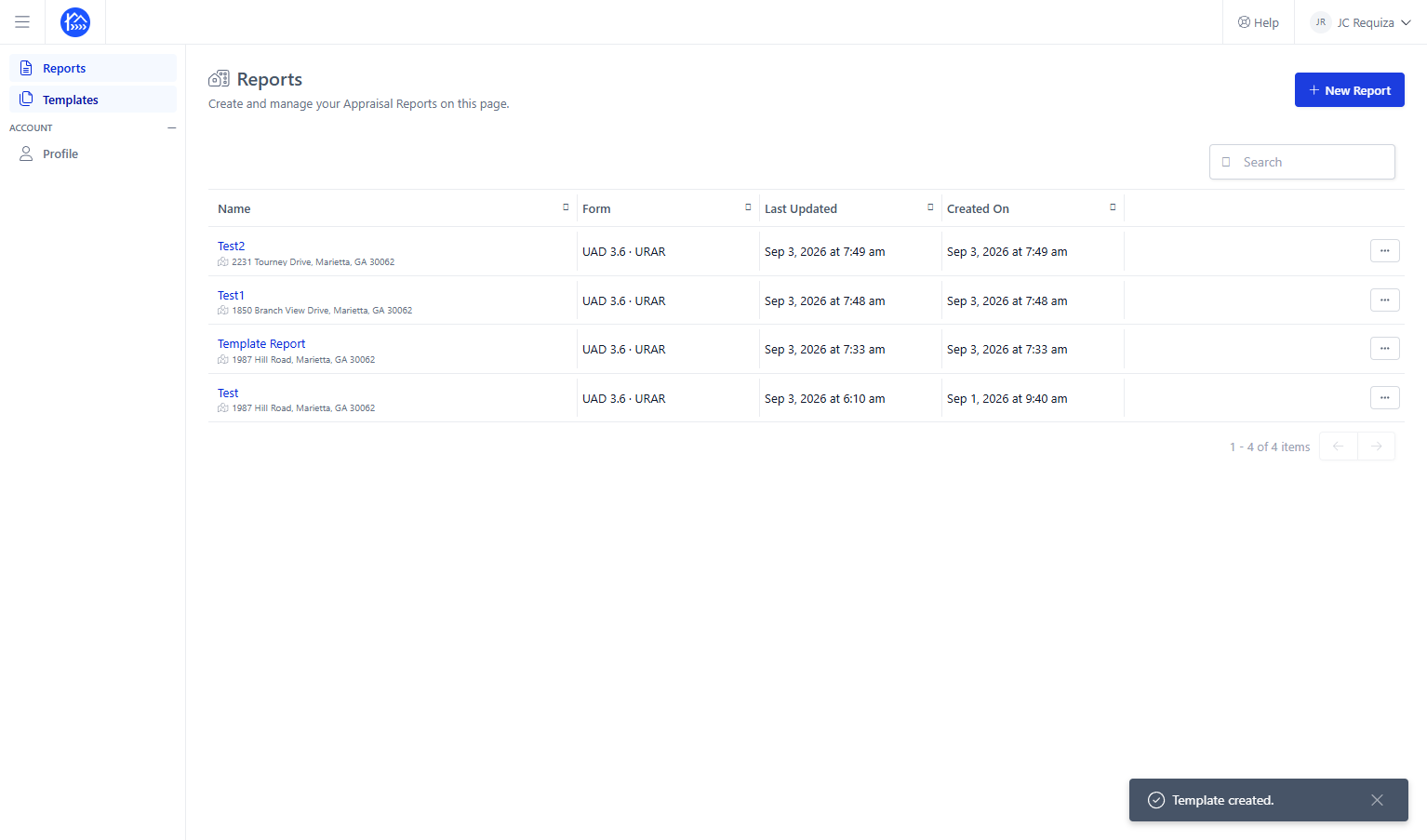
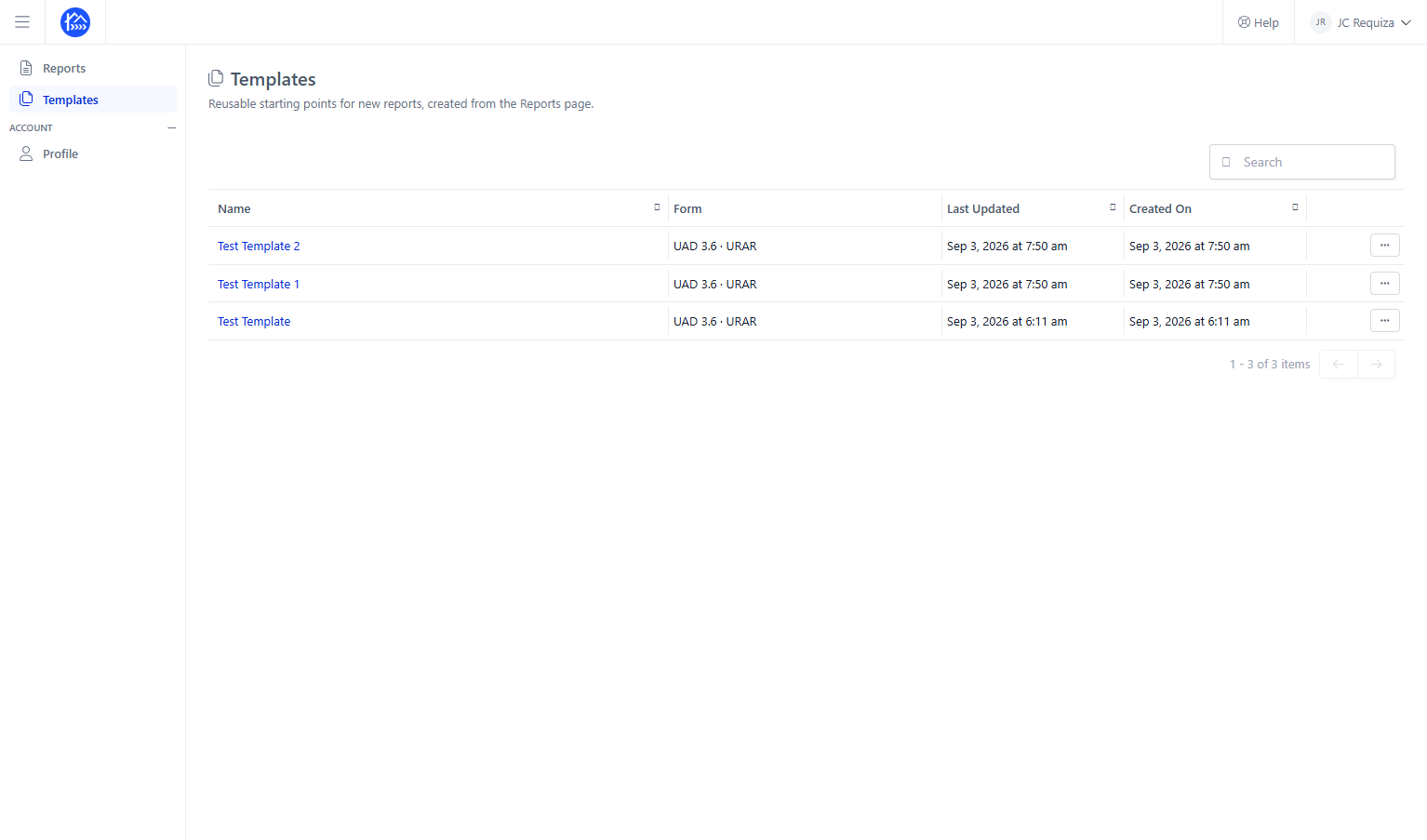
First you need to make sure that you have already created templates to use for your new appraisal report - to check that, click on Templates
Step 3
Given that you have already created Templates, you can proceed in creating a new appraisal report using your saved report templates
Step 4
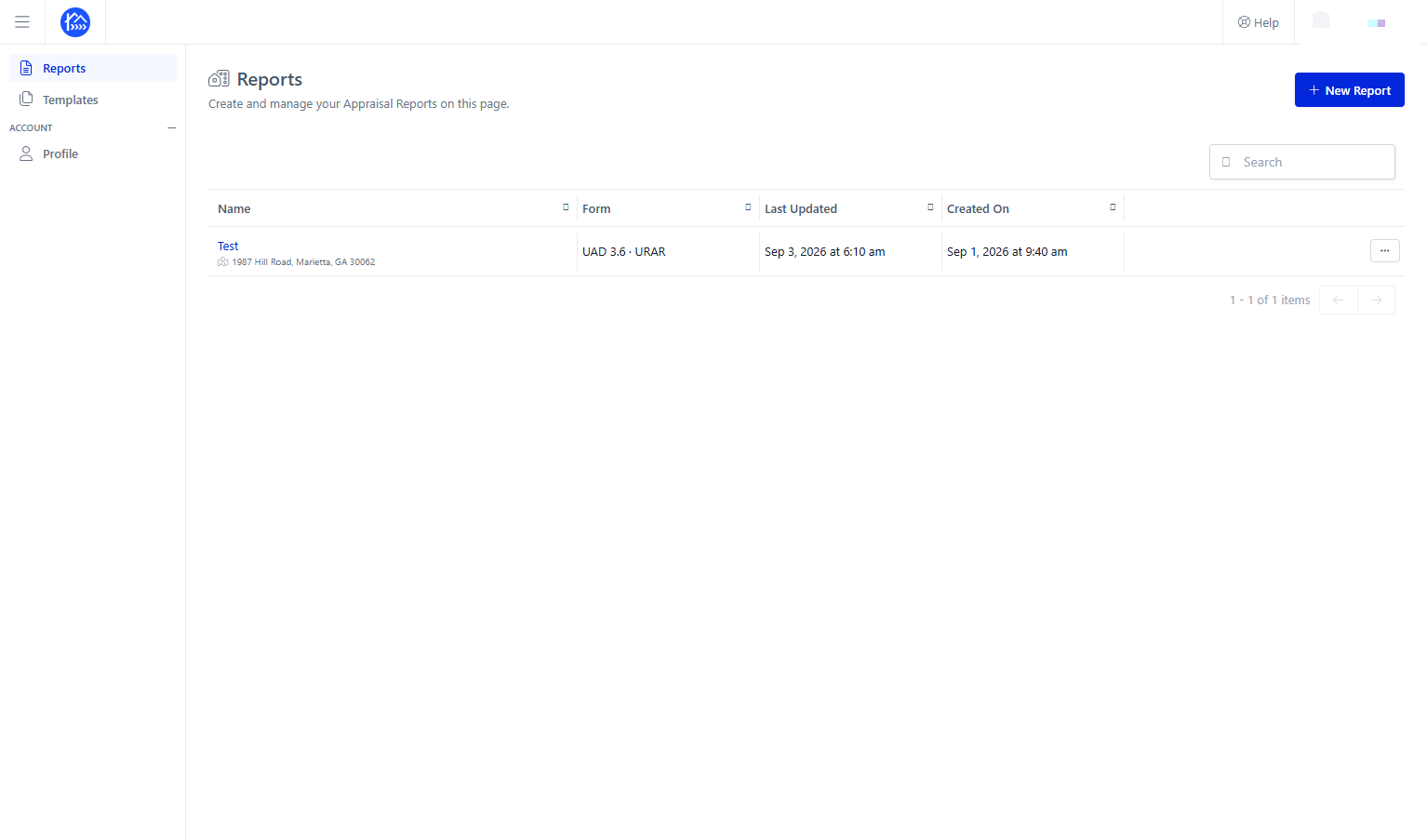
Click + New Report to create a new appraisal report
Step 5
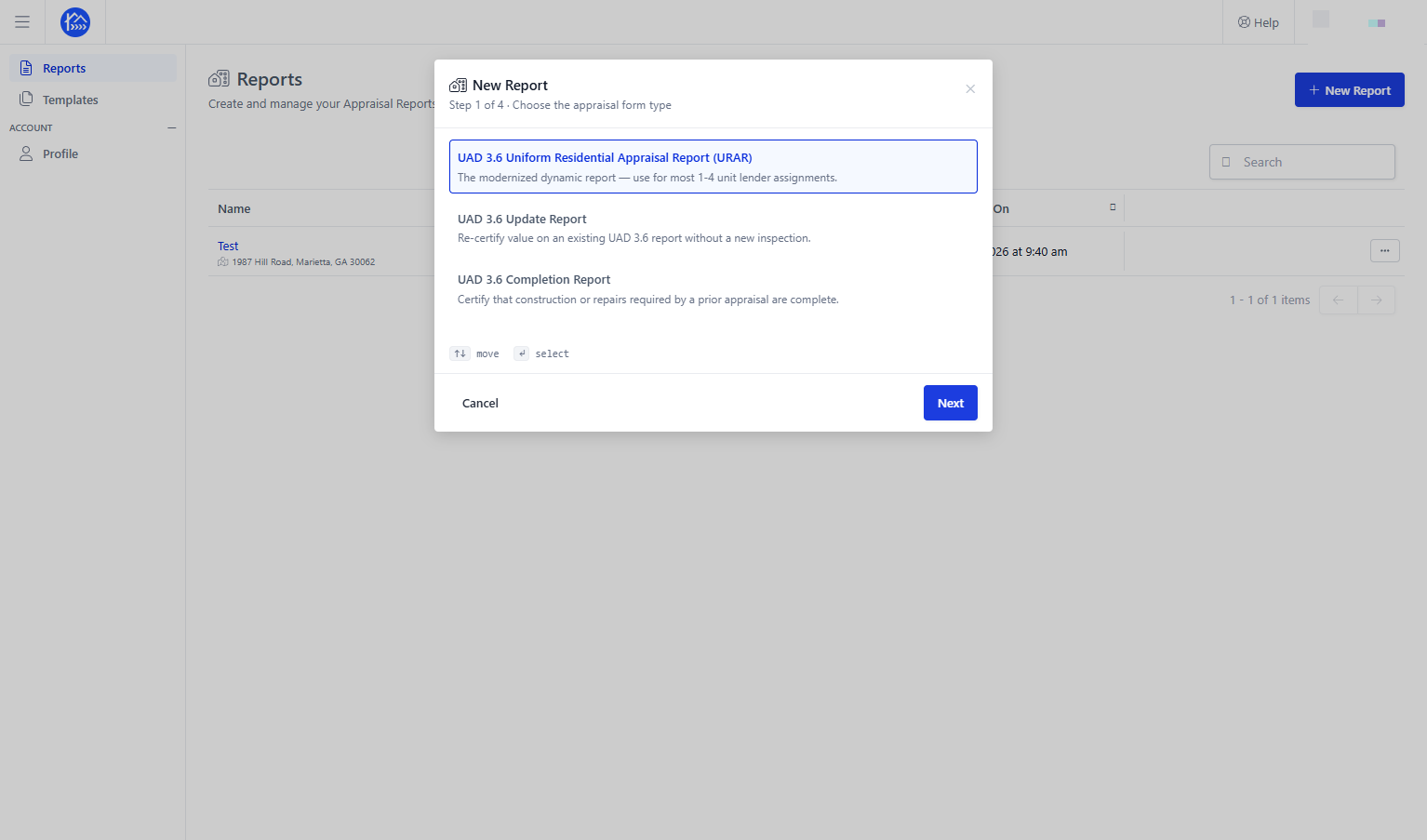
Select UAD 3.6 Uniform Residential Appraisal Report (URAR)
Step 6
then click Next to continue
Step 7
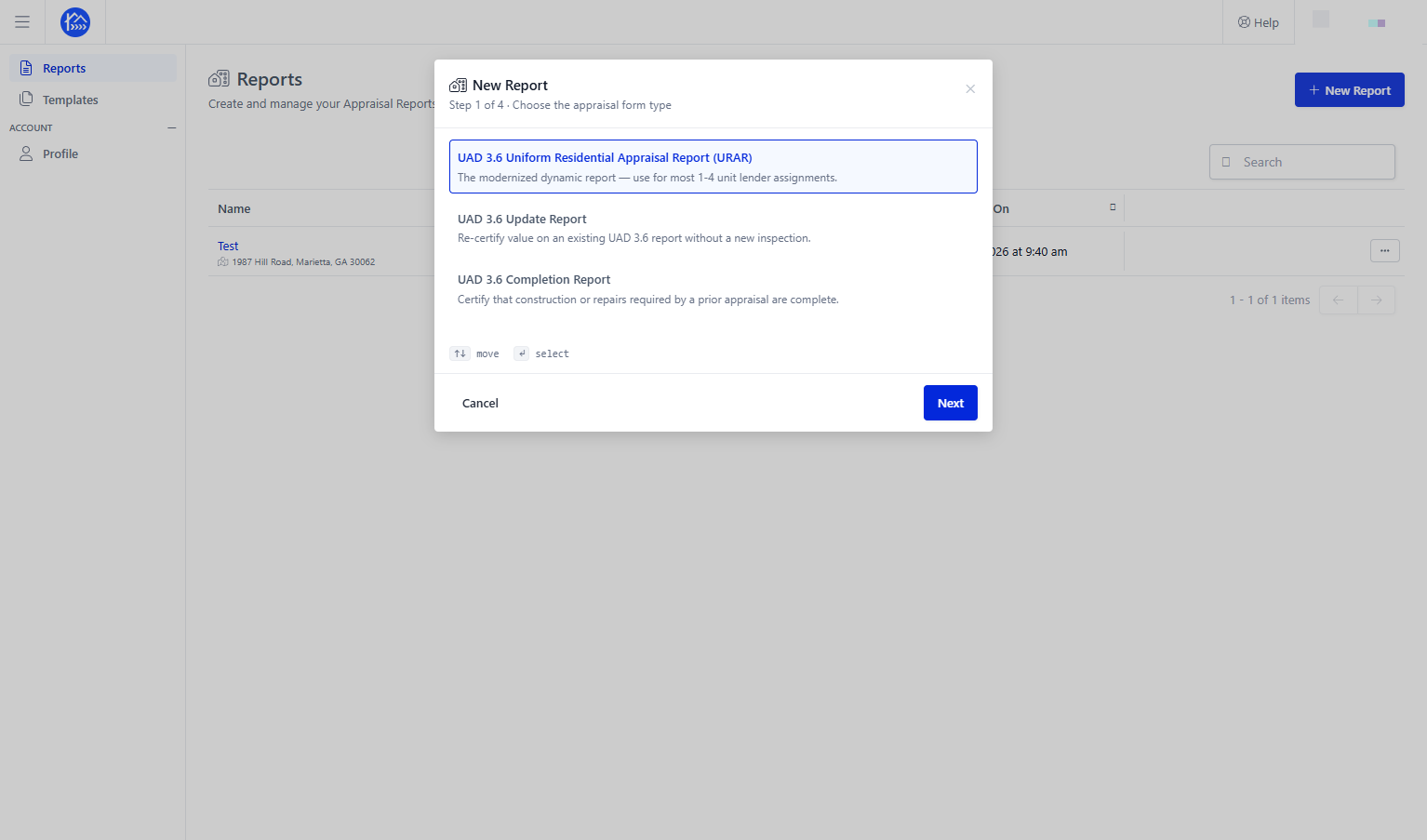
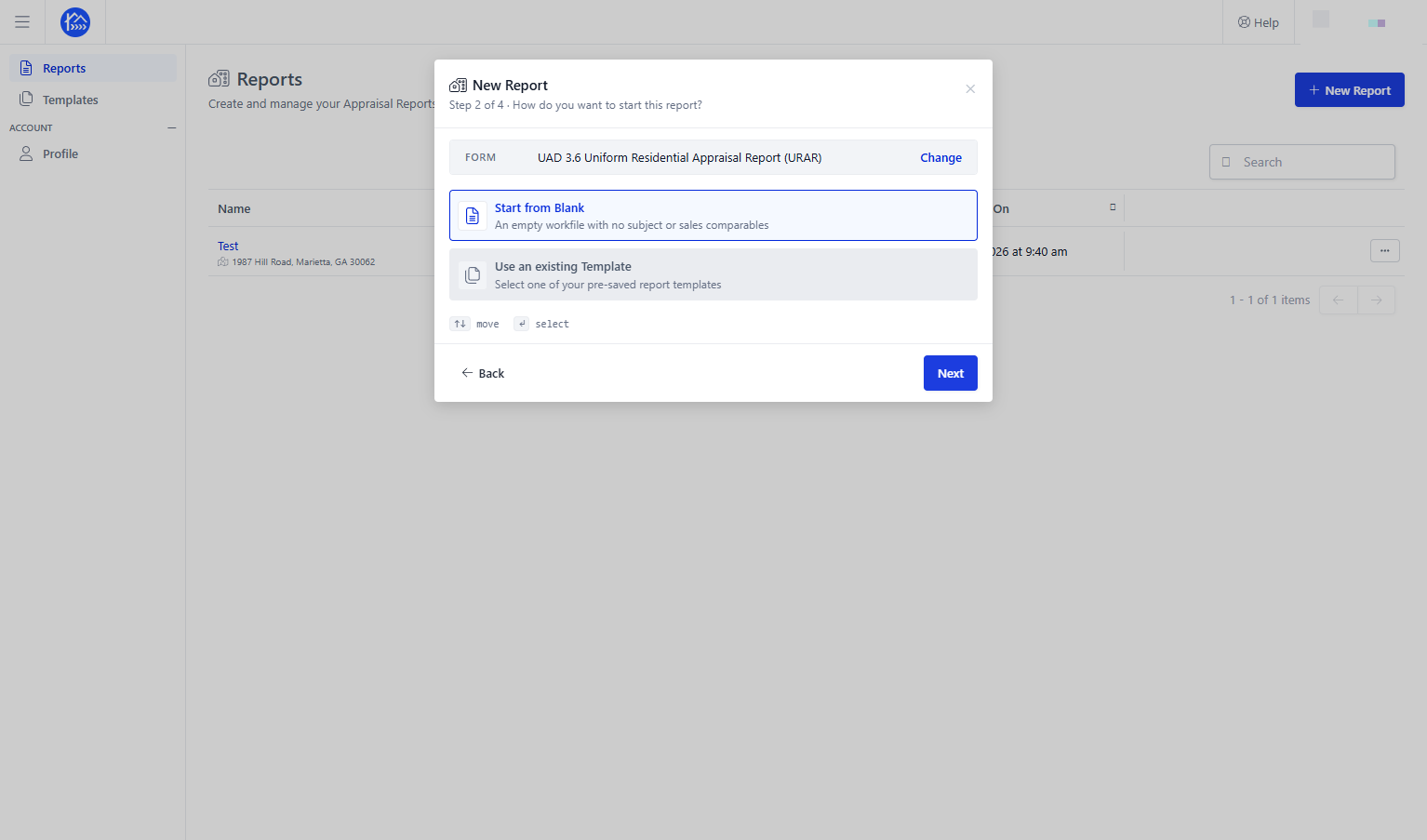
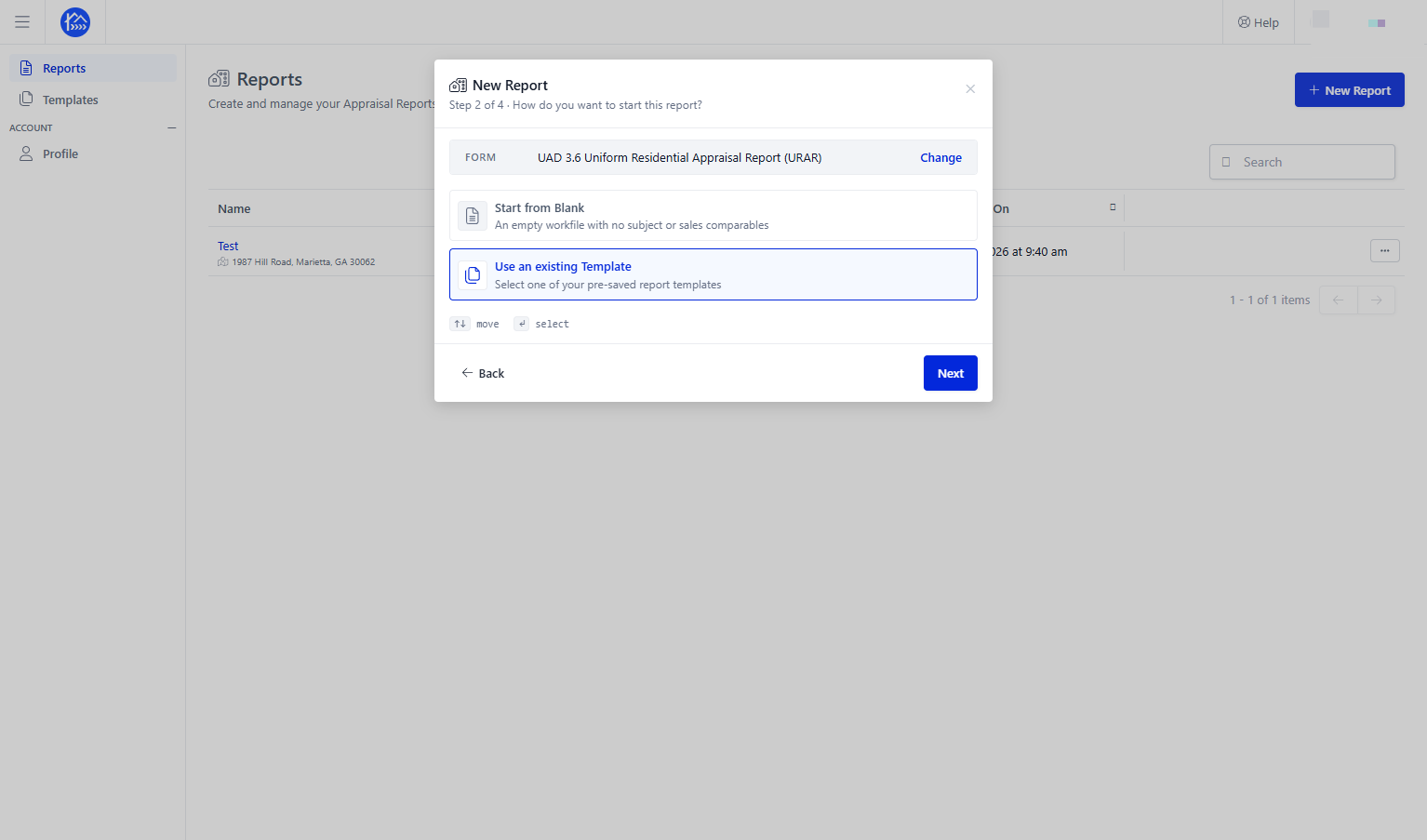
Select Use an existing Template to use a saved report template
Step 8
Click Next to continue
Step 9
Select the desired saved template for your new report
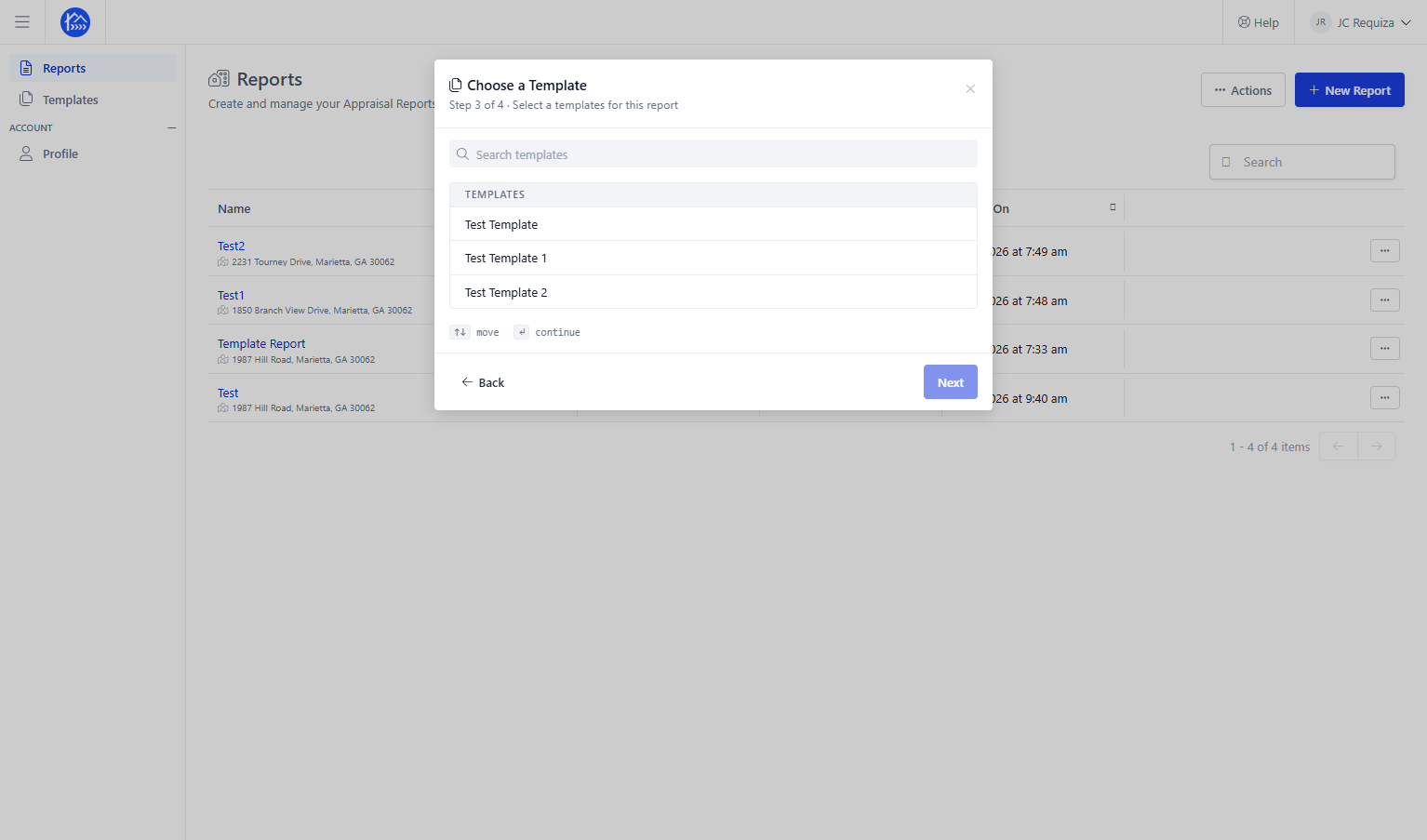
Step 10
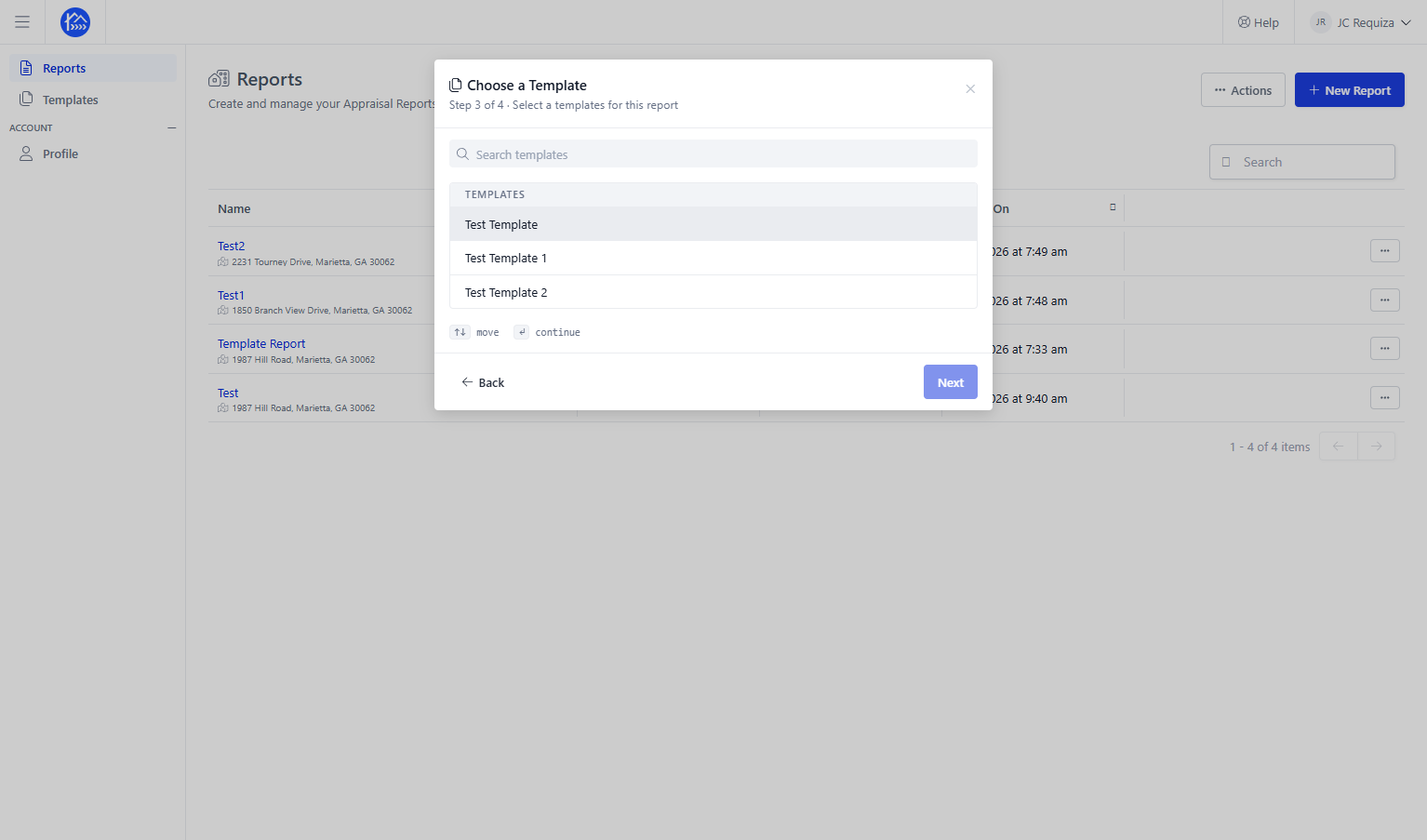
Step 11
Click Next to continue
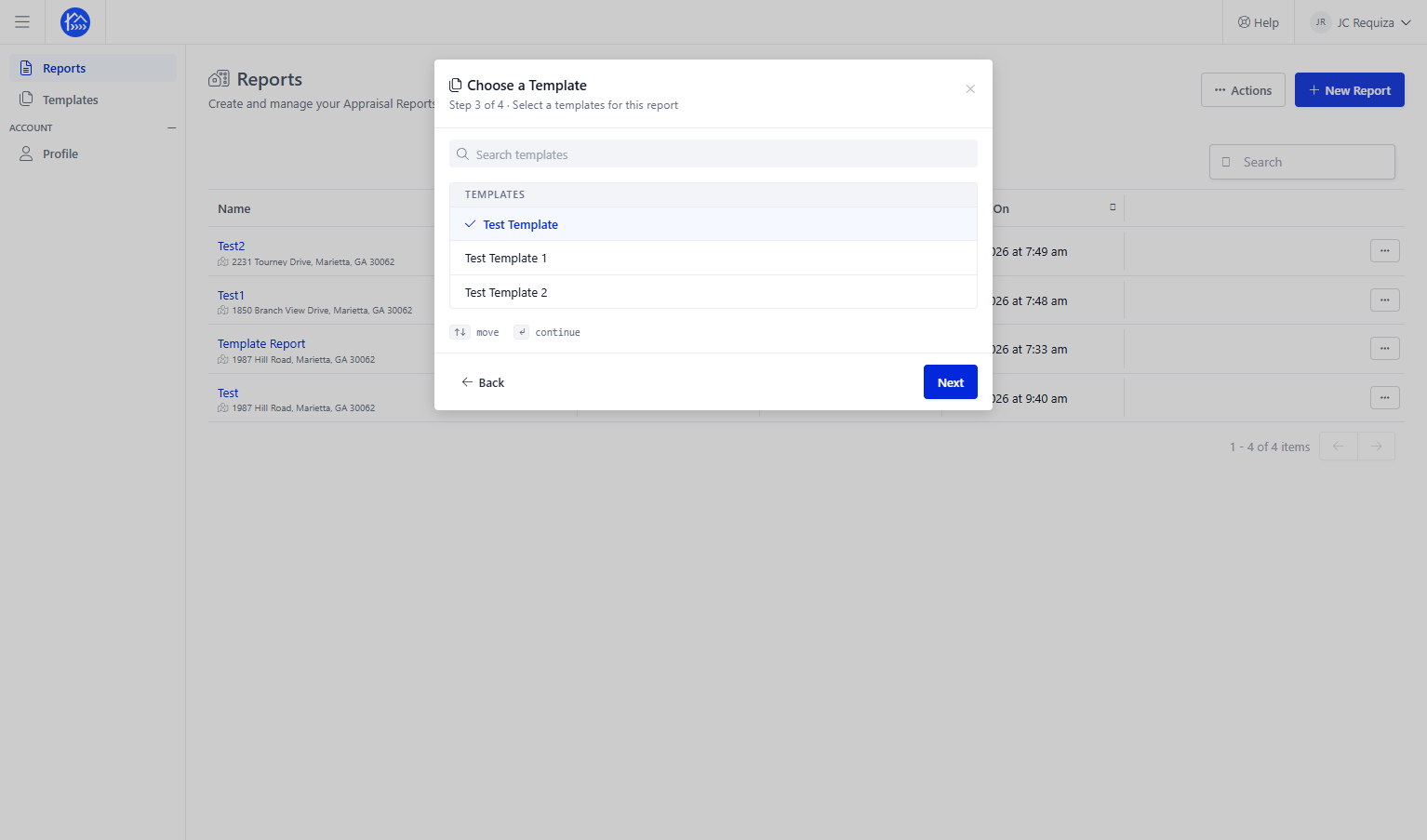
Step 12
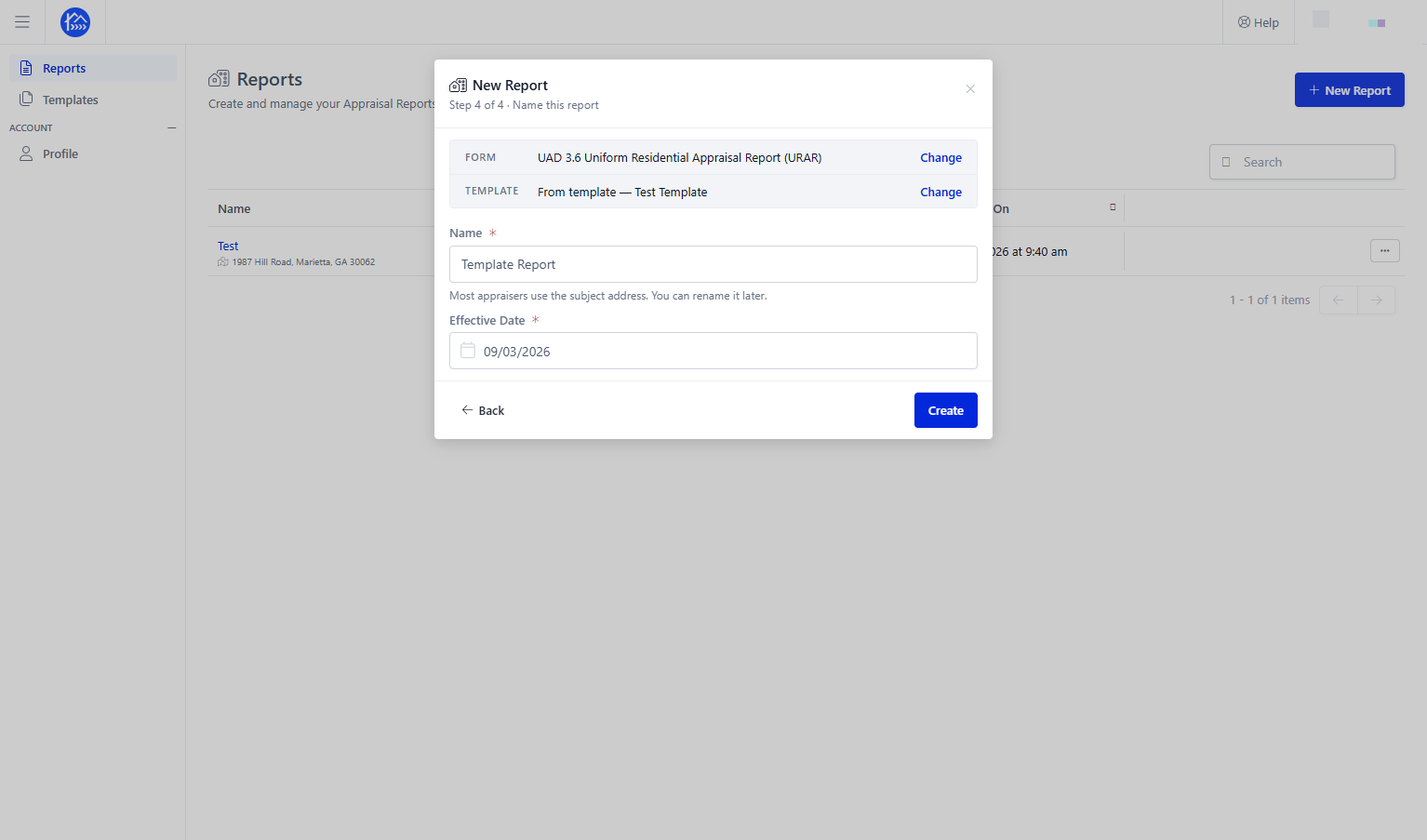
Click the Name field and enter a report name
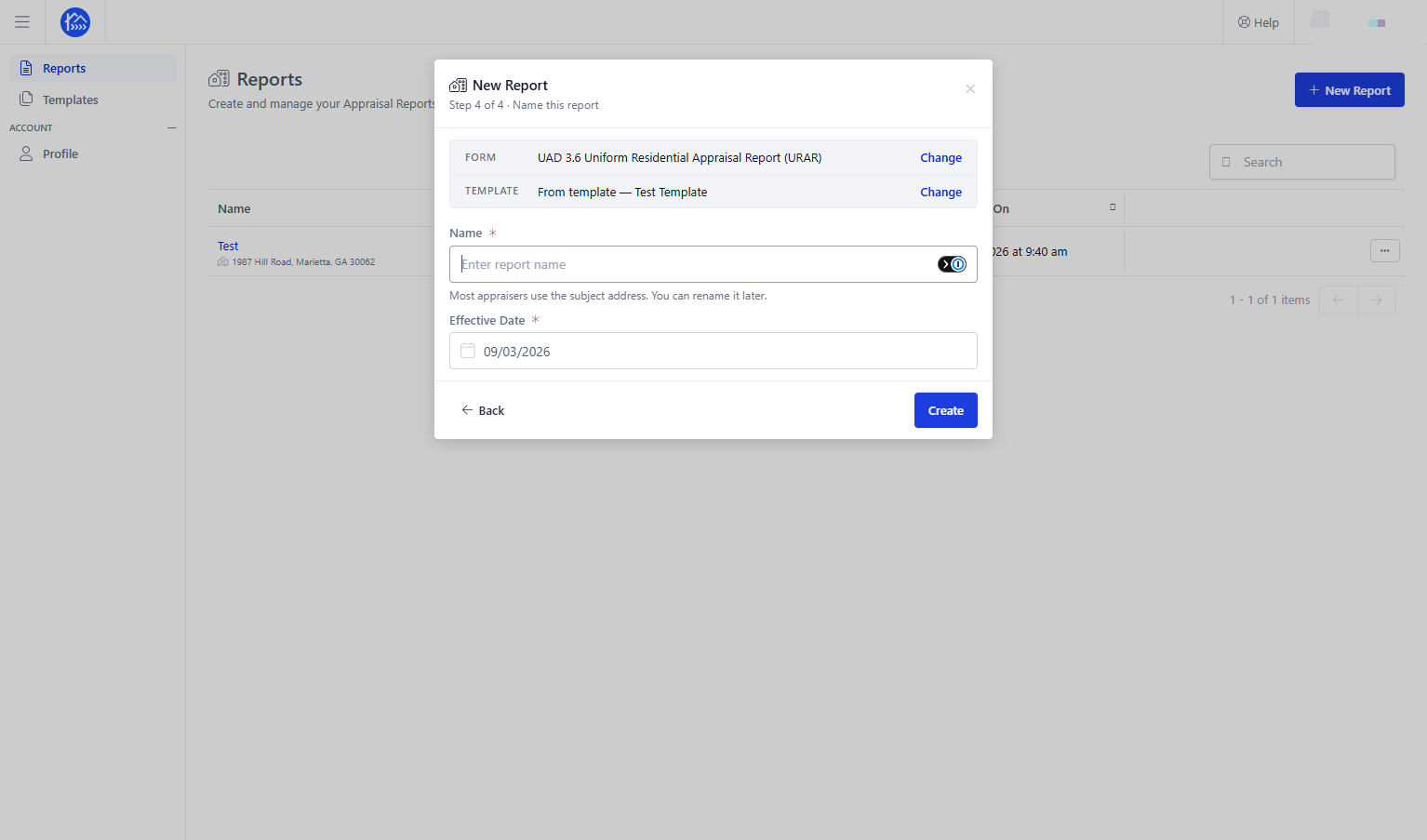
Step 13
Click Create to generate the report using the saved template
Step 14
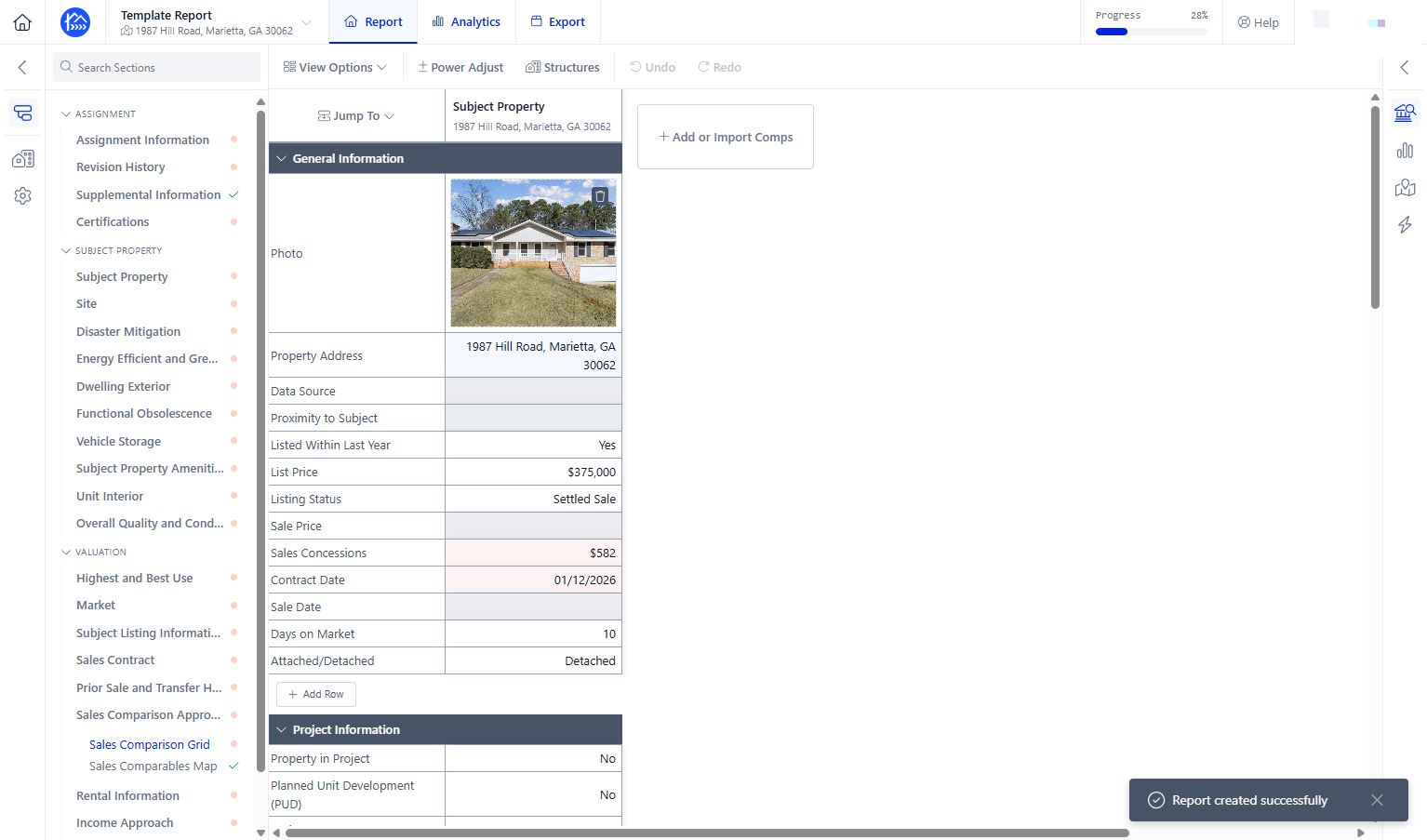
Your template should now be applied for your new appraisal report - Please take note that saved templates only carry over the subject and its photos , but sales comps, exhibits, and adjustments do not